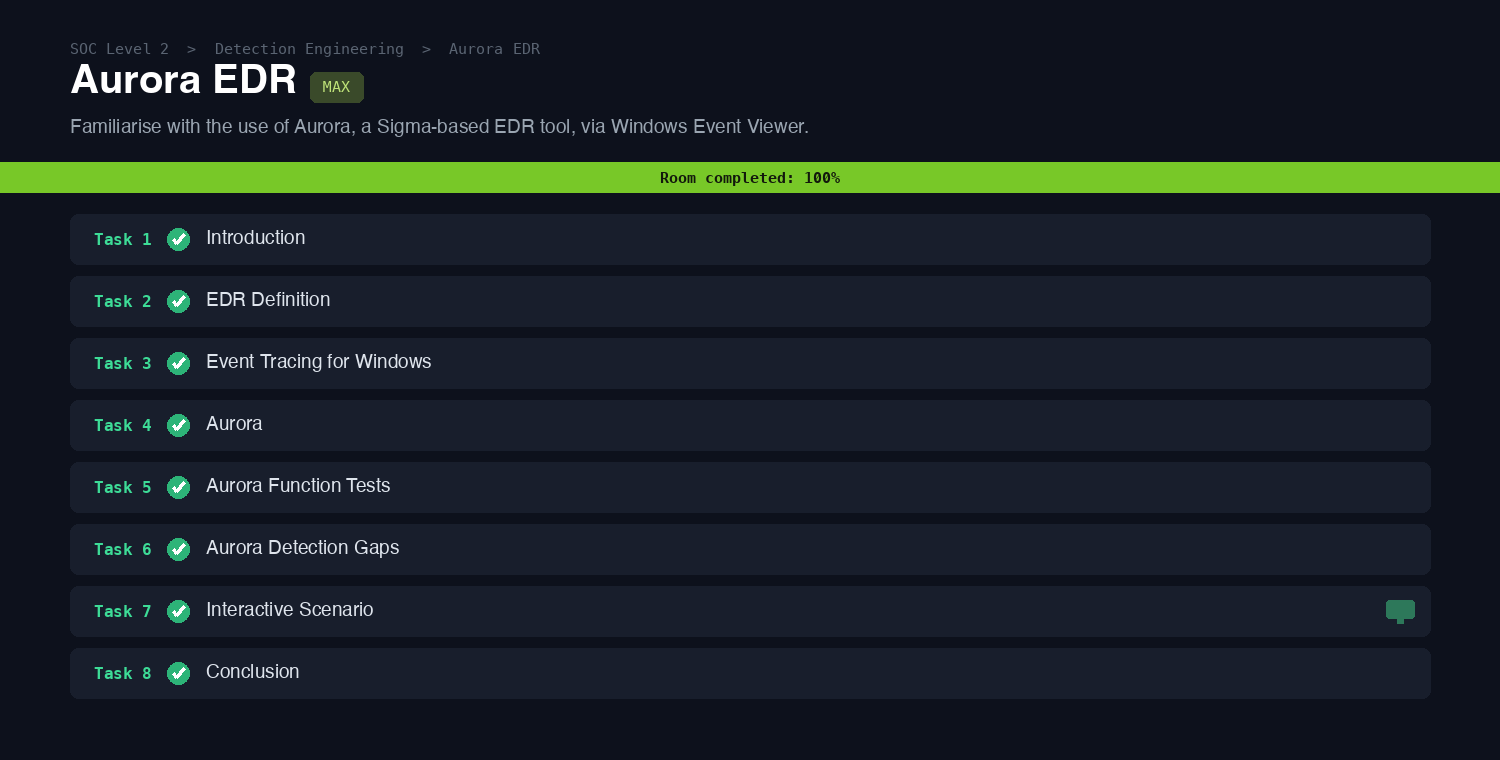
Aurora EDR
Aurora is a lightweight Windows endpoint agent that runs Sigma rules and IOCs against local Event Tracing for Windows (ETW) streams, and when a rule matches, it writes the detection straight to the Windows Event Log. This SOC Level 2 room is the natural sequel to the Sigma rooms: instead of writing rules, you see what a Sigma-based EDR does with them on a real host. It walks through what an EDR is, how ETW works, Aurora’s configuration and response model, and finishes with an interactive scenario where you read Aurora’s alerts out of Event Viewer.
Tasks 2 and 3: EDR and Event Tracing for Windows
The vocabulary comes first. EDR stands for Endpoint Detection and Response, a class of tooling that monitors endpoint activity for malicious behaviour and can act on it. Aurora builds on ETW, the Windows logging feature that traces events from user-mode apps and kernel drivers.
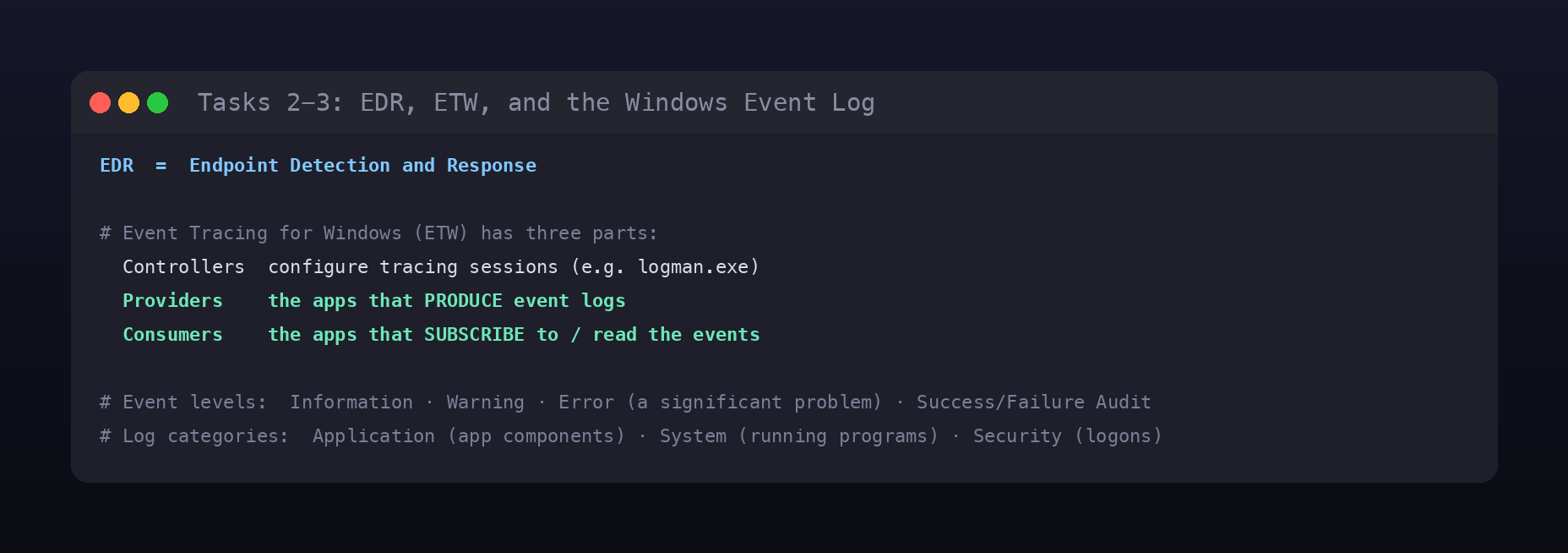
ETW has three moving parts, and two of them are exam answers: the applications that produce event logs are the Providers, and the applications that subscribe to and read those events are the Consumers (the third part, Controllers, configures the sessions). Within the Windows Event Viewer, events carry a level, and the one that describes a significant problem with a service is Error. Logs are filed under categories, and the one the room ties to programs running on the system is System (alongside Application and Security).
Task 4: how Aurora is configured
Aurora ships four presets that trade detection depth against performance. Reading the preset table answers the first question directly: the preset that permits the highest CPU limit is Intense, at 100% (versus Standard 35%, Reduced 30%, and Minimal 20%).
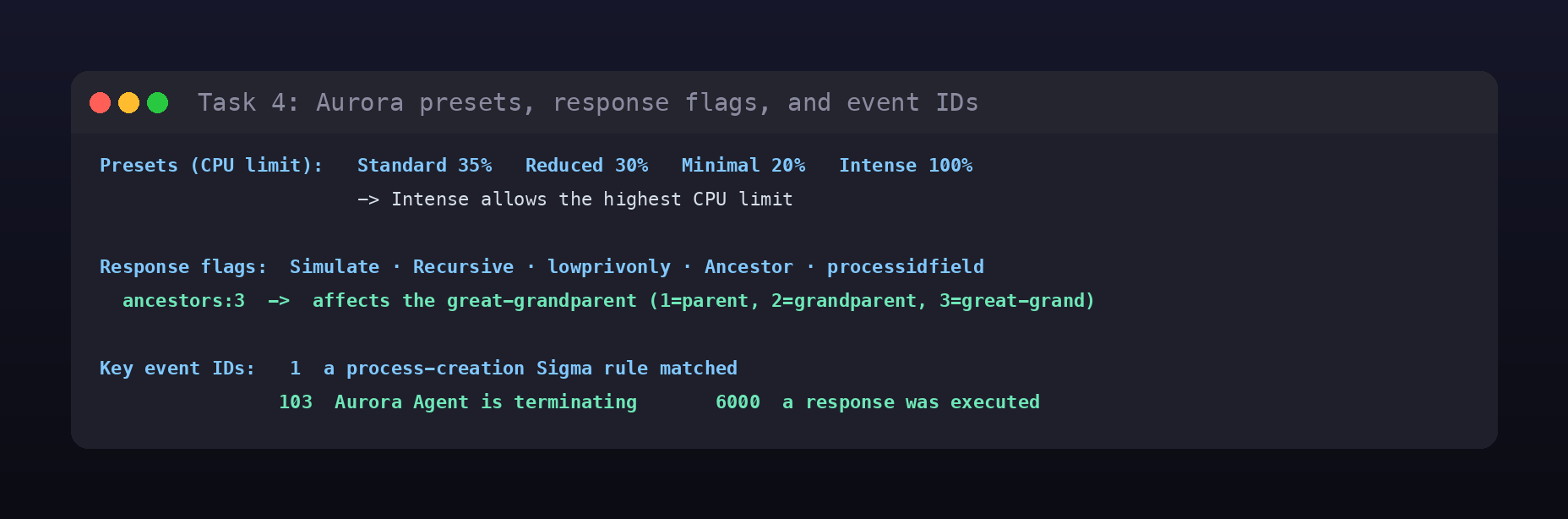
Aurora’s response actions are tunable with flags. The Ancestor flag targets a process’s ancestor rather than the process itself, numbered by level: 1 is the parent, 2 the grandparent, so ancestors:3 reaches the great grandparent. And because Aurora logs everything through event IDs, the tables give the last answer: the event ID raised when the agent is terminating is 103.
Task 7: reading Aurora’s detections
The interactive scenario puts it together. Aurora is installed on a Windows host but not running, so you execute a batch file on the Desktop to launch the agent and generate some suspicious activity, then investigate the resulting Event ID: 1 (Sigma match) entries in the Application log. Each Aurora event lays out the full matched Sigma rule.
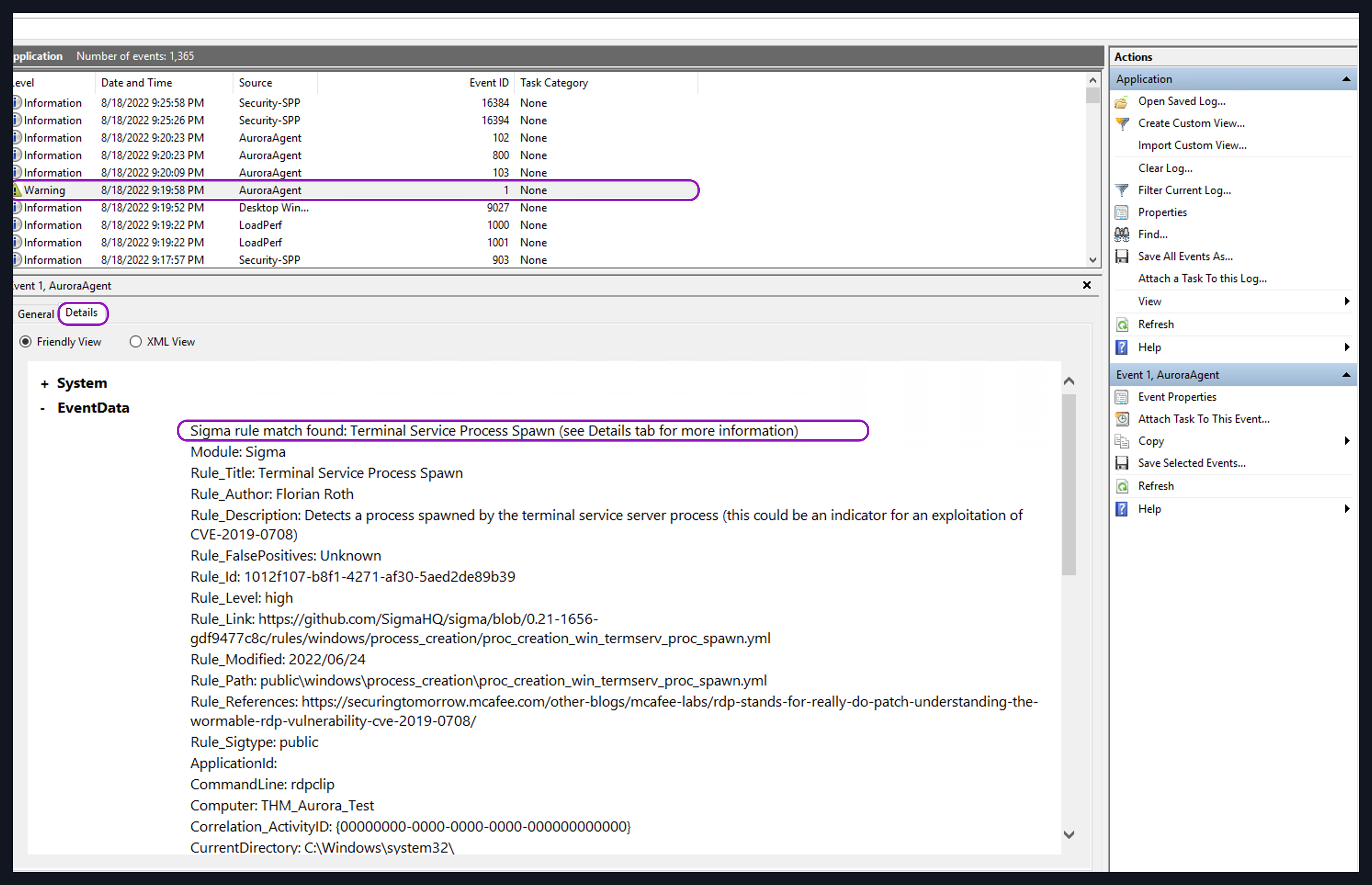
The batch triggers two detections worth noting. The first event’s rule is Process Reconnaissance Via Wmic.EXE (the script runs wmic process get ... to enumerate running processes), with Rule_Id 221b251a-357a-49a9-920a-271802777cc0 and a Rule_Level of medium. The second event’s rule is Suspicious Creation TXT File in User Desktop, and based on its characteristics, the malicious activity it maps to is ransomware, since ransomware families routinely drop a ransom-note text file on the victim’s desktop.
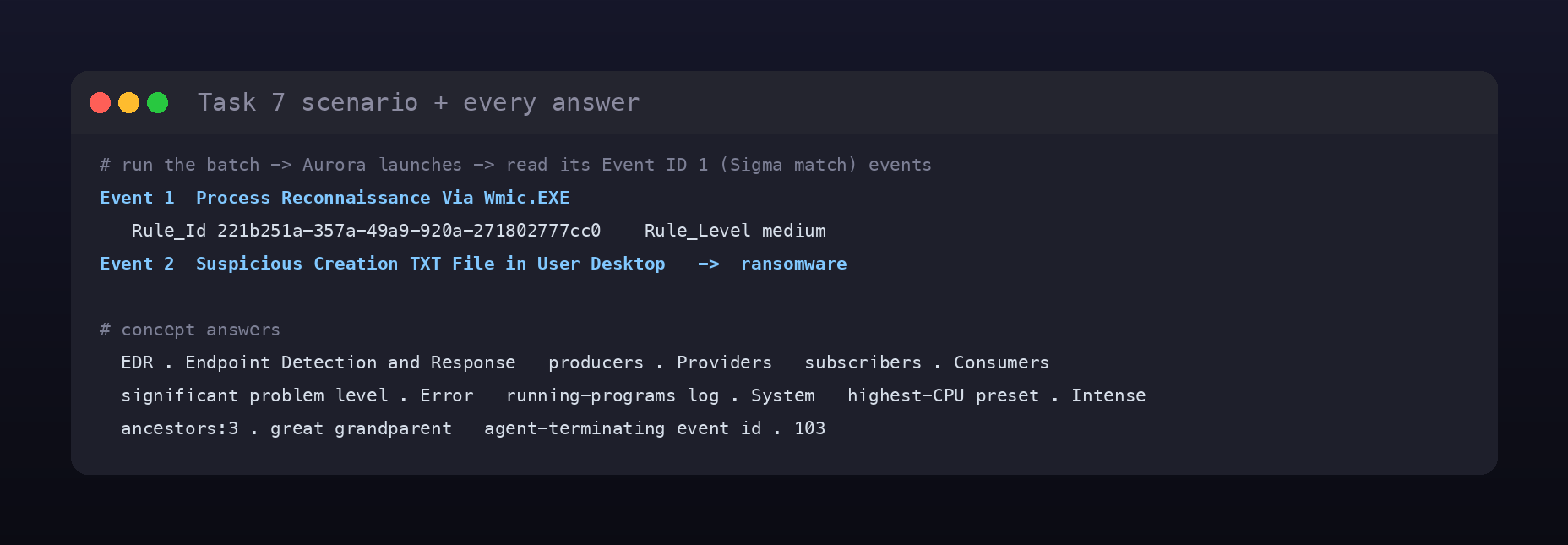
Room summary
| Room | Aurora EDR (SOC Level 2, Detection Engineering) |
| Category | Detection Engineering, Medium |
| Task 3 | Providers; Consumers; Error; System |
| Task 4 | Intense; great grandparent; 103 |
| Task 7 | Process Reconnaissance Via Wmic.EXE; 221b251a-357a-49a9-920a-271802777cc0; medium; Suspicious Creation TXT File in User Desktop; ransomware |
| Tool | Aurora (Sigma-based EDR) via Windows Event Viewer |
Wrap-up
Aurora is a neat demonstration that detection engineering does not require a heavyweight commercial platform. It takes the same Sigma rules you learned to write, matches them against the telemetry Windows already emits through ETW, and surfaces the hits in a log an analyst already knows how to read. The room’s throughline is that value: a provider produces the events, Aurora consumes and evaluates them against a rule set, and a matched rule becomes an Event ID 1 in the Application log with the whole Sigma rule attached, title, ID, level, and the command line that tripped it. Reading that record is the entire job, and it is the same skill whether the agent is Aurora, Sysmon plus a SIEM, or a full EDR.