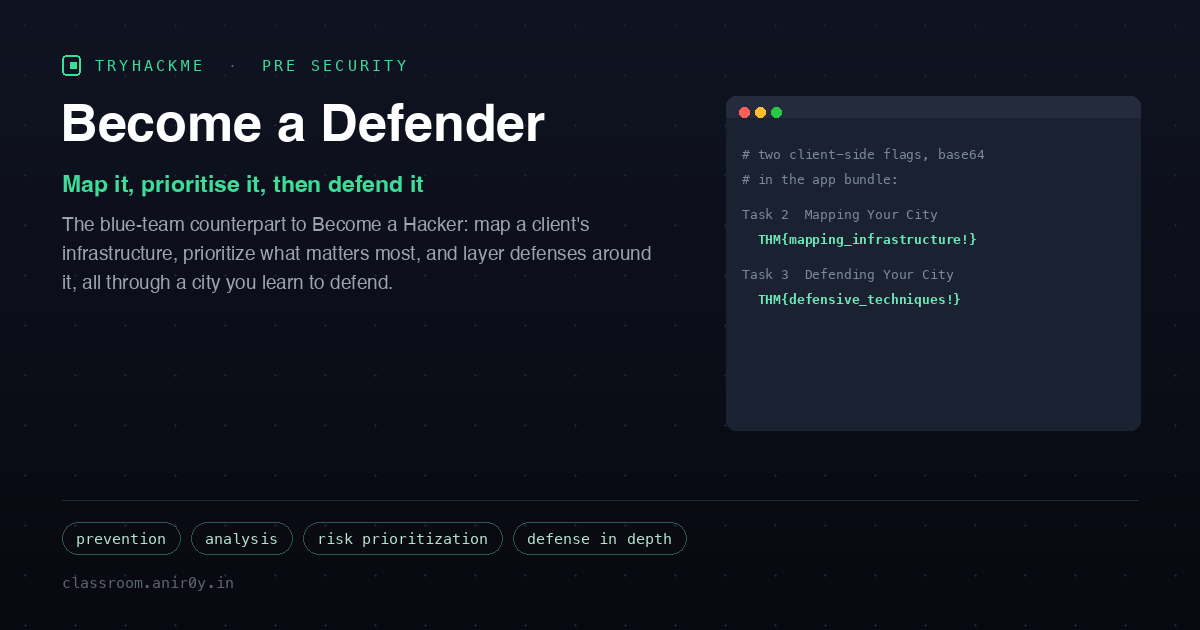
Become a Defender
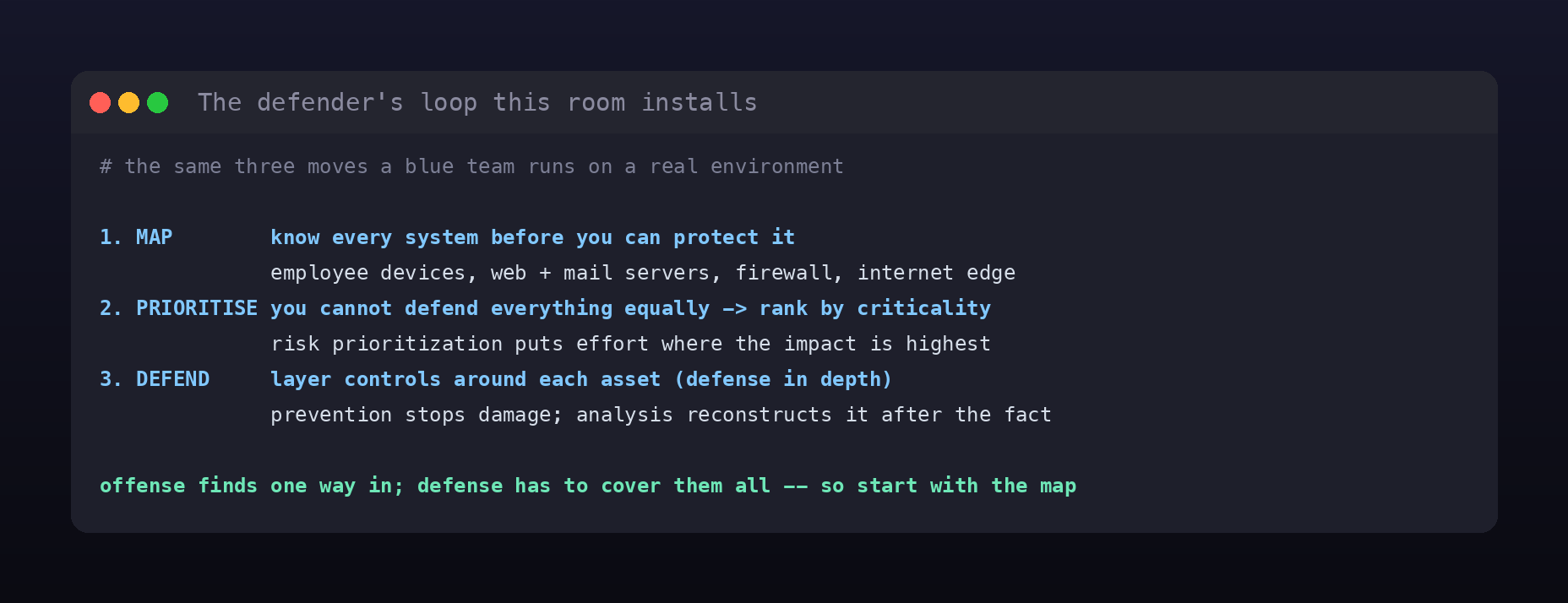
Become a Hacker taught you to look at a system the way an attacker does, find the one page that should not be reachable, and chain two small weaknesses into full access. This room is its mirror image. Defensive security starts from a harder position: the attacker needs to find a single way in, but the defender has to protect all of them. That asymmetry is the whole reason this room exists, and it teaches the three moves a blue team makes in response: understand the environment, decide what matters most, and layer protection around it.
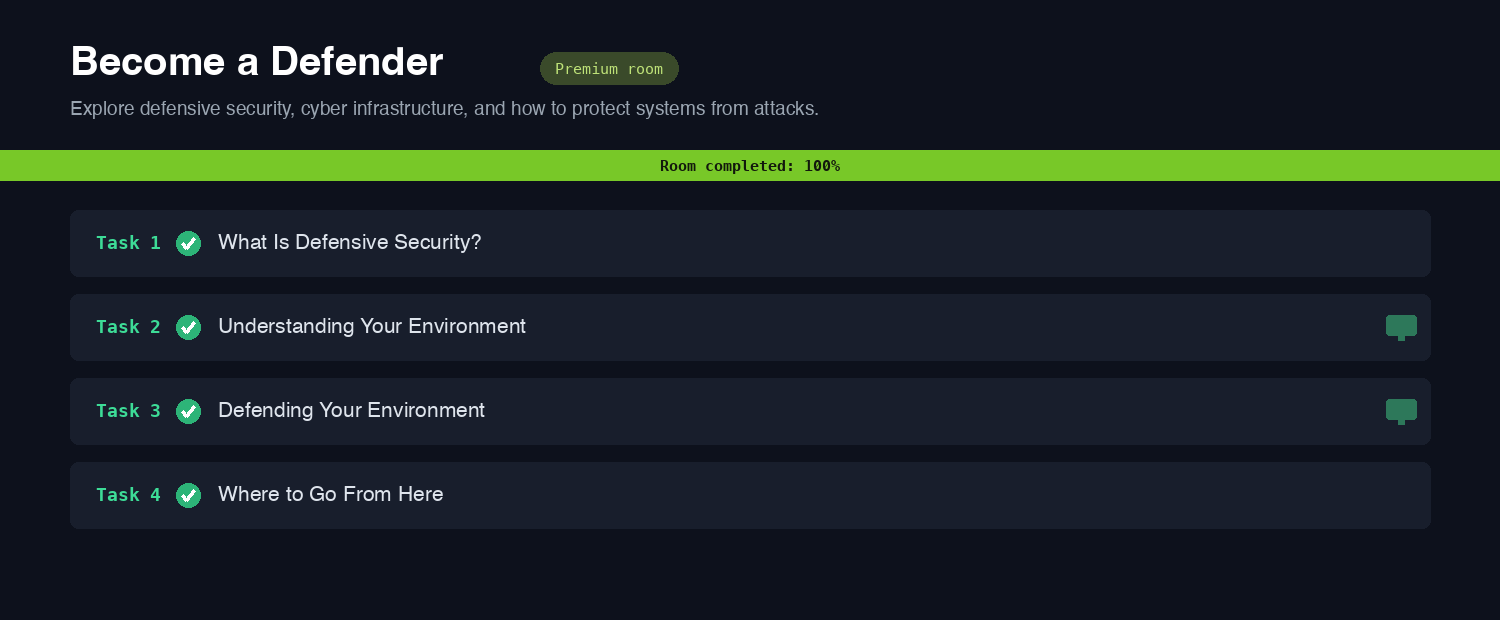
It is an Easy Pre Security room in the Attacks and Defenses module, the last stop on the path, and like the others it keeps the theory grounded in a hands-on exercise: a city that stands in for your client’s infrastructure, which you first map and then defend.
Task 2: understanding your environment
You cannot protect what you do not know exists, so defense begins with a map. The room hands you a “Mapping Your City” exercise where the city is the client’s environment and each district is a system: employee devices, a web server, a mail server, the firewall, and the internet edge that everything else sits behind. You read a description of each area, then drag the right component onto it.

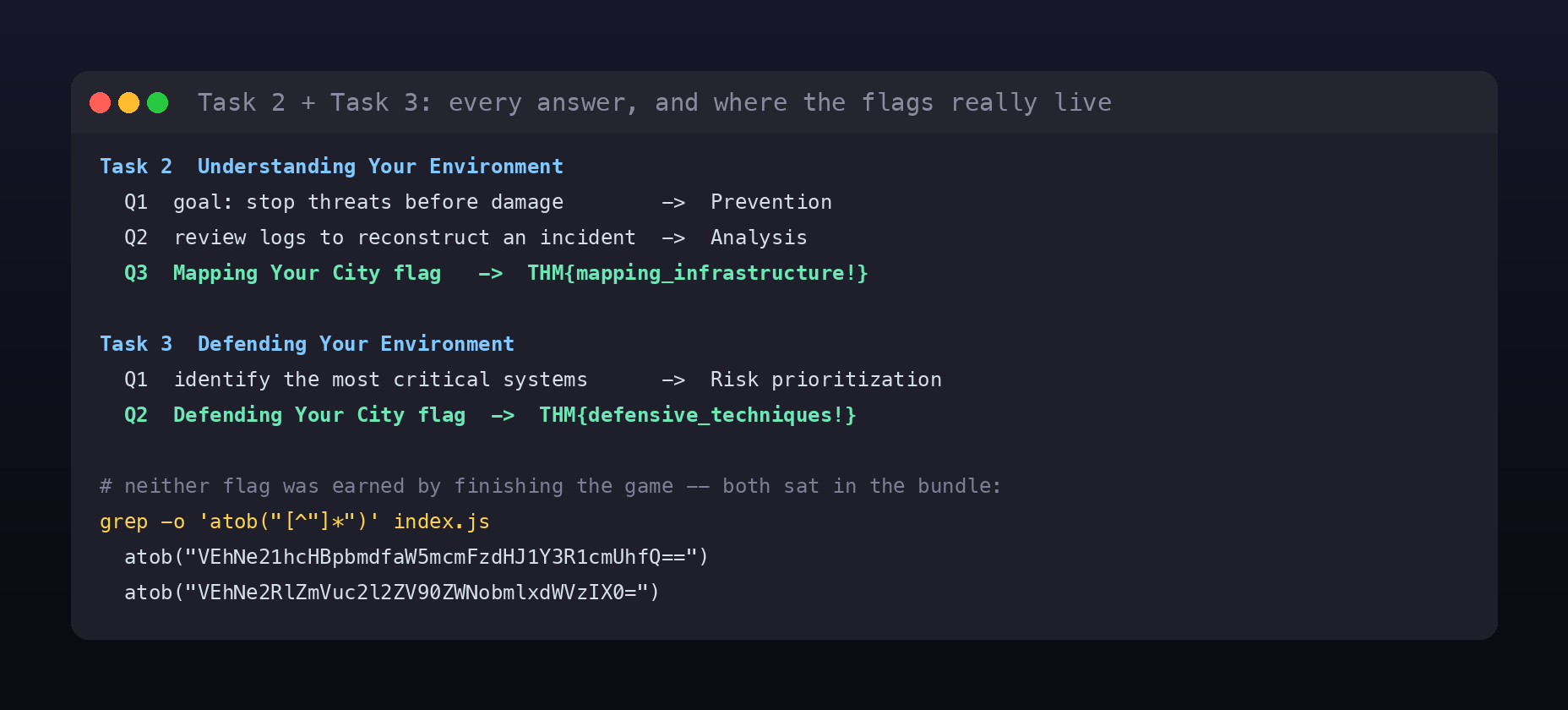
Alongside the exercise the task teaches two vocabulary answers that describe when defense happens. The first is about acting early: the goal of putting controls in place to stop a threat before it does any damage is Prevention. The second is about acting after the fact: the process of reviewing logs and evidence to reconstruct how an incident actually happened is Analysis. Prevention is the lock on the door; analysis is reading the CCTV after someone rattled it. Finishing the mapping exercise reveals the task flag, THM{mapping_infrastructure!}.
Task 3: defending your environment
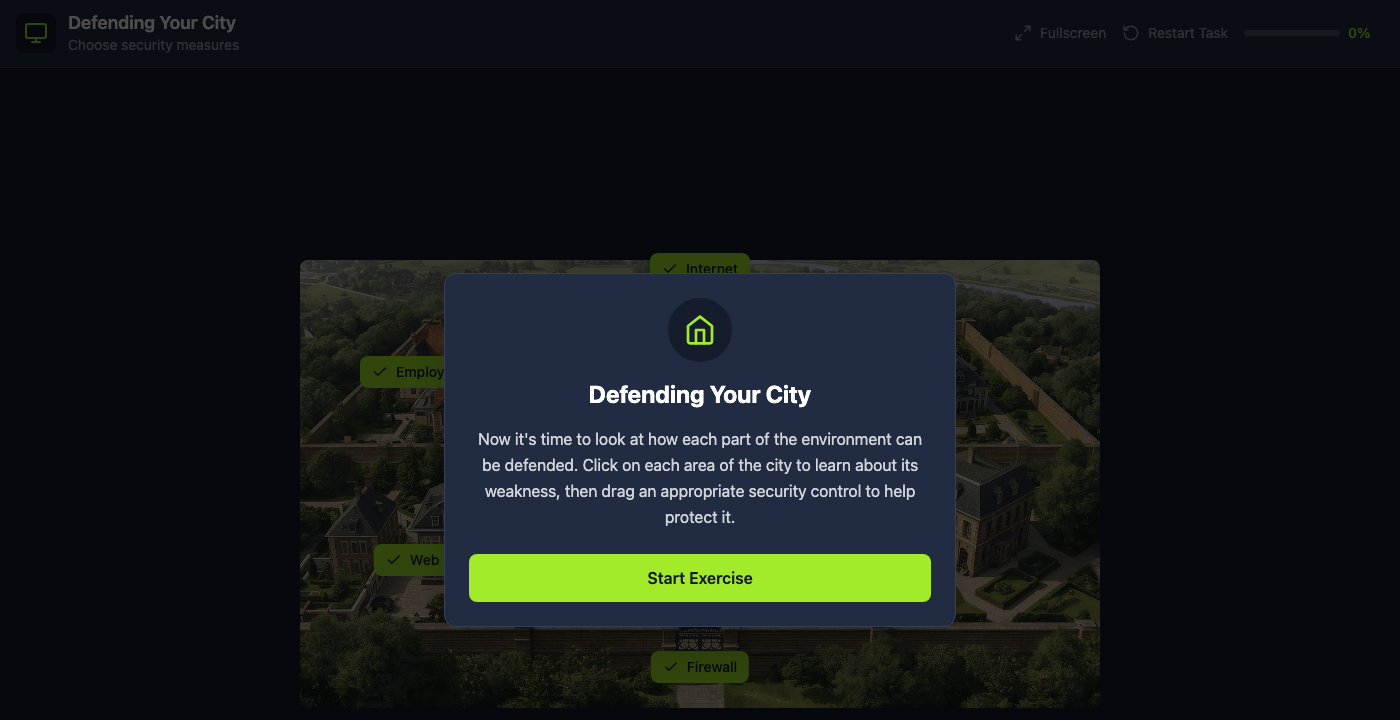
Once the environment is mapped, the same city flips into a “Defending Your City” exercise. Now each district shows its weakness, and you drag an appropriate security control onto it to protect it. This is defense in depth in miniature: no single control is trusted to do everything, so you layer them, a firewall at the edge, hardening on the servers, controls on the endpoints, and an attacker has to beat every layer instead of just one.
The single written answer here is the one idea that makes real defense possible. You have a finite budget of time and money, and you cannot defend every system equally, so you rank them by how much damage their loss would cause and defend the most critical ones first. That principle is Risk prioritization. Working the defending exercise to the end reveals the second flag, THM{defensive_techniques!}.
A security-mindset aside
The two exercises present their flags as rewards for finishing the game, but both were sitting in the browser the whole time, which is exactly the observation the offensive half of this path trains you to make. The city app is a static bundle shipped to the client, and its two flags are Base64 string literals decoded at runtime with atob(...). A single grep through the JavaScript pulls out both:
atob("VEhNe21hcHBpbmdfaW5mcmFzdHJ1Y3R1cmUhfQ==")decodes toTHM{mapping_infrastructure!}atob("VEhNe2RlZmVuc2l2ZV90ZWNobmlxdWVzIX0=")decodes toTHM{defensive_techniques!}
That is not a knock on a beginner exercise, and playing it is the intended, useful way to learn. The point is the reflex: a “reveal on success” check that runs in the client is a nice bit of UX, not a security control, because anything the browser can decode, the user can decode too. It is the same lesson the Cryptography Concepts and CIA Triad rooms hide in their own apps, and noticing it is the defender mindset applied to the tool in front of you.
Task 4: where to go from here
The wrap-up closes the Pre Security path and points at what comes next. The map-prioritize-defend loop you just practiced is the daily shape of blue-team work, and the roles it leads to are the SOC analyst watching alerts, the incident responder running the analysis step when something gets through, and the DFIR specialist reconstructing exactly what happened. The room nudges you toward Cyber Security 101 and the SOC Level 1 path to go deeper on the defensive side, the same way Become a Hacker nudges toward the offensive one.
Room summary
| Room | Become a Defender (Pre Security path, Attacks and Defenses) |
| Category | Defensive Security, Easy |
| Task 2 | Prevention; Analysis; flag THM{mapping_infrastructure!} |
| Task 3 | Risk prioritization; flag THM{defensive_techniques!} |
| Method | map the environment, prioritize by criticality, then layer defenses (defense in depth) |
Wrap-up
Become a Defender is deliberately the counterweight to Become a Hacker, and reading the two together is the point. The attacker enumerates to find one opening; the defender maps to make sure none are forgotten. The attacker chains weaknesses toward impact; the defender ranks systems by impact and spends the defense budget there first. Prevention tries to stop the incident, analysis explains it when prevention fails, and defense in depth makes sure a single miss is not fatal. Hold onto the three-move loop, map, prioritize, defend, and you have the scaffold every SOC and incident-response role is built on.