Cloud Security Pitfalls
First room in the Cloud Security for SOC module, and the start of a new arc after finishing Microsoft 365 for SOC. The module runs five rooms and everything after this one is AWS, AWS Security Logging, then Monitoring AWS Logins, Services and Workloads. This room is the vocabulary lesson that makes those four make sense.
Seven tasks, eleven answers, all solved 100%. No lab machine and no Splunk, five knowledge tasks and one interactive challenge hosted on a static site.
Worth saying up front: this is an Easy room and most of it is definitions. But two of the ideas in it are the ones that actually decide whether a SOC can see anything in the cloud at all, so it is worth more than thirty minutes of attention.
Tasks 2 and 3: models, and who owns what
The cloud model that lets you lift a large on-premises network into the cloud is IaaS, you get VMs and networks, which is the closest analogue to the datacentre you already run. The second question is the one that needs external research: Elastic Cloud and CrowdStrike Falcon are SaaS. You sign up and use them; you never touch the servers underneath.
That second answer matters more than it looks. Your security tooling is itself SaaS, which means the console your SOC lives in is subject to the same risks as any other SaaS tenant, and the Entra ID Monitoring lesson about consented OAuth applications surviving remediation applies to it too.
Task 3 is the “security of the cloud” half of the Shared Responsibility Model, asked as two Yea/Nay questions that look contradictory until you read them properly:
| Question | Answer |
|---|---|
| Is the cloud provider responsible for securing and monitoring its own infrastructure? | Yea |
| But should you trust the cloud provider without watching for supply chain threats? | Nay |
Both are true at once. The provider genuinely does own its hypervisors, datacentres and managed-service patching, you cannot audit their racks and you are not expected to. But “they are responsible” is a statement about accountability, not about risk transfer. If their control plane is compromised, the blast radius lands in your tenant, and no contract makes that stop being your incident.
Task 4: security in the cloud, and the logging wall
The counterpart half. Moving an unpatched server to the cloud does not make it secure, the answer is Nay, and the room is blunt that this is a real belief people hold, alongside the idea that moving files to Google Drive protects them from ransomware.
The line I would keep from this task is about practices rather than patches: a 12-character password without MFA is defensible inside an isolated AD network and is critically dangerous in a public cloud, because the cloud control plane is reachable from anywhere. Same credential policy, completely different risk, purely because the network boundary that was silently doing the work is gone.
Then the question that is really the point of the room. The first major obstacle to integrating most cloud products with a SIEM is Paid Logs. The room lists three, and the ordering is the answer:
Paid Logs           Logging to SIEM may require an additional payment or license
Poor Format         Log fields may be incomplete, unstructured, or not documented
Lack of Integration Some solutions don't support logging to SIEM at all
You cannot install a SIEM agent in someone else’s SaaS, so you are limited to whatever the vendor’s API exposes, and in a lot of products the audit log is gated behind a higher tier. This is the pitfall the room is named for: the migration business case is written on compute cost, and the line item that quietly disappears is the one that would have let you detect the breach. Note the answer format here, it wants the label from the room’s own list, not a paraphrase like “cost” or “licensing”.
Task 5: what to monitor, and the tool acronyms
Coverage effort scales inversely with how much of the stack you own. SaaS is easiest, ingest the provider’s API and alert on risky actions. IaaS is hardest, because there are three separate layers to cover:
Workloads      VMs and containers, same as on-premises
Cloud Services database queries, storage access, and so on
Control Plane  logins and actions in the cloud admin console
Workloads is the graded term for compute resources like VMs and containers, and that three-way split is the most useful thing in the task. It is also exactly the shape of the rest of the module: Monitoring AWS Logins is the control plane, Monitoring AWS Services is the middle layer, Monitoring AWS Workloads is the top one.
The second question needs research again: Falco and Tetragon are CWPP, Cloud Workload Protection Platforms. Both are runtime security tools that watch syscalls on containerised workloads (Tetragon via eBPF), which is precisely the gap the room describes when it says EDRs are often unsupported in the cloud because of containers and auto-scaling. The other acronyms worth keeping straight: CASB enforces policy on SaaS usage, CSPM alerts on misconfigurations.
Task 6: the challenge
Two drag-and-drop exercises on a static site, each yielding a flag.
Exercise 1 sorts nine descriptions into IaaS, PaaS and SaaS. Three each, and the split is clean once you sort by “who maintains the servers”:
| IaaS | PaaS | SaaS |
|---|---|---|
| Launch Linux or Windows VMs | Build applications without maintaining servers | Asana, Confluence, Salesforce, DrawIO |
| Requires the most effort to harden and monitor | Azure App Service, Google App Engine | Usable by Sales, Marketing, Design |
| Amazon AWS, Google Cloud, Microsoft Azure | A balance between VMs and software | Ready to use right after sign-up |
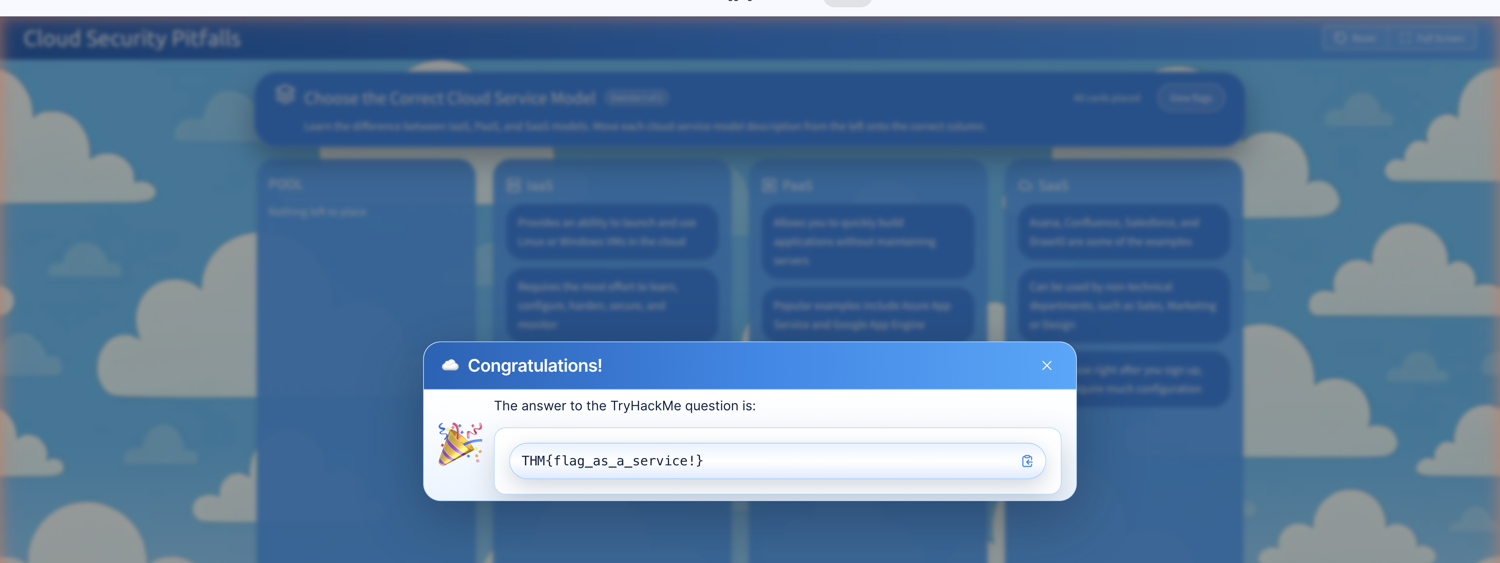
Flag: THM{flag_as_a_service!}
Exercise 2 is the better one, seven responsibilities split between You and the IaaS Provider:
| You | IaaS Provider |
|---|---|
| Detect suspicious logins of cloud users in your tenant | Secure the cloud datacenters from physical access |
| Collect VM logs and monitor launched workloads | Protect against supply chain attacks on the cloud admin panel |
| Control access to data in managed services such as S3 | Patch vulnerabilities in managed services such as S3 |
| Manage software dependencies in the VMs you launch |
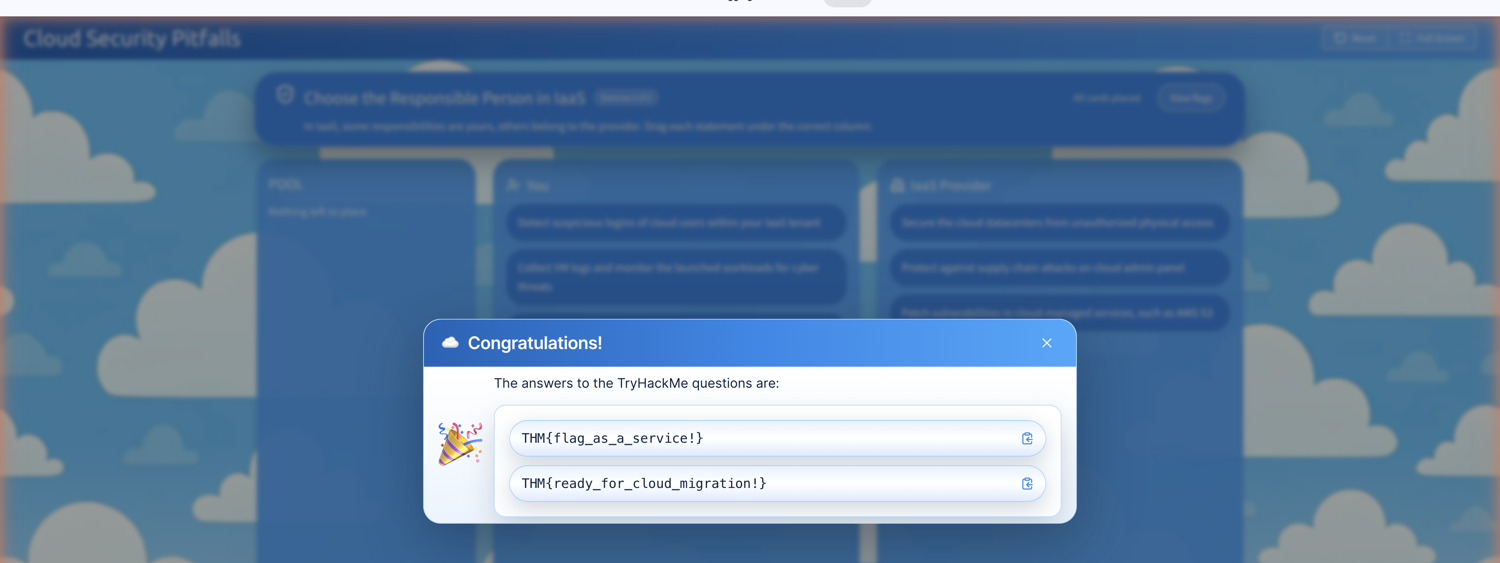
Flag: THM{ready_for_cloud_migration!}
The pair of S3 cards is the whole model in miniature, and it is the one place people get this wrong in production. Patching S3 is the provider’s job; controlling access to what you put in it is yours. Every public-bucket breach you have ever read about sat on fully patched, perfectly secure AWS infrastructure. The provider held up their end exactly as promised, and the data still walked out the door.
A note on how I completed these, since it is reusable. The board is a React app using native HTML5 drag events, and synthesising dragstart/drop events did nothing, the state never moved. The cards expose their React props on the fiber, so the working approach was calling the handlers directly: onDragStart on the card, then onDropCard(columnId) on the target column. The catch is that onDragStart triggers a re-render, so a handler captured beforehand is a stale closure that reads dragged = null. Re-querying the column’s props after the re-render is what made it work.
Task 7: what to take forward
Two things.
The Shared Responsibility Model is a statement about accountability, not about risk. Task 3 asks whether the provider secures its own infrastructure (Yea) and whether you should therefore stop watching for supply chain threats (Nay), and holding both at once is the correct professional posture. AWS patching S3 does not protect your data in S3; the provider’s control plane being their responsibility does not make its compromise someone else’s incident. Every line in the exercise-2 table that falls on your side is a place your SOC needs telemetry, and the provider will not send it to you unprompted.
And the real pitfall is that cloud logging is a purchasing decision. On-premises, you own the endpoints, so getting logs is an engineering problem you can always eventually solve. In SaaS you cannot install anything, if the vendor gates audit logs behind a higher tier, doesn’t document the fields, or has no SIEM integration at all, then your detection coverage was decided in a procurement meeting you probably weren’t invited to. That is why the room puts Paid Logs first, and it is the question worth asking about every cloud product your organisation is about to adopt: before the migration, not during the incident.
Room solved 100%: seven tasks, eleven answers, two flags, and the first of five rooms in Cloud Security for SOC.