Data Encoding
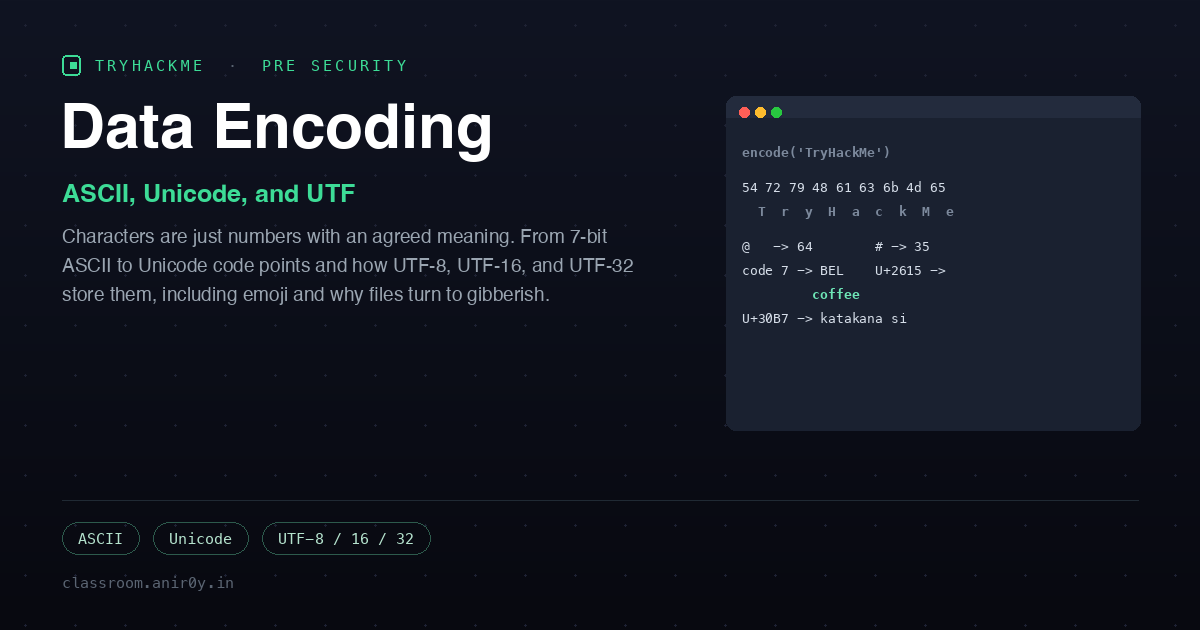
Data Encoding is a Pre Security room in the Software Basics module, and it answers a question that sounds trivial until you try to answer it: if a computer only stores numbers, how does it store the letter A, or a comma, or an emoji? The answer is an encoding, which is nothing more than an agreed mapping between numbers and meanings. The room is four tasks of reading with a couple of lookup questions, and it explains the thing that causes half the mysterious “why is my file full of gibberish” bugs you will ever hit.
The framing the room uses is worth keeping: representation is the idea that data lives as bits and numbers in memory, and encoding is the specific agreement about which number means which character. Get the sender and receiver using different agreements and the same bytes render as different characters. That is the whole story of the room, told first with ASCII and then with Unicode.
Task 2: ASCII
ASCII, the American Standard Code for Information Interchange, dates to 1963 and uses the numbers 0 to 127 to cover English letters, digits, punctuation, and a set of control characters. It is a seven-bit code, and that “American” in the name is the reason it only ever covered English. Because it is just a table, saving text is just looking each character up and writing down its number.
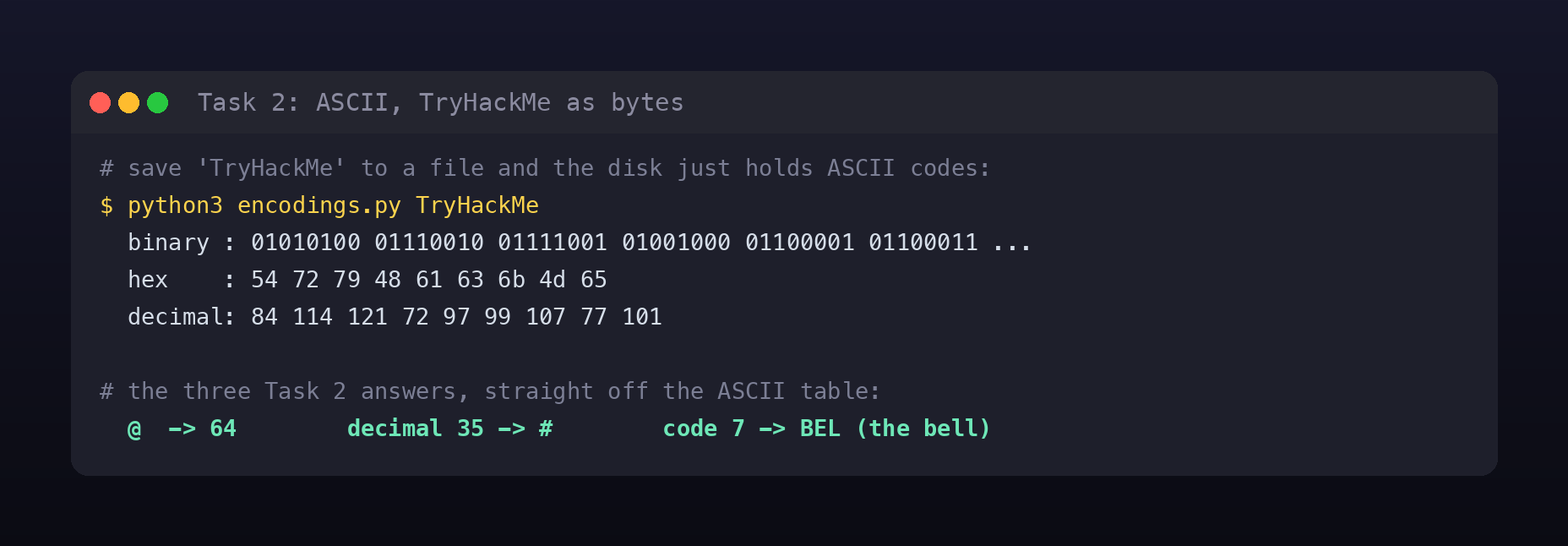
The room drives this home with “TryHackMe.” Save that string to a file and, on disk, it is literally the ASCII codes for each character followed by a newline. You do not need the lookup site for this, ord() in any language gives you the same table:
"TryHackMe" in ASCII
  binary : 01010100 01110010 01111001 01001000 01100001 01100011 01101011 01001101 01100101
  hex    : 54 72 79 48 61 63 6b 4d 65
  decimal: 84 114 121 72 97 99 107 77 101
A couple of things fall out of the table that make it easy to reason about: the letters are contiguous (a, b, c are 0x61, 0x62, 0x63), so are the uppercase letters and the digits. That is why case-changing and digit math are simple bit operations. The three Task 2 questions are direct table lookups:
- The ASCII code in decimal for
@is 64 (hex 0x40). - The character with ASCII code 35 in decimal is
#, the number sign. - The character with ASCII code 7 is BEL, the old terminal bell that used to make the machine beep.
The room then covers why ASCII was not enough for Europe. Seven bits leaves an eighth, giving 128 more slots, but that is nowhere near enough for every accented letter across the continent. The ISO/IEC 8859 series carved this up into regional sets: ISO-8859-1 (Latin-1) for Western European languages, ISO-8859-2 (Latin-2) for Central and Eastern European ones, and so on. The catch is the one the room keeps hammering: save a document as Latin-1 and open it as Latin-2 and the non-English letters come out wrong. Save Ø in Latin-1, read it as Latin-2, and you get Ř.
Task 3: Unicode
Extended ASCII patched the problem into chaos, because there were dozens of incompatible eight-bit sets and no way to tell from the bytes alone which one a file used. And none of it could touch Arabic (250+ characters), Japanese (thousands of Kanji), or Chinese (tens of thousands of Hanzi), let alone emoji. The fix is to stop having regional tables at all and give every character in every writing system one universal number. That is Unicode.
A Unicode code point is written U+ followed by hex: U+0041 is Latin A, U+03A9 is Greek omega, U+3042 is Hiragana あ. The current standard defines close to 157,000 characters, several thousand of them emoji. Crucially, a code point is an abstract number; it does not say how many bytes to use. That is what the UTF encodings decide:
- UTF-8 uses 1 to 4 bytes, chosen per character. ASCII characters (U+0000 to U+007F) stay exactly one byte, identical to old ASCII, which is why UTF-8 is backward compatible and why it won the web. A character like omega takes two bytes, and an emoji takes four.
- UTF-16 uses two bytes for common characters and a four-byte surrogate pair for rarer ones. A fire emoji becomes the pair U+D83D U+DD25.
- UTF-32 is the simple, wasteful one: every character is exactly four bytes, so A is U+00000041 and every emoji is one 32-bit value.
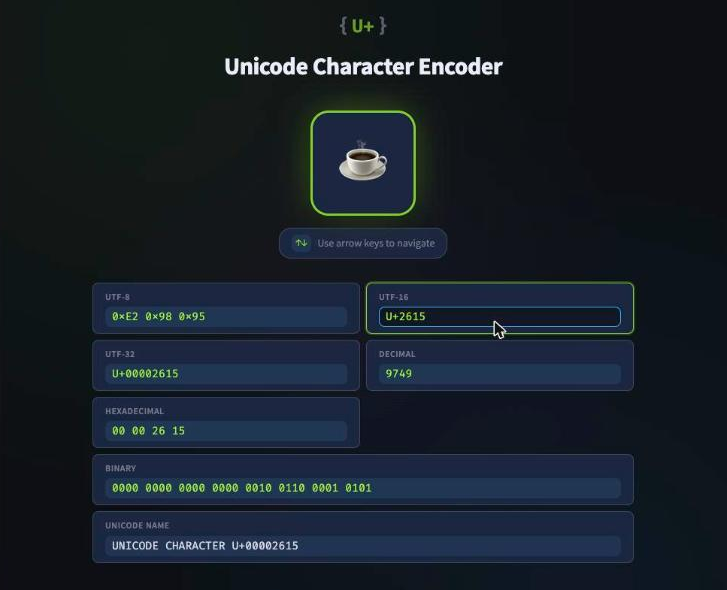
The room provides a small “Unicode Character Encoder” site where you type a code point or a character and it shows every encoding at once. It is a genuinely useful way to feel how one code point maps to different byte layouts:
The four Task 3 answers, which you can confirm on the site or with a one-line script:
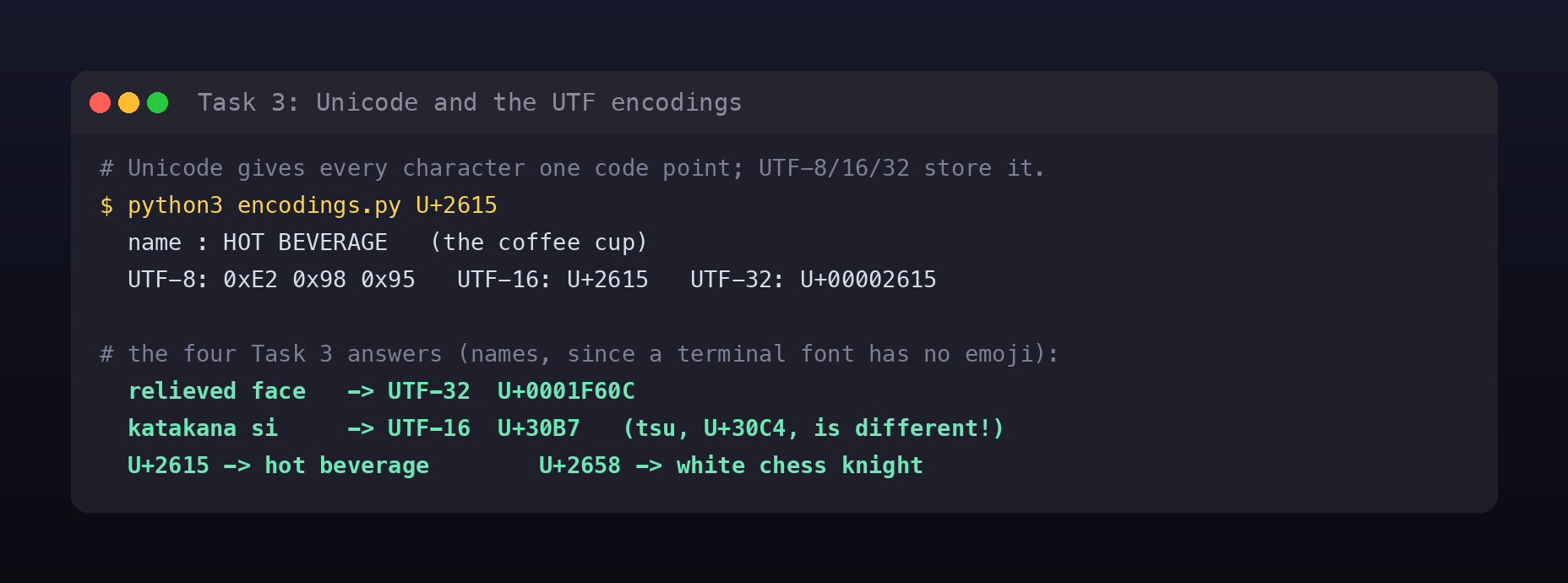
- The UTF-32 encoding of the relieved face (😌) is U+0001F60C. UTF-32 is always eight hex digits.
- The UTF-16 encoding of katakana shi (シ) is U+30B7. The room warns you here, because shi (シ, U+30B7) and tsu (ツ, U+30C4) look almost identical but are different characters with different codes. Reading the question, not the shape, is the point.
- The character with UTF-16 encoding U+2615 is the hot beverage, the coffee cup ☕.
- The character with UTF-16 encoding U+2658 is the ♘, the white chess knight.
I did these from the command line rather than the site, which doubles as proof that “characters are just numbers” is literal. The little converter I used, which takes a string, a single character, or a U+XXXX code point and prints all of its encodings, is here:
Companion script on GitHub Gist:
encodings.py
Why this matters beyond the trivia
The gibberish the room opens with has a name: mojibake, text decoded with the wrong encoding. It is not a cosmetic bug. The same byte sequence carries a different meaning under a different encoding, and that ambiguity is a real security surface, not just an annoyance. Encoding confusion is behind a long list of issues: filters that check for a dangerous string in one encoding while the application interprets the bytes in another, overlong UTF-8 sequences historically used to smuggle ../ past path checks, homoglyph domains that use look-alike Unicode letters, and normalization mismatches where two “equal” strings compare differently. You cannot reason about any of that without first internalising the plain fact this room teaches: bytes are not text until you agree on the encoding.
It also explains a habit worth having. When something displays wrong, the first question is not “is the data corrupt” but “am I decoding it with the same encoding it was written in.” Nine times out of ten the bytes are fine and the agreement is what broke.
Room summary
| Room | Data Encoding (Pre Security path, Software Basics) |
| Category | Software Basics, Fundamentals, Easy |
| Task 2 | @ = 64; decimal 35 = #; ASCII code 7 = BEL; plus the ISO-8859 regional-set problem |
| Task 3 | 😌 UTF-32 = U+0001F60C; シ UTF-16 = U+30B7; U+2615 = ☕; U+2658 = ♘ |
| Takeaway | Bytes are only text once you agree on the encoding; mismatched encodings produce mojibake |
Wrap-up
This is a short, quiet room, and it earns its place. ASCII teaches you that text is a lookup table, and Unicode teaches you that the table had to grow to fit the world, with UTF-8, UTF-16, and UTF-32 being three different bargains between simplicity and space. Once you have felt one code point turn into different byte layouts, the “weird gibberish” you have seen in mislabeled files and mangled subtitles stops being mysterious and starts being diagnosable. That is a small superpower for a forty-five minute read.