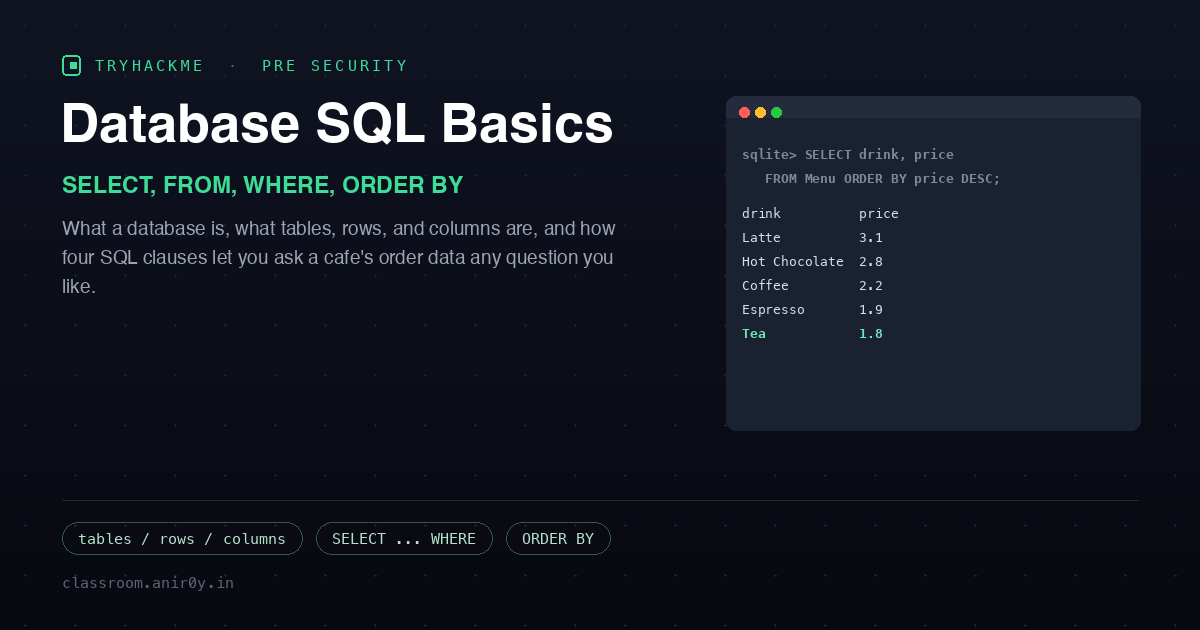
Database SQL Basics
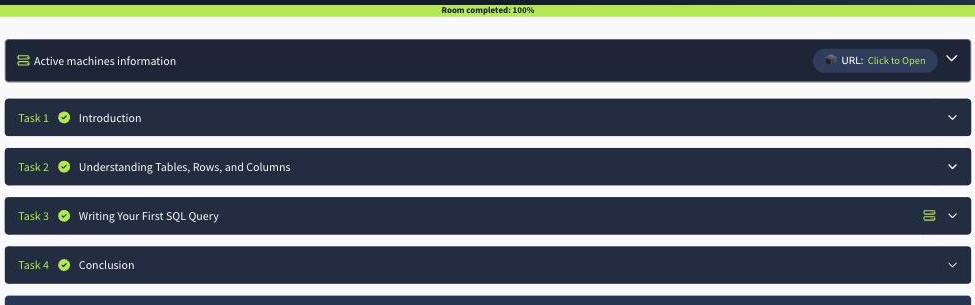
After the programming rooms taught you to make a computer do something, this one answers a quieter question: where does the information go when the program stops? The answer is a database, and the language for asking it questions is SQL. Database SQL Basics is a short Pre Security room in the Software Basics module that frames the whole idea around a small cafe. The cafe used to write every order in a paper notebook; once there are thousands of orders, “how many coffees today?” becomes a slow manual count. A database makes that question answerable in one line. The room is four tasks: what a database is, what tables and rows and columns are, a hands-on SQL task in a browser client, and a wrap-up.
Task 2: Understanding Tables, Rows, and Columns
The room’s mental model is a spreadsheet, and it is worth keeping because it makes everything else obvious. A table is the sheet. Columns are the headings across the top, each one a single type of information: order number, drink, price, time. A row is one complete record that runs across all those columns, so for the cafe, one row is one order. Sell ten drinks and the table has ten rows; take one more order and one row is added; remove an order and only that row disappears while the rest stays untouched.
That leads straight to the single Task 2 answer. The question asks for the term for the “spreadsheets” that store information inside a database, and the answer is tables. A database holds tables; a table holds rows and columns.
Task 3: Writing Your First SQL Query
This is the hands-on task. Starting the lab machine opens a browser-based “Cafe SQL” client (a safe, read-only sandbox, with a Reset Data button so nothing can break) holding two tables: Orders(id, drink, price, time) and Menu(drink, price). The whole room comes down to four SQL clauses, and they compose in a fixed order:
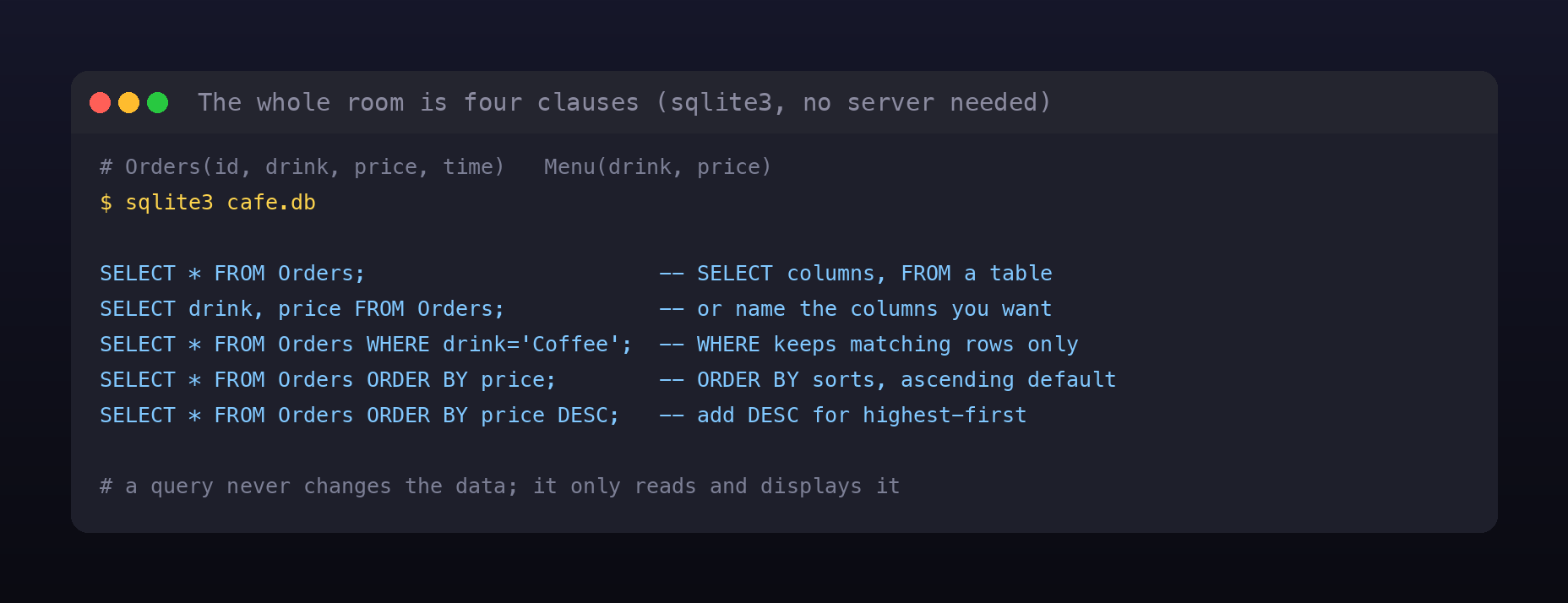
SELECTchooses the columns (*means every column), andFROMnames the table.WHEREfilters rows down to those that match a condition, likeWHERE drink = 'Coffee'.ORDER BYsorts the result by a column, ascending by default, or descending if you addDESC.
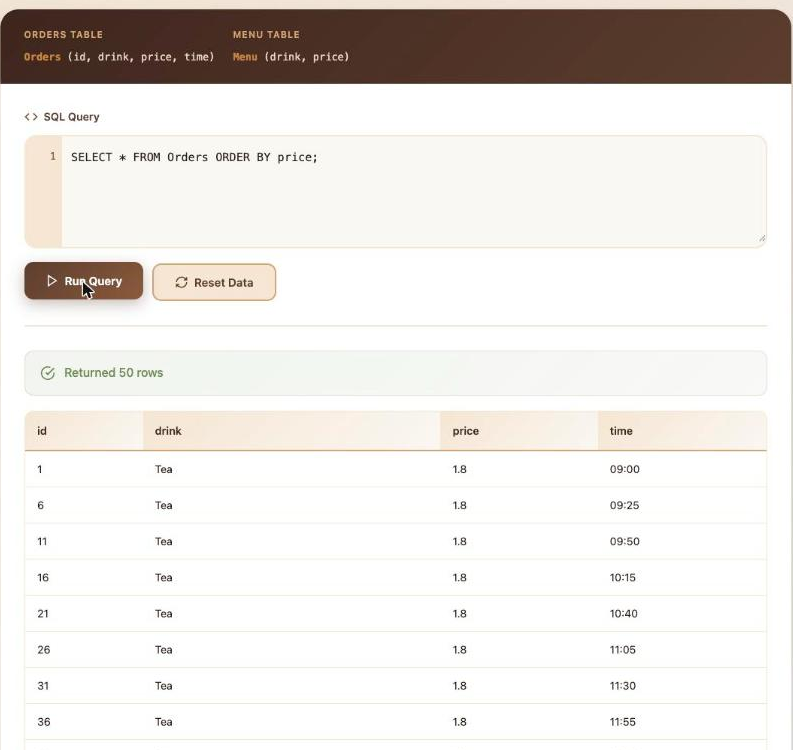
The three questions are all answered by running queries against the data rather than by reading the text, so I ran each one in the client and read the result off the screen.
- How many rows did
SELECT * FROM Ordersreturn? The client reports “Returned 50 rows”, so the answer is 50. The data is fifty orders: five drinks, ten orders each. - Sorting orders by price cheapest first, which drink appears first?
SELECT * FROM Orders ORDER BY price;puts the lowest price on top, and that is Tea at 1.8. - Sorting the menu by price most expensive first, which drink appears first?
SELECT * FROM Menu ORDER BY price DESC;puts the highest price on top, which is Latte at 3.1.
You do not need the lab machine to prove any of this. The entire cafe (both tables, the exact data, and every query) fits in one small SQLite script that runs with nothing but sqlite3, so the answers are reproducible on any machine:
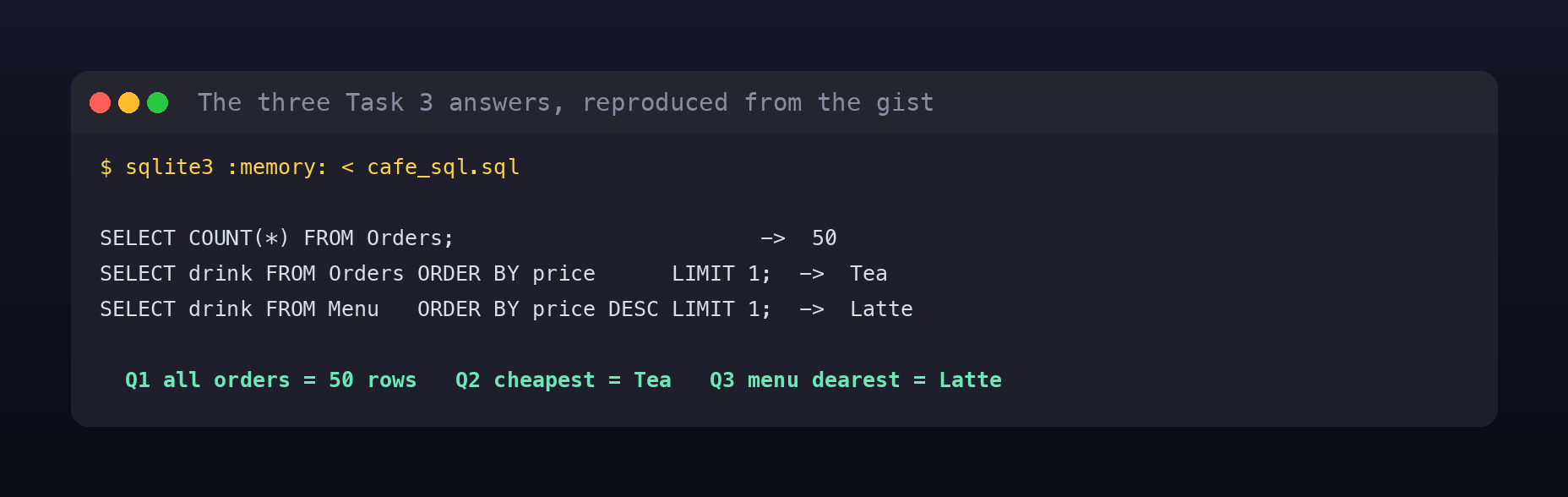
Companion script on GitHub Gist:
cafe_sql.sql
The security lesson hiding in a beginner room
Task 4 ends with a deliberately open question: what could happen if someone were allowed to change or remove cafe orders without permission? That is the entire discipline of database security in one sentence, and this room quietly demonstrates two halves of the answer.
The first half is integrity and authorization. A SELECT only reads; it never changes the data. But INSERT, UPDATE, and DELETE do change it, and if the wrong person can run those, orders can be forged, altered, or erased. That is why real systems separate read access from write access and never hand out more than a task needs.
The second half is the one every web pentester meets first: SQL injection. The instant an application builds a query by gluing user input into a string, a value like Coffee' OR '1'='1 stops being data and becomes part of the query. The read-only “only SELECT allowed” restriction on this practice client is not a gimmick; it is a security control, the exact kind of least-privilege sandbox that limits the blast radius when injection does slip through. You cannot reason about injection at all until you can read a query and see where the data ends and the code begins, which is precisely what these four clauses teach you.
Room summary
| Room | Database SQL Basics (Pre Security path, Software Basics, Premium) |
| Category | Software Basics, Fundamentals, Easy |
| Task 2 | the “spreadsheets” inside a database are tables |
| Task 3 | SELECT * FROM Orders = 50 rows; cheapest order = Tea; menu dearest = Latte |
| Clauses | SELECT columns, FROM a table, WHERE filters rows, ORDER BY sorts (DESC reverses) |
| Result | read any question out of the cafe’s data with four SQL clauses |
Wrap-up
Four clauses is genuinely most of what day-to-day SQL is: pick columns, pick a table, filter, sort. Once you can read SELECT * FROM Orders WHERE drink = 'Coffee' ORDER BY price DESC and say exactly what it returns before running it, you can read the queries inside almost any application, which is the skill that later turns into spotting where one of them trusts user input it should not. That is a lot of leverage for a thirty-minute room about a cafe.