JavaScript: Simple Demo
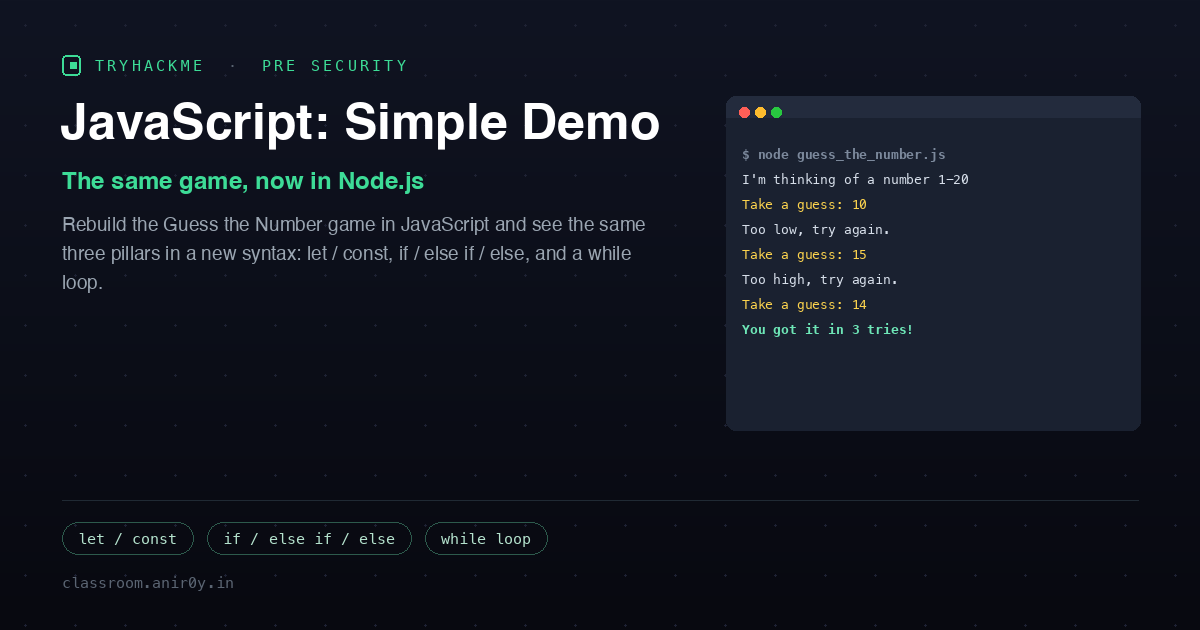
This room is the deliberate mirror image of Python: Simple Demo. Same game, same three ideas, different language. You build the Guess the Number game again, the computer picks a secret between 1 and 20, you keep guessing, and it tells you too low or too high until you win, except this time it runs on Node.js instead of Python. Doing the same program twice in two languages is the whole point: once you have seen let and const do the job of Python’s bare assignment, and console.log do the job of print, the syntax stops being scary and you start seeing the shared skeleton underneath every imperative language.
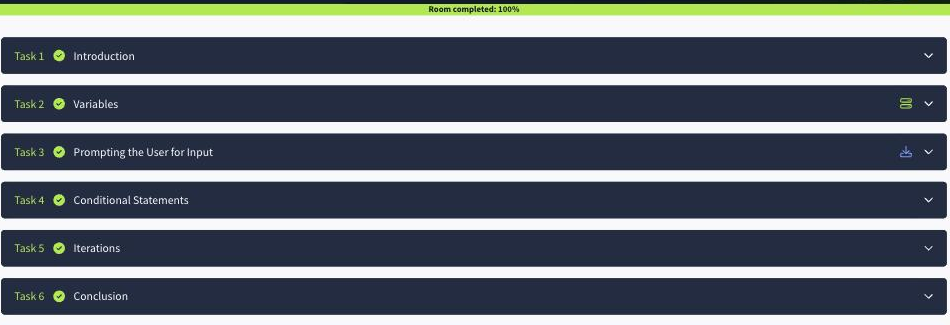
The room ships a lab VM with VS Code and every version of the program (guess_v1.js through guess_v4.js) under /home/ubuntu/JavaScript-Demo, and Task 3 attaches a zip of all of them to download. The questions are conceptual, so I worked from the code, then ran the finished game with node to confirm it behaves exactly as the room claims. It carries a Medium difficulty tag, one step up from the Python room’s Easy, mostly because of the readline/promises plumbing rather than any harder logic.
Task 2: Variables
JavaScript splits Python’s single idea of a name-that-holds-a-value into two keywords. let declares a variable whose value you intend to change, and const declares a constant whose value must not change after it is set. The game uses both: tries and guess are let because they update as you play, and secret is const because the hidden number is fixed for the whole round.
The secret itself comes from Math.random(), which returns a decimal between 0 and 1. The room’s one-liner stretches, floors, and shifts that into the range 1 to 20:
let tries = 0;
let guess = 0;                                   // a value that cannot be the secret
const secret = Math.floor(Math.random() * 20) + 1;   // 1 <= secret <= 20

console.log("I'm thinking of a number between 1 and 20");   // console.log() shows text
Math.random() * 20 gives 0 to just-under-20, Math.floor() chops the decimal to get 0 to 19, and + 1 shifts it to 1 to 20. The three Task 2 answers fall straight out of this:
- The word used to declare a variable is
let. - The word used to declare a constant is
const. - The method that displays text on the screen is
console.log().
Task 3: Prompting the User for Input
This is the task that has no Python counterpart, and it is where JavaScript shows its seams. In Python, reading input is one synchronous call, input(). Node.js has no built-in synchronous line reader, so the room uses the readline/promises module and awaits a question:
const text = await rl.question("Take a guess: ");   // returns a string
guess = parseInt(text, 10);                         // convert the text to a number
rl.question() hands back whatever the user typed as a string, and just like Python’s int(), that string has to be converted before you can compare it as a number. In JavaScript that conversion is parseInt(text, 10), where the 10 says “read this as base 10.” The single Task 3 answer is that the method used to convert user input into a number is parseInt().
Task 4: Conditional Statements
The comparison logic is nearly identical to Python, with two syntax swaps. Python’s elif becomes JavaScript’s else if (two words), and the “or” operator is written || instead of the word or. The chain is evaluated top to bottom and stops at the first branch that is true:
if (guess < 1 || guess > 20) {
  console.log("That number is out of range. Try again.");
} else if (guess < secret) {
  console.log("Too low, try again.");
} else if (guess > secret) {
  console.log("Too high, try again.");
} else {
  console.log("You got it in", tries, "tries!");
}
Task 4 gives you a fixed secret of 10 and asks what two guesses print:
- A guess of 15 is greater than the secret 10 but still inside 1 to 20, so the second-to-last branch runs: “Too high, try again.”
- A guess of 35 trips the very first condition,
guess > 20, before the secret is ever consulted, so it prints “That number is out of range. Try again.”
That second question is the quietly important one. The range check comes first on purpose, so out-of-bounds input is rejected before the program pretends it is a real guess.
Task 5: Iterations
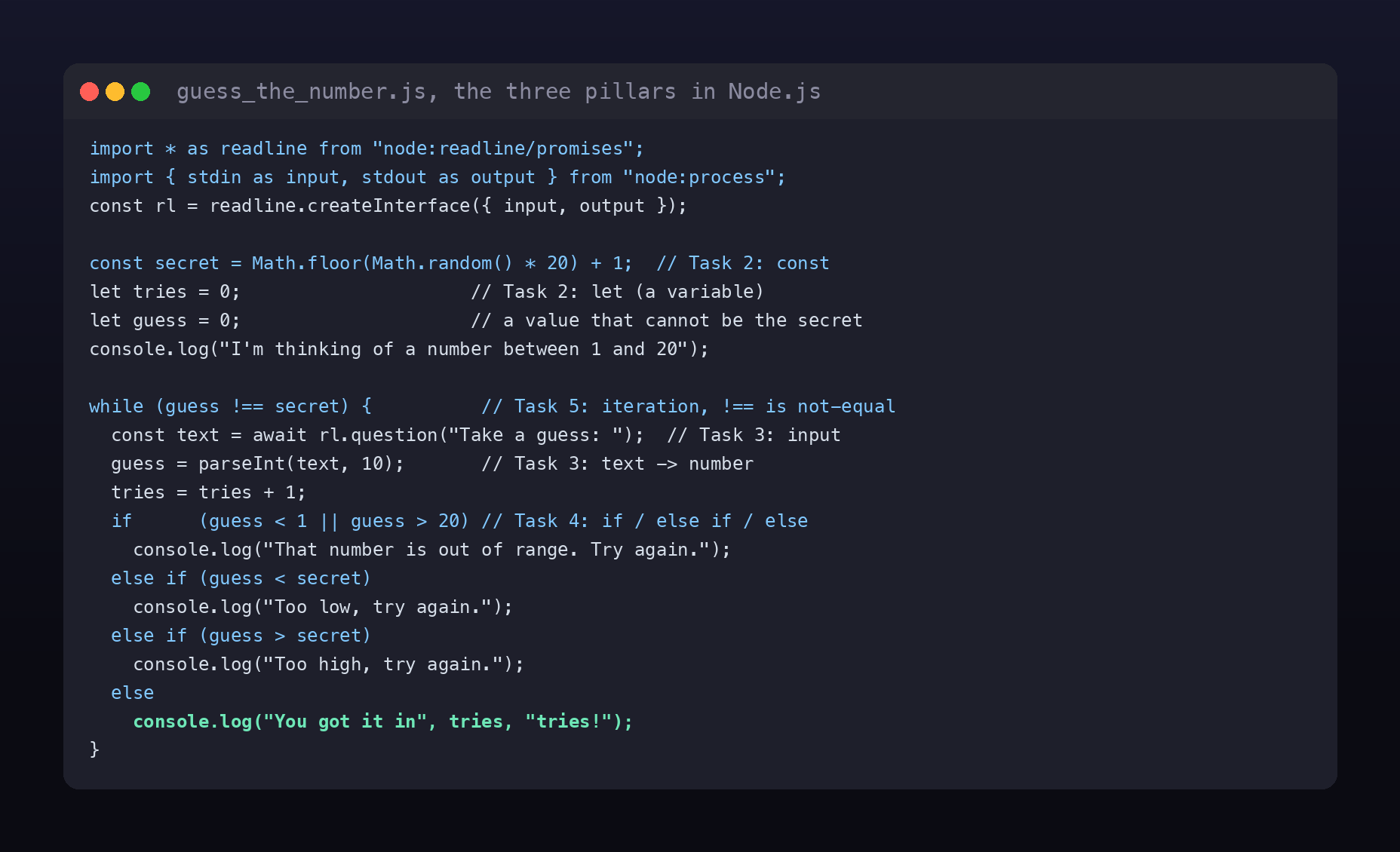
The final piece is the loop, and it is the closest match of all to Python. Python wrote “keep going while the guess is wrong” as while guess != secret:; JavaScript writes the same thing as while (guess !== secret). The only real difference is the operator: JavaScript’s “not equal” is !== (the strict, no-type-coercion version), where Python uses !=. Everything inside the braces repeats until the guess matches the secret.
The three Task 5 answers:
- The loop used is a
whileloop. - The variable incremented by one on each wrong guess is
tries. - “Not equal” in JavaScript is written
!==.
The point of doing it twice
The room’s own advice is to compare this code with the Python version, so here is the whole game reduced to that comparison. Every line of the Python demo has a direct JavaScript twin, and the differences are almost entirely cosmetic:
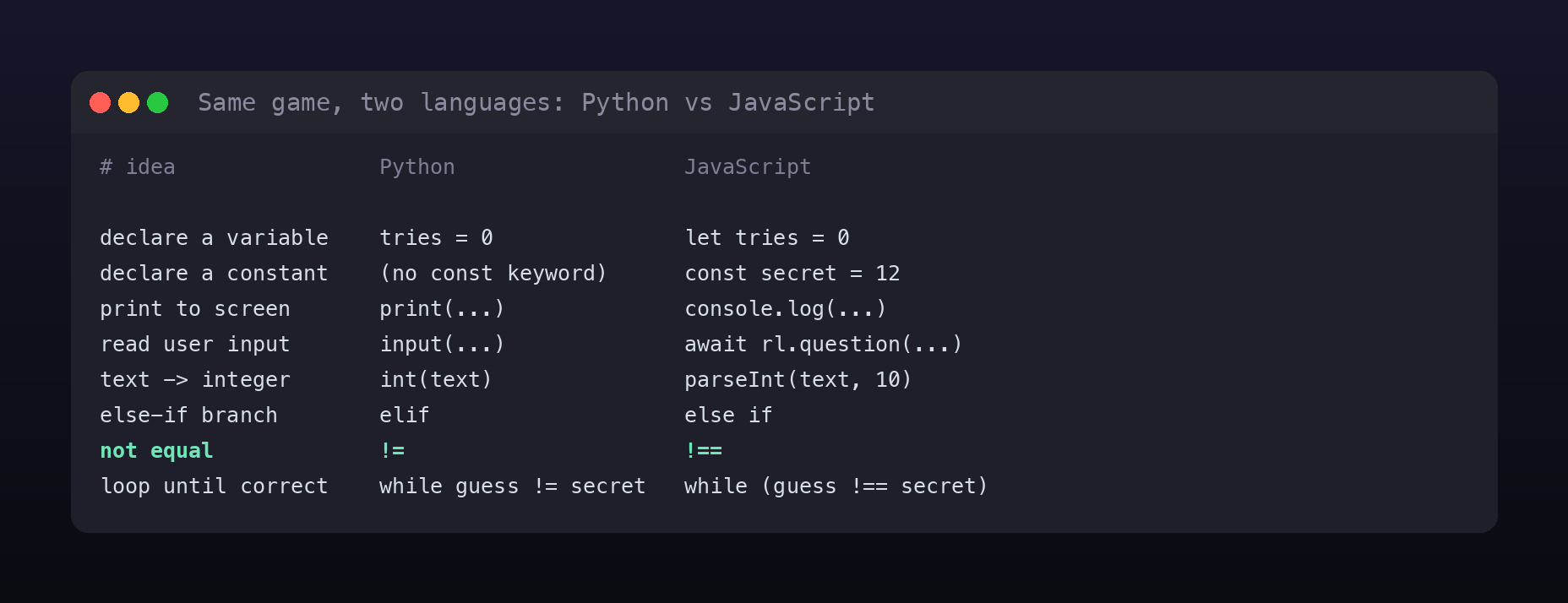
The lesson underneath the table is the one worth keeping: programming languages differ far less than they first appear. Variables, conditionals, and loops are the load-bearing walls, and once you can find them in one language you can find them in any language. The syntax around them, semicolons, braces, let versus bare assignment, is decoration you learn in an afternoon.
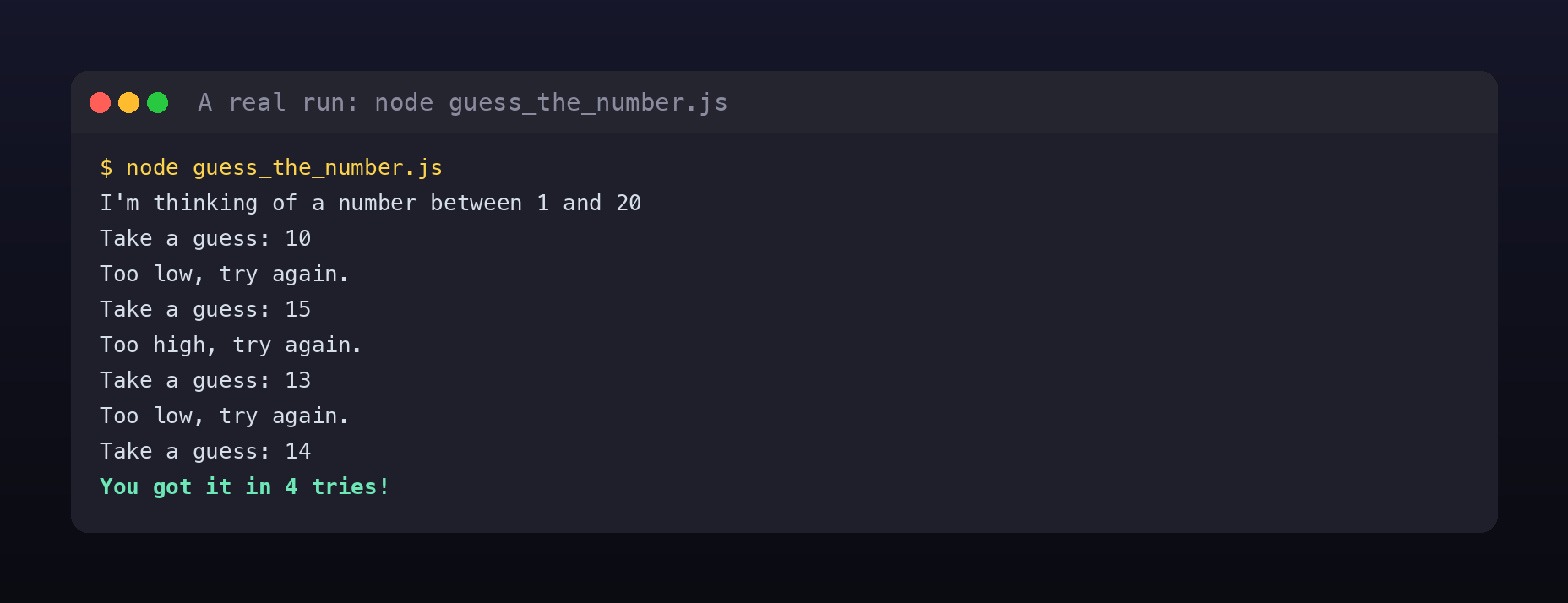
With the loop in place the game is complete. Running it reproduces the exact session the room shows, here with the secret pinned to 14 so the run is repeatable:
The finished game is here:
Finished game on GitHub Gist:
guess_the_number.js
One security-flavoured aside
The same trust assumption from the Python room lives in parseInt(text, 10), but JavaScript fails it more quietly, which is arguably worse. Type hello at the prompt and Python’s int("hello") crashes loudly with a ValueError. JavaScript’s parseInt("hello", 10) does not crash; it returns NaN, a special not-a-number value that silently compares false against everything, so the loop just spins forever asking for another guess. Silent wrong behaviour is harder to notice than a crash, and “the program accepted input it should have rejected and kept going” is the seed of a real class of bugs. Validating input, checking Number.isNaN(guess) before trusting it, is the habit this line is quietly teaching.
Room summary
| Room | JavaScript: Simple Demo (Pre Security path, Software Basics, Premium) |
| Category | Software Basics, Fundamentals, Medium |
| Task 2 | variable = let; constant = const; display text = console.log() |
| Task 3 | convert input to number = parseInt() |
| Task 4 | secret 10, guess 15 prints “Too high, try again.”; guess 35 prints “That number is out of range. Try again.” |
| Task 5 | loop = while; incremented variable = tries; not equal = !== |
| Result | a working Guess the Number game built from variables, conditionals, and a loop, in Node.js |
Wrap-up
If you did the Python room, this one is mostly a translation exercise, and that is exactly why it is worth doing. Building the same program twice turns “I memorised some Python syntax” into “I understand what a variable, a condition, and a loop are, independent of any one language.” That transfer is the real skill. The next room, Database SQL Basics, steps sideways into querying data rather than writing programs, but the muscle you built here, reading a short script and predicting precisely what it prints, is the one you will lean on for everything that comes after.