| Follow @anir0y | |
|---|---|
| Linux Privilege Escalation: Enumeration |  |
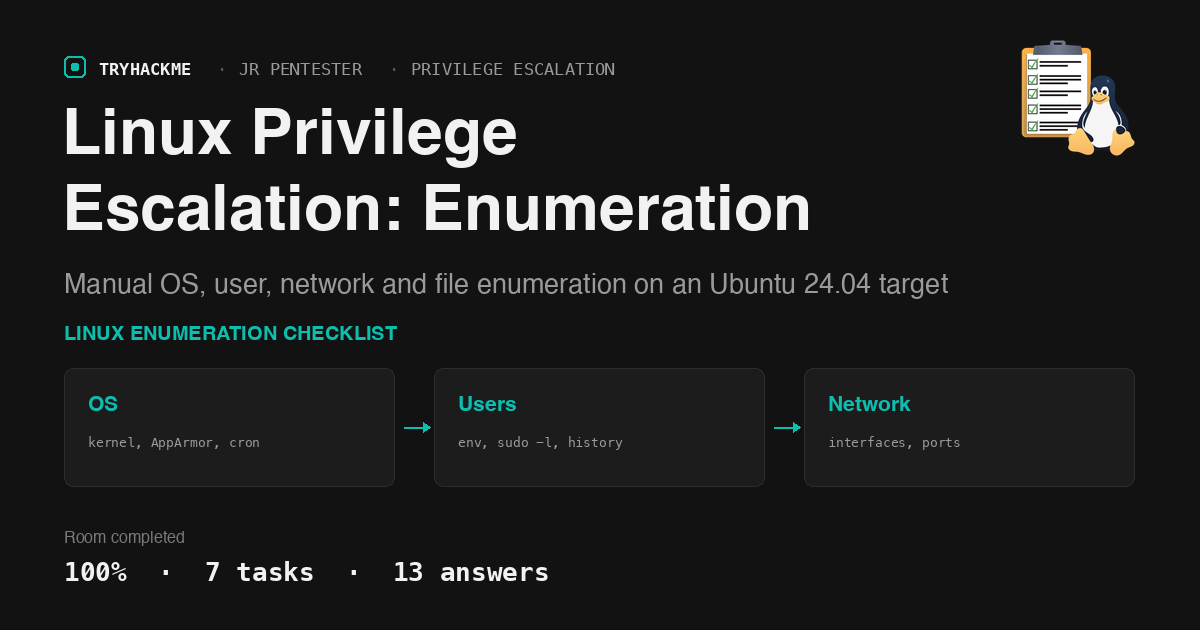
Linux Privilege Escalation: Enumeration is the first stop in TryHackMe’s Privilege Escalation
module on the Jr Penetration Tester path. There is no exploitation here, no flag chase across
services. It is a single Ubuntu 24.04 box and thirteen questions that force you through the same
manual checklist you’d run on any real foothold: hostname, uname, /etc/crontab, sudo -l,
ip a, ss. If you have solved Kenobi or
Vulnversity, this is the enumeration muscle you already used there,
isolated into its own drill.
Seven tasks, thirteen real answers. The lab hands you john:john over SSH, reachable directly from
a VPN-connected machine, and everything you need is either already on disk or one command away.
Task 1: Introduction
No answer needed beyond acknowledging the brief. Click through it.
Task 2: What Is Enumeration?
This is the task that boots the target machine (the deployable VM lives here, not on the OS Enumeration task where you’d expect it). Starting it hands you the credentials:
Username: john
Password: john
Connection: ssh john@MACHINE_IP
The Mac had a direct route to the lab subnet, so I skipped the browser split-view terminal entirely and drove the box from a local SSH session instead: faster output, and I get to keep proper terminal history for the writeup.
  # from the Mac, no AttackBox needed
sshpass -p john ssh [email protected]
Task 3: OS Enumeration
Five questions, all answerable with three commands.
What is the hostname of the target host? linux-enumeration, straight from the shell prompt
or hostname.
What is the Linux kernel version of the target host? uname -a gives 6.8.0-1017-aws, an
AWS-flavoured kernel build rather than the generic Ubuntu one, which is a small tell that the lab
runs on EC2.
What version of Ubuntu is running on the host? lsb_release -a reports Ubuntu 24.04.1 LTS.
What is the full path of the script run by root every 5 minutes? /etc/crontab has one job
outside the standard run-parts lines:
  # cat /etc/crontab
*/5 * * * * root /root/backup.sh
Answer: /root/backup.sh. Root-owned, root-run, every five minutes: exactly the kind of entry worth revisiting once you have write access anywhere near it, though this room stops at spotting it.
What is the full version of AppArmor? apparmor_parser --version only gives the short form
(4.0.1). The question wants the full packaged version string, which dpkg -s apparmor provides:
  # uname -a; lsb_release -a; apparmor_parser --version | head -1; dpkg -s apparmor | grep -i ^Version
Linux linux-enumeration 6.8.0-1017-aws #18-Ubuntu SMP Wed Oct 2 20:17:03 UTC 2024 x86_64
Distributor ID: Ubuntu
Description:    Ubuntu 24.04.1 LTS
Release:        24.04
Codename:       noble
AppArmor parser version 4.0.1
Version: 4.0.1really4.0.1-0ubuntu0.24.04.3

Answer: 4.0.1really4.0.1-0ubuntu0.24.04.3. The answer format mask was worth decoding before
guessing here: it has eight dot-separated groups, and only the dpkg string matches that shape, the
parser’s own --version output doesn’t.
Task 4: User Enumeration
Print the environment variables. What is the value of LANG? env | grep LANG returns
C.UTF-8, the minimal AWS-image locale rather than a full en_US.UTF-8.
What is the flag in your history? cat ~/.bash_history has exactly two lines: someone’s earlier
session left the flag sitting there in plain text.
  # cat ~/.bash_history
echo THM{history-is-not-safe}
exit
Answer: THM{history-is-not-safe}. Shell history is a permanent enumeration target: anything a previous user typed, including secrets, sits there in plaintext until someone clears it.
What is the full path of the command you are allowed to run with elevated privileges?
sudo -l shows one NOPASSWD entry:
  # sudo -l
User john may run the following commands on linux-enumeration:
    (ALL) NOPASSWD: /usr/bin/nmap
Answer: /usr/bin/nmap. This room stops at identifying it, but nmap with sudo is a classic
GTFOBins escalation path (--interactive mode or a NSE script drop into a root shell) worth
remembering for the next room in this module.

What is the username of the Mailing List Manager? Not something you enumerate by guessing;
/etc/passwd documents it in the GECOS field:
  # grep list /etc/passwd
list:x:38:38:Mailing List Manager:/var/list:/usr/sbin/nologin
Answer: list. Every stock Debian/Ubuntu install ships this account for the historical smail
mailing-list tooling; it is one of a handful of service accounts worth recognising on sight so you
don’t waste time treating it as a real user.
Task 5: Network Enumeration
What is the name of the network interface, other than loopback? ip a lists ens5, the
predictable network interface name AWS/systemd assigns (versus the old eth0 convention).
What port, other than 22, is listening on the host? ss -tln shows three listeners: SSH on 22,
and two more that are actually the same service.
  # ss -tln
State  Recv-Q Send-Q Local Address:Port
LISTEN 0      4096      127.0.0.54:53
LISTEN 0      4096   127.0.0.53%lo:53
LISTEN 0      4096               *:22
Answer: 53. Both loopback listeners on 53 are systemd-resolved’s DNS stub, bound to two
different loopback addresses; the question only wants the port number, not which of the two.
Task 6: File Enumeration
What are the contents of the secret file in your home folder? ls -la ~ surfaces a dotfile,
.hidden_secret.txt, that a plain ls would miss:
  # cat ~/.hidden_secret.txt
THM{not-so-hidden}
Answer: THM{not-so-hidden}.
Find a file that has TryHackMe in its name. What is its content? A filesystem-wide name search finds one hit outside the home directory:
  # find / -iname "*tryhackme*" 2>/dev/null
/var/local/TryHackMe-flag.txt
  # cat /var/local/TryHackMe-flag.txt
THM{found-the-flag}
Answer: THM{found-the-flag}.

Task 7: Conclusion
No answer needed. Mark it complete to close out the room.
Two things worth keeping from this one. First, the deployable-machine block sits on whichever task the room author decided, not necessarily the OS Enumeration task where the questions start; check every task’s own instructions before assuming the VM lives with the first real question. Second, half of these answers only existed because I read the file, not because I ran a scanner: the history flag, the hidden dotfile, and the mailing-list account all needed a human to actually look at what was there, which is the entire point of a room called Enumeration.
Room solved 100%: 7 tasks, 13 answers.