| Follow @anir0y | |
|---|---|
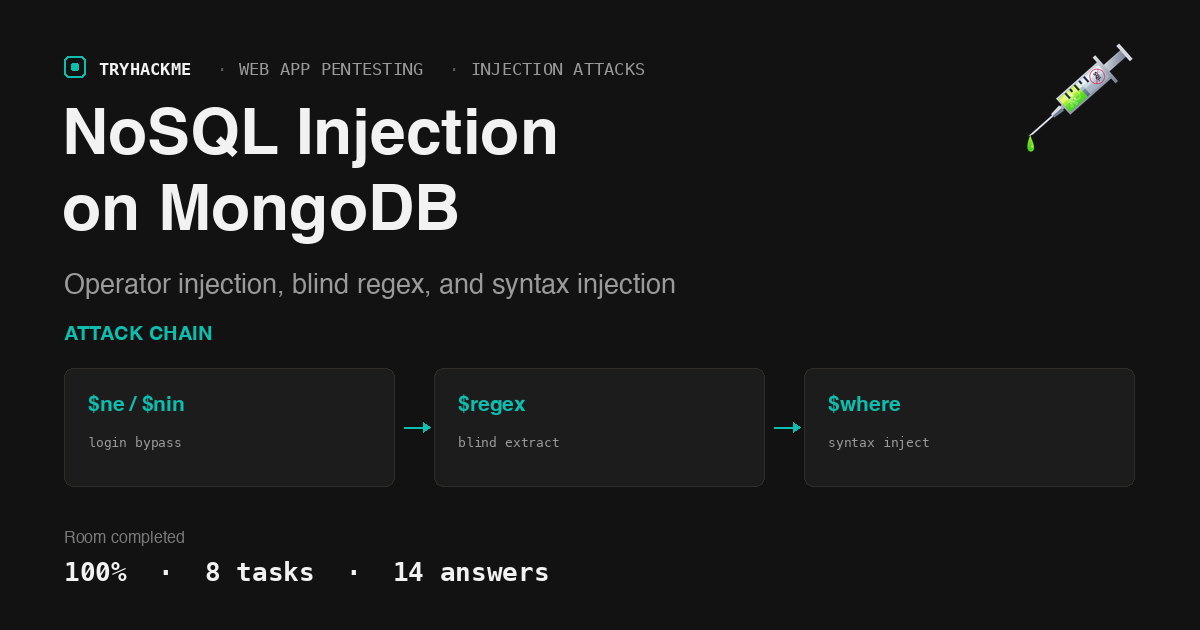
| NoSQL Injection |  |
NoSQL Injection sits in the Injection Attacks module of the Web Application Pentesting path, right beside the classic SQL rooms. If you have already worked through SQL Injection and Advanced SQL Injection, this room shows how the same root cause (untrusted input concatenated into a query) plays out against MongoDB, where the attack surface shifts from quotes and UNIONs to query operators and JavaScript $where clauses.
The target is a single book-review style login app backed by MongoDB, with a second Python service for the syntax-injection example. The target was reachable directly over the TryHackMe VPN, so I solved it entirely with curl and ssh from my own machine. The lab IP was 10.48.190.97 for my session; substitute your own.
Task 1 to 3: the concepts
The reading tasks set up the model. In MongoDB, a group of documents is a Collection. The operator used to filter where a field is not equal to a value is $ne. Given the filter {'gender': {'$ne': 'female'}, 'age': {'$gt': '65'}} against the three sample documents, exactly 1 document matches both conditions.
Task 3 names the two families of NoSQL injection. The one most similar to classic SQL injection, where you break out of the query itself, is Syntax injection. The one that lets you change the query’s behaviour even when you cannot escape the syntax, by smuggling in a query operator, is Operator injection.
Task 4: operator injection to bypass the login
The login form posts user and pass to login.php. Because the app reads these straight into a MongoDB filter, PHP’s array bracket syntax lets me turn a string field into an operator object: user[$ne]=x becomes {'user': {'$ne': 'x'}}, which matches every user whose name is not x, that is, everyone. The same trick on the password makes the whole filter always true, so the first document in the collection is returned and I am logged in as that user.
curl -s -c cookies.txt "http://$T/login.php" \
  --data 'user[$ne]=x&pass[$ne]=x' -o /dev/null -w "%{redirect_url}\n"
  # redirects to /sekr3tPl4ce.php with a valid session
curl -s -b cookies.txt "http://$T/sekr3tPl4ce.php"

The first user returned by the database is admin, so the email of the account you are logged in as is [email protected].
Task 5: logging in as other users with $nin
The $ne bypass only ever lands you on the first document. To pick a specific account, the $nin (“not in”) operator excludes a list of usernames, so by adding each user I have already seen to the exclusion list and repeating the request, the database hands me the next account each time. The loop stops when no document is left and the app redirects back to the error page.
  # exclude each known user, read the next one from sekr3tPl4ce.php, repeat
user[$nin][]=admin&user[$nin][]=pedro&...&pass[$ne]=x

Four accounts come back in total, so the answer is 4 users: admin, pedro, john, and secret. The one that starts with the letter “p” is pedro.
Task 6: extracting passwords with a blind $regex
Knowing the usernames is not the same as knowing the passwords. The $regex operator turns the login into a blind oracle: if {'pass': {'$regex': '^c....$'}} logs in, the password starts with c and is five characters long; if it does not, it does not. By first finding the length with ^.{n}$ and then walking each position through the character set, the password falls out one letter at a time, exactly like playing hangman.
  # length probe, then per-position character probe, scored on the redirect
pass[$regex]=^.{8}$          # true -> length is 8
pass[$regex]=^1              # true -> first character is 1
pass[$regex]=^10             # and so on

John’s password is 10584312. Running the same extraction against the other accounts recovers their passwords too, and one of them stands out: pedro reuses his application password for SSH. Logging in with his recovered credentials gives a shell and the final flag (pedro’s password is redacted below, since looted credentials are the objective, not something to publish).
sshpass -p "$PW" ssh pedro@$T 'id; cat ~/flag.txt'
  # uid=1001(pedro) ... flag{N0Sql_n01iF3!}

The final flag retrieved over SSH is flag{N0Sql_n01iF3!}.
Task 7: syntax injection in a $where clause
The second service is a Python app, reachable over SSH as syntax:syntax, that returns the email for a username you supply. Under the hood it builds {"$where": "this.username == '" + username + "'"}, concatenating input into a JavaScript expression. That is textbook syntax injection: the common character used to test for injection in both SQL and NoSQL is the single quote ’, and sending one here throws a verbose pymongo error. Feeding a' || '1'=='1 turns the condition into something always true, so every document is returned.
printf "a' || '1'=='1\n" | ssh syntax@$T
  # this.username == 'a' || '1'=='1'  -> matches all documents

The query dumps all four emails, and the super secret user returned in the last entry is [email protected]. Task 8 is the conclusion acknowledgement.
Takeaways
Two ideas carry past this lab into real web targets.
- Operator injection does not need a syntax break. Even when a framework safely parameterises values, it can still hand you control over the comparison itself if request data is folded into a filter object. On a live target this shows up wherever JSON or PHP array parameters reach a document store: send
{"$ne": null},{"$gt": ""}, or a$regexwhere a plain string was expected, and watch login forms, search, and lookup endpoints change behaviour. It is the NoSQL cousin of auth bypass, and a blind$regexis a full character-by-character extraction primitive. - Reused passwords turn one weak app into host access. The web password that fell out of the
$regexoracle was also the SSH password. Credential reuse is the quiet bridge from a web finding to a shell, so once you recover any secret, spray it across every other service on the box before reaching for an exploit.
Room solved 100%: 8 tasks, 14 answers.