
Preparation
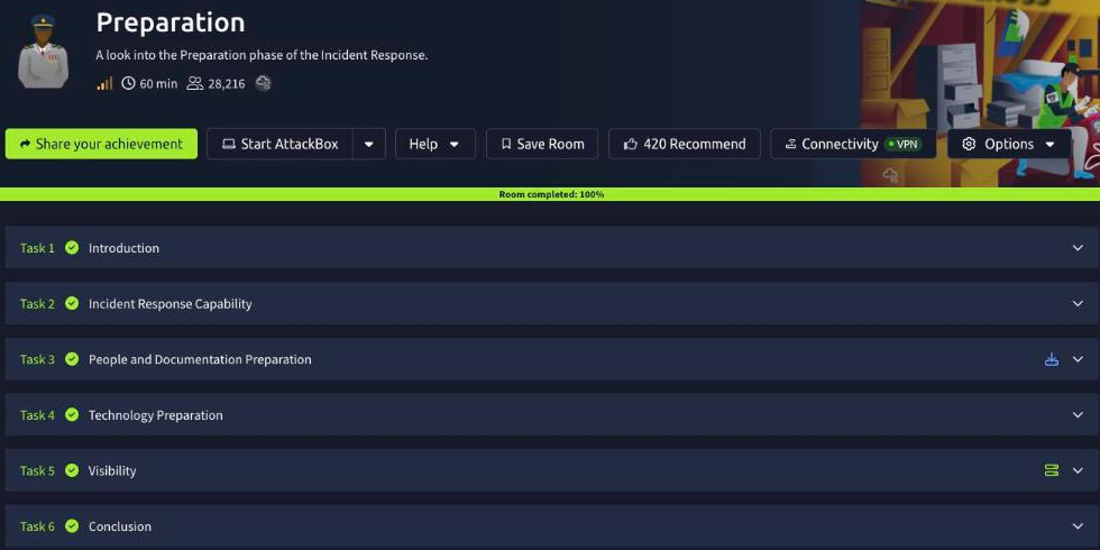
This is the opening room of the SOC Level 2 Incident Response module, and it covers the phase that everyone is tempted to skip: Preparation. The scenario puts you inside SwiftSpend Financial (SSF) as the new incident-response hire, walking into an environment where the IT team has done the basics (endpoint logging, subnetting, PowerShell v5, event-log forwarding) but nobody has documented a baseline, defined policies, or stood up a response team. The room’s whole argument is that you cannot respond to what you cannot see or have not planned for, so preparation spans three things: people, process, and technology.
Task 2: incident response capability
The room starts with the vocabulary that the rest of the module leans on. An Event is any observed occurrence within a system or network, while an Incident is the subset of events that constitutes a violation (or imminent threat of violation) of security policies and practices. Every log line is an event; only some become incidents.
Those incidents are worked through the IR lifecycle. The phase where an organisation lays down its procedures, policies and tooling ahead of time is Preparation (the room you are in). At the other end, the phase where the organisation resumes full business operations and folds what it learned back into its defences is Recovery and Lessons Learned. Preparation and Lessons Learned are the bookends that make the middle phases (Identification, Containment, Eradication) actually work.
Task 3: people and documentation preparation
Preparation is not just tooling. The group of people who handle events involving cyber-security breaches, drawn from different skills and disciplines (analysts, legal, comms, management), is the cyber security incident response team (CSIRT). Standing one up, defining who is on it, and training them is half the battle.
The other half is documentation. When you start collecting evidence, you need records that travel with that evidence and prove who handled it, when, and why, so it holds up later. Those are the chain of custody documents. Without them, even perfect forensic work can be challenged, so the paperwork is part of the response, not an afterthought.
Task 4: technology preparation
Responders need their tools ready before the pager goes off, not assembled mid-incident. A pre-built kit containing the necessary incident-handling tools (write blockers, drives, cables, a trusted laptop, live-response utilities) is called a jump bag. The idea is the same as a first-responder’s medical kit: grab it and go, because during an incident you will not have time to hunt for a working USB cable.
Task 5: visibility
This is the hands-on part, and it is where preparation becomes concrete: without visibility, none of the later phases have any data to work with. The task walks through three logging and hardening settings on a Windows endpoint.
Sysmon enriches the default Windows logs with high-fidelity telemetry, and each rule maps to an Event ID. The rule that records File Created activity is Event ID 11, one of the most useful signals for catching dropped payloads and staged files.
On the hardening side, Software Restriction Policies (SRP) control which applications are allowed to run. Out of the box, the default security level applied to all policies is Unrestricted, meaning everything is permitted unless a rule says otherwise; tightening that to a deny-by-default posture is exactly the kind of preparation SSF was missing.
Finally, the audit policy determines what actually reaches the Security log. For the Audit logon events policy, the setting configured here is Failure, so failed authentication attempts are recorded, which is the signal you want when hunting brute-force or credential-stuffing activity.
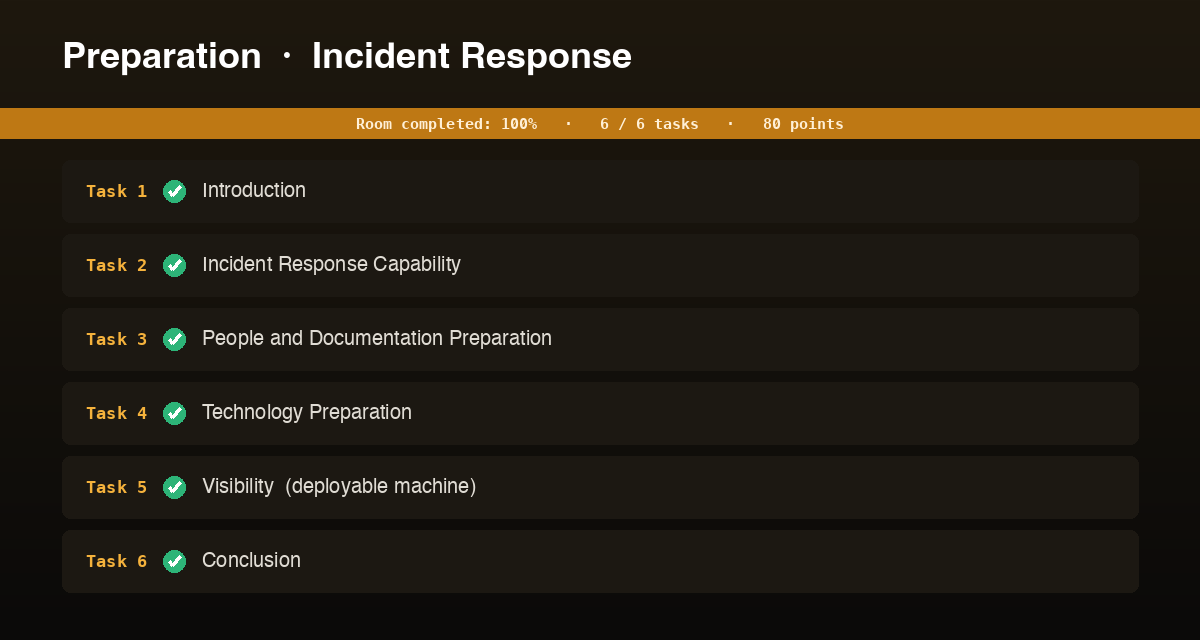
Every answer
| Task | Question | Answer |
|---|---|---|
| 2 | An observed occurrence within a system | Event |
| 2 | A violation of security policies and practices | Incident |
| 2 | Phase where procedures are laid down | Preparation |
| 2 | Phase to resume operations and update capabilities | Recovery and Lessons Learned |
| 3 | Group that handles cyber-security breach events | cyber security incident response team |
| 3 | Documents that accompany evidence and track handling | chain of custody documents |
| 4 | Kit containing the incident-handling tools | jump bag |
| 5 | Event ID for the Sysmon File Created rule | 11 |
| 5 | Default security level under Software Restriction Policies | Unrestricted |
| 5 | Setting assigned to the Audit logon events policy | Failure |
Wrap-up
Preparation is the unglamorous phase, and this room makes the case for why it is the most important one. The lifecycle vocabulary (event vs incident, the phases from Preparation to Recovery and Lessons Learned) gives you a shared language; the people-and-process side (a trained CSIRT, chain-of-custody documents, a ready jump bag) makes sure a response can actually happen; and the visibility side (Sysmon Event ID 11 for file creation, SRP defaults, auditing logon failures) makes sure there is evidence to respond to. Get these in place before an incident and the next phases, Identification and Scoping, have something to work with. Skip them, and you are doing forensics on an environment that never bothered to keep receipts.