Sigma
Sigma is to log detection what YARA is to files and Snort is to traffic: a generic, vendor-agnostic signature format. You describe a suspicious log event once, in structured YAML, and then convert that single rule into a query for whatever SIEM you actually run. This SOC Level 2 room in the Detection Engineering path walks through the rule syntax and then puts it to work, writing detections from threat intel and running them against a Kibana instance full of Windows event logs to answer real investigation questions.
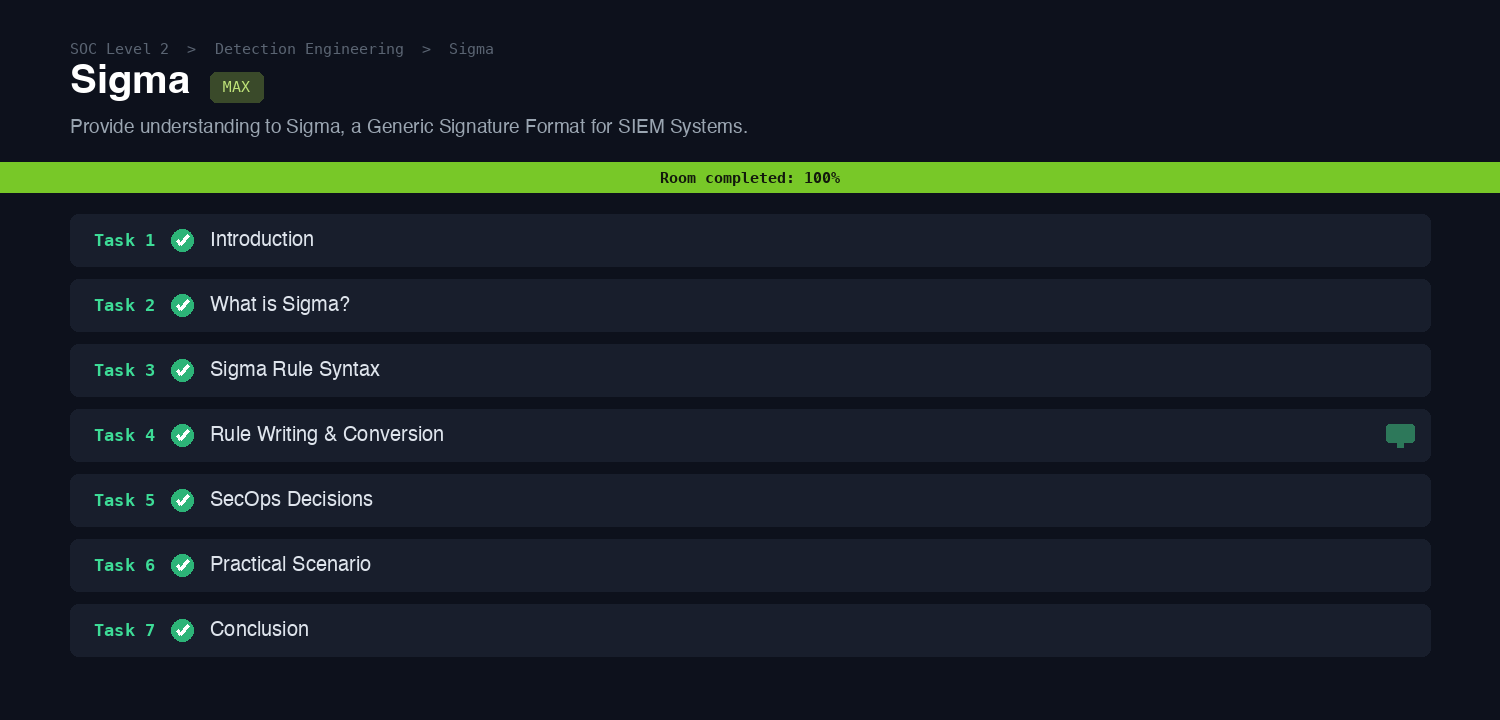
The early tasks cover the anatomy of a rule (the title, logsource, and detection blocks, where logsource narrows the events by product and category and detection holds the selection logic and condition). The one fact that carries into every later task is how you get from a rule to a runnable query: the command-line converter sigmac takes a Sigma rule and a target backend and prints the SIEM-specific query.
Task 4: writing a rule from intel
The first practical scenario is drawn from real intel. TheDFIRReport documented that AnyDesk, a legitimate remote-access tool, can be dropped and installed silently on a victim machine, so as a SOC analyst you write a Sigma rule to catch that installation. The tell-tale signs are the process image and its command line, which map cleanly onto a process_creation rule.
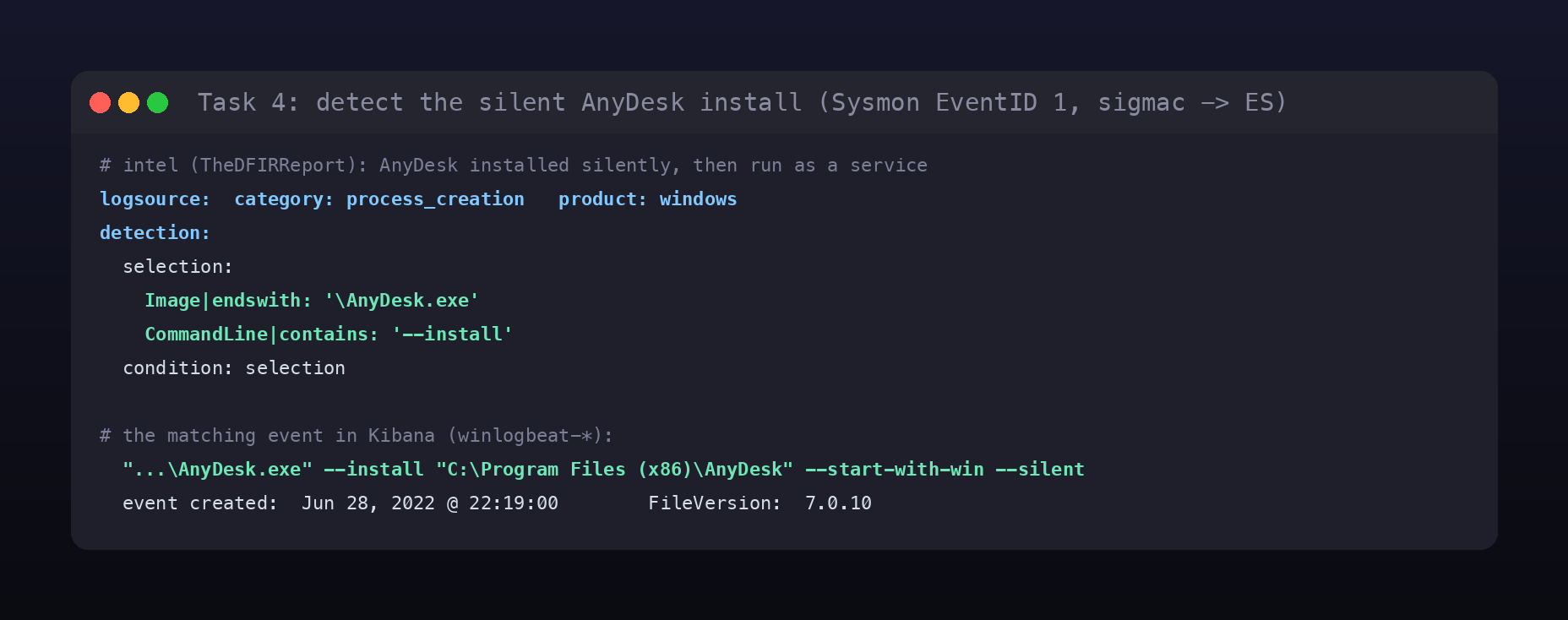
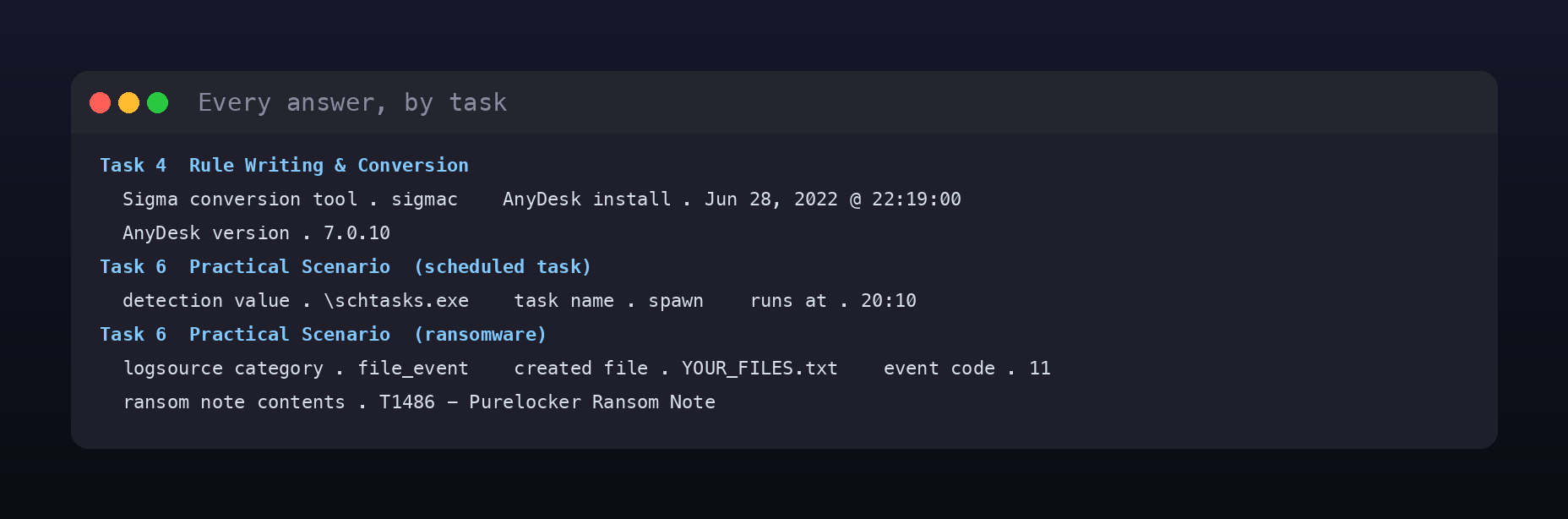
Converting the rule with sigmac and running it in Kibana against the winlogbeat-* logs surfaces the installation. The distinguishing event is not the first launch of AnyDesk.exe /S but the later --install "C:\Program Files (x86)\AnyDesk" --start-with-win --silent, which actually installs the tool as a persistent service. That event was created at Jun 28, 2022 @ 22:19:00, and the process metadata shows the installed AnyDesk version was 7.0.10.
Task 6: the practical scenario
The final scenario hands you two separate incidents on Aurora’s network to detect: an unknown entity created a scheduled task, and ransomware activity was recorded. Each needs its own Sigma rule and its own Kibana hunt.
The rogue scheduled task
Scheduled-task abuse almost always runs through schtasks.exe, so the appropriate detection value for the rule is an image match on \schtasks.exe. Hunting that in the logs pulls up the malicious command in full.
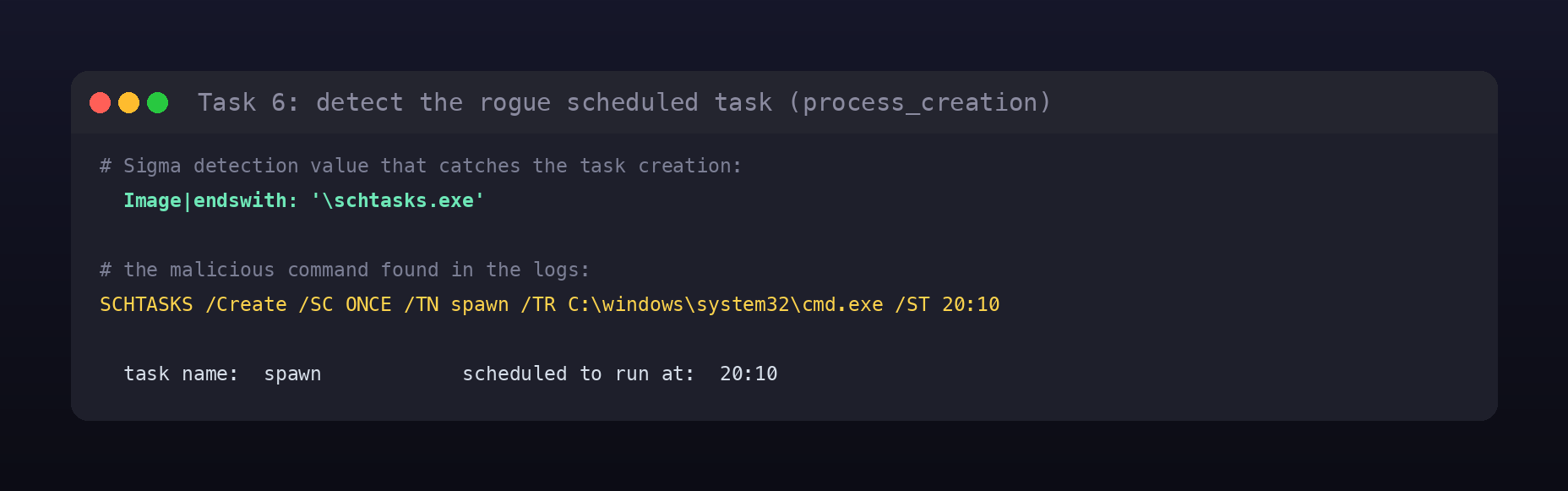
The command SCHTASKS /Create /SC ONCE /TN spawn /TR C:\windows\system32\cmd.exe /ST 20:10 gives up both answers directly: the task was named spawn and it was scheduled to run at 20:10.
The ransomware note
Ransomware announces itself by dropping a ransom note, and file creation is what you watch for, so the right logsource category is file_event, which corresponds to Sysmon Event ID 11. The note in this incident was created by a PowerShell-spawned command.
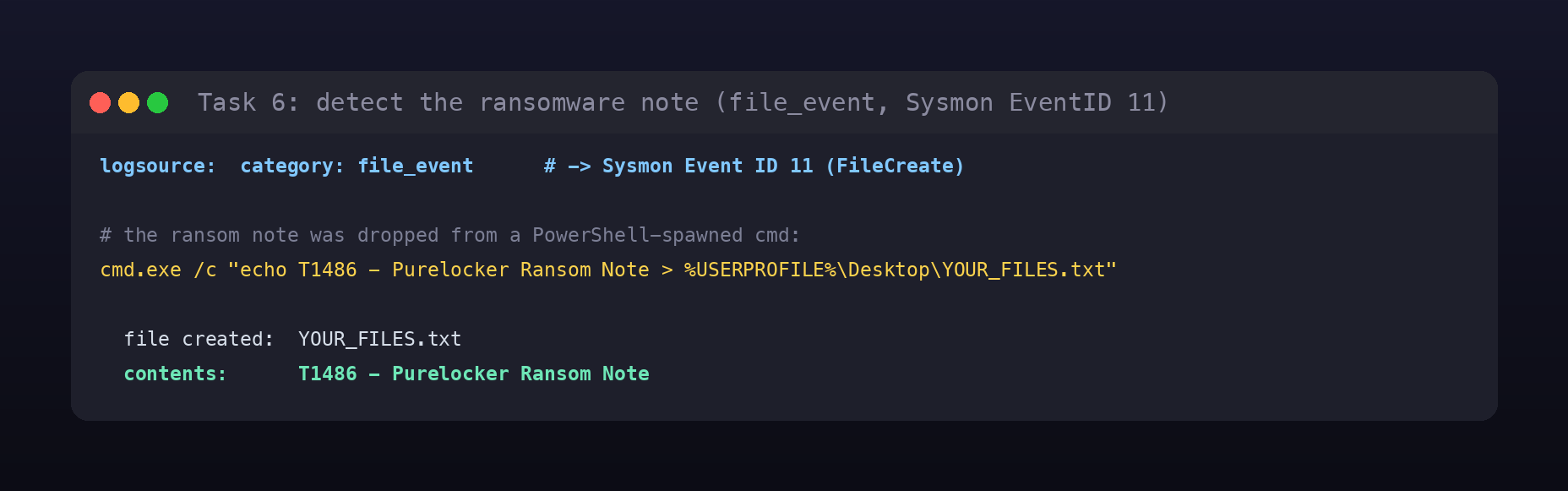
The command cmd.exe /c "echo T1486 - Purelocker Ransom Note > %USERPROFILE%\Desktop\YOUR_FILES.txt" shows the created file is YOUR_FILES.txt and its contents are T1486 - Purelocker Ransom Note, a nod to the MITRE ATT&CK technique for data-encrypted-for-impact and the Purelocker family.
Room summary
| Room | Sigma (SOC Level 2, Detection Engineering) |
| Category | Detection Engineering, Medium |
| Task 4 | sigmac; AnyDesk install Jun 28, 2022 @ 22:19:00; version 7.0.10 |
| Task 6 (task) | detection value \schtasks.exe; task spawn; runs at 20:10 |
| Task 6 (ransomware) | category file_event; file YOUR_FILES.txt; event code 11; note T1486 - Purelocker Ransom Note |
| Tools | Sigma, sigmac, Sysmon logs, Kibana / Discover |
Wrap-up
The value of Sigma is leverage across tooling. You reason about the behaviour once, an AnyDesk install is a process_creation with a specific image and argument, a rogue task is schtasks.exe, a ransom note is a file_event, and that single description converts to a query for any backend with sigmac. The room also quietly reinforces the analyst thought process behind each rule: pick the logsource that actually carries the evidence (process creation for the task, file creation for the note), choose a selection specific enough to catch the behaviour but general enough to survive small variations, then validate it against real logs. Writing the rule is only half the job; running it and reading what it returns is what turns a signature into an answer.