
Threat Intel & Containment
This is the third room of the SOC Level 2 Incident Response module, and it sits in the middle of the lifecycle right after Preparation and Identification & Scoping. The scenario keeps running at SwiftSpend Financial (SSF): you have already scoped the phishing compromise, and now the job is to actually slow the adversary down. The room makes one argument repeatedly, and it is worth internalising: the end goal of containment is not to instantly kick the attacker out, it is to make it difficult for the adversary to achieve their goals while you keep collecting intelligence. Good threat intelligence drives a good containment strategy, and a good containment strategy buys the response team time.
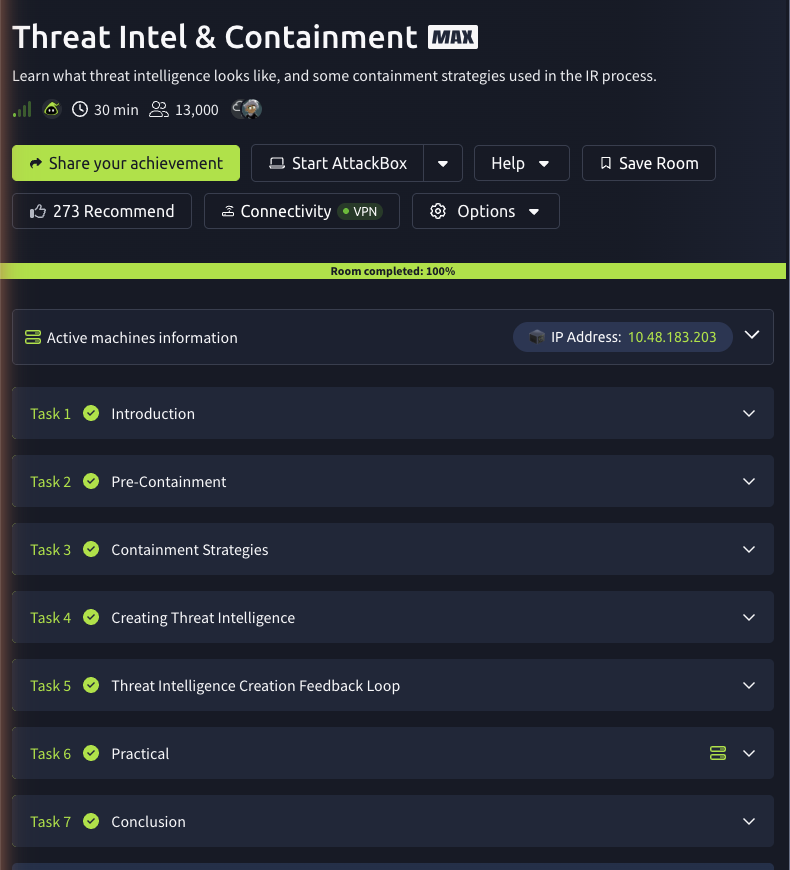
Task 2: pre-containment
Pre-containment is about gathering as much information as possible about the incident and the adversary before you act, so that the evidence you collect becomes Indicators of Compromise (IOCs). The room walks through pulling evidence from perimeter defence systems, and the first answer comes straight from that vocabulary.
The acronym IDS stands for Intrusion Detection System, the sensor that, alongside a SIEM, gives you the raw signal that a workstation reached out and downloaded something it should not have. From there the task illustrates the natural next step: once packetbeat shows a host pulling down an executable, you grab the file’s hash so any other host holding that file can be flagged as presumed-infected. Keep an eye on that illustration hash (84BDE632...); as you will see in Task 6, the file you actually analyse on the lab machine is a different dropper.exe with a different hash.
Task 3: containment strategies
This is the conceptual heart of the room. Containment is the bridge between identification/scoping on one side and eradication/recovery on the other, and there are two strategies with very different risk profiles.
Controlled Isolation is the less aggressive option and the answer to the question about closely monitoring the adversary. Instead of cutting the infected system off, the response team keeps it accessible and quietly watches what the attacker does, stepping in only if they are about to do something destructive like wiping or exfiltrating data. A believable cover story (for example, “routine maintenance”) explains any hiccup without tipping them off. It is a cat-and-mouse game that trades some risk for a lot of intelligence.
Entire Isolation is the most aggressive strategy: the team completely isolates the infected devices through network segmentation or physically pulling them off. It is effective, but it is also loud, the adversary notices they have lost access, and may rush their action on objectives or pivot to a system you have not spotted yet. You choose it when you already understand the adversary well enough that continued monitoring buys you nothing.
Task 4: creating threat intelligence
Threat intelligence is anything you can attribute to a malicious actor: IP addresses, file hashes, domains, file names, and the patterns behind known campaigns. The question here asks for the singular term for a set of characters used to give attribution to a file, which is a Hash. The task then frames the bigger picture with TTPs, Tactics (the high-level objectives), Techniques (the specific tools and methods), and Procedures (the full attack chain from initial access to action on objectives). Platforms like OpenCTI and community feeds (DigitalSide, AlienVault, threatfeeds.io) let you share that intelligence and arm your SIEM with alerts before the next incident.
Task 5: the threat intelligence creation feedback loop
The room drives home that intelligence creation is a loop, not a one-off. Eradicating the adversary the moment you see them, without properly scoping and building intelligence, is the trap this task names after a Whack-a-mole arcade game: you knock down one compromised host and another pops up because you never understood the full blast radius. Better understanding of the adversary means a better scope, which means a smarter containment strategy and more control, and everything you learn feeds back into recovery and lessons learned.
Task 6: the practical
The hands-on task gives you a Linux lab machine with Wireshark, a packetcapture.pcapng, and a dropper.exe sitting on the Desktop. Analysing the capture, the adversary’s infrastructure is at IP 3.250.38.141, and the file pulled down from it is dropper.exe.
The last question asks for the SHA-256 hash of the executable on the Desktop. This is where reading carefully matters: the hash printed back in Task 2 (84BDE632...) is only an illustration for a different copy of the file, so the reliable move is to hash the real artefact yourself. On the Linux lab machine that is a one-liner:
ubuntu@thm-threatintel:~$ sha256sum ~/Desktop/dropper.exe
463f1b1e11d4ca4c7a0c9aac540513ff7e681d9e5144bda2af24b86e438d3f4f  /home/ubuntu/Desktop/dropper.exe
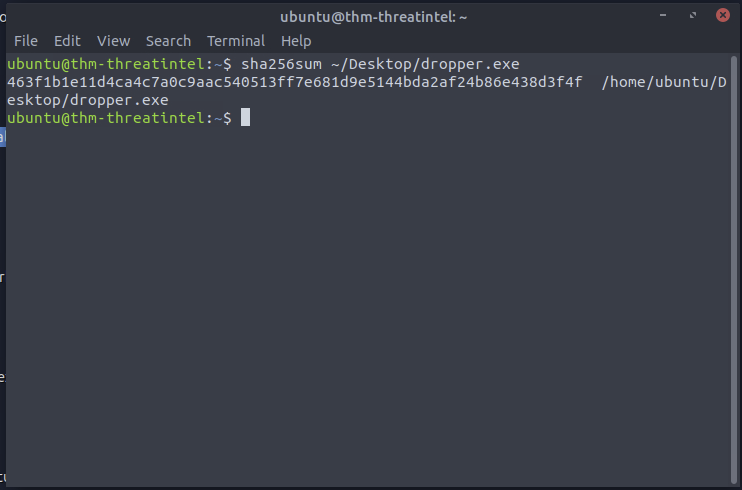
So the SHA-256 of the Desktop executable is 463f1b1e11d4ca4c7a0c9aac540513ff7e681d9e5144bda2af24b86e438d3f4f, computed directly, not copied from the walkthrough text.
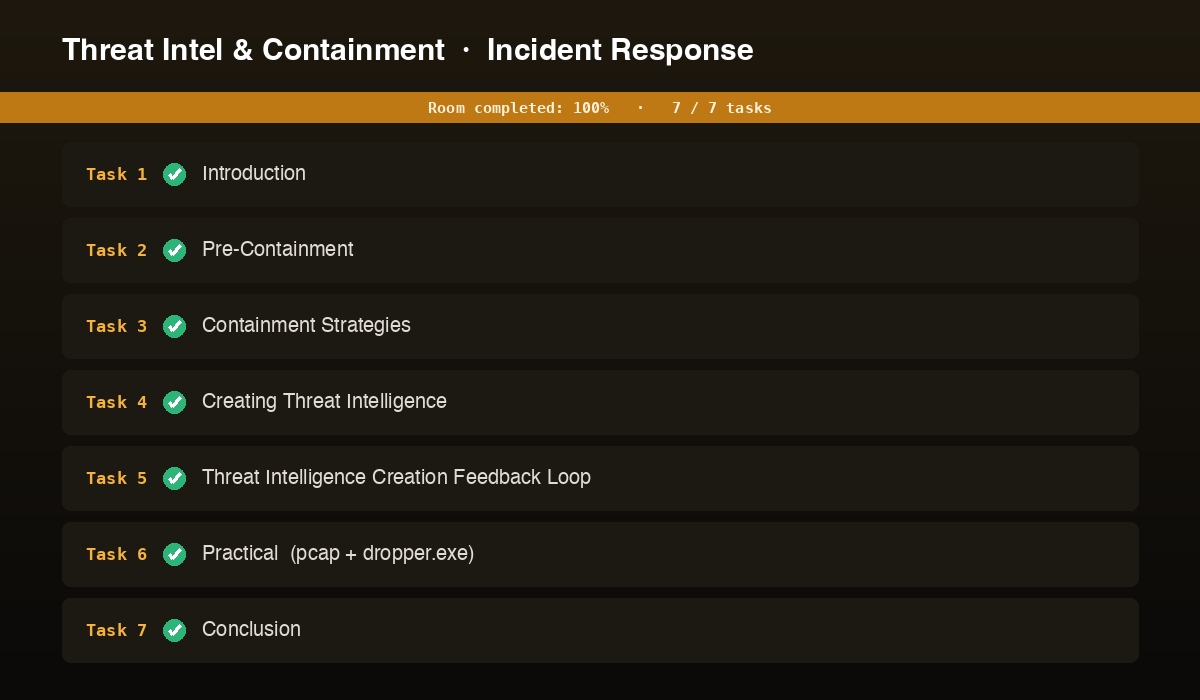
Every answer
| Task | Question | Answer |
|---|---|---|
| 2 | What does the acronym IDS mean? | Intrusion Detection System |
| 3 | Strategy where responders closely monitor the adversary | Controlled Isolation |
| 3 | Containment strategy considered the most aggressive | Entire Isolation |
| 4 | Term for a set of characters that attributes a file (singular) | Hash |
| 5 | Classic arcade game referenced in the task | Whack-a-mole |
| 6 | IP address of the adversary | 3.250.38.141 |
| 6 | File downloaded from the adversary’s infrastructure | dropper.exe |
| 6 | SHA-256 hash of the executable on the Desktop | 463f1b1e11d4ca4c7a0c9aac540513ff7e681d9e5144bda2af24b86e438d3f4f |
Wrap-up
Threat Intel & Containment is the phase where the scoped picture from the previous rooms turns into a plan for actually handling the adversary. The lesson that sticks is the balance: isolate too aggressively and you tip the attacker off into destructive action; monitor too loosely and you hand them time. Controlled Isolation buys intelligence, Entire Isolation buys certainty, and threat intelligence (hashes, IPs, TTPs) is what tells you which one the situation calls for. The practical reinforces a habit worth keeping: when a walkthrough hands you a hash, verify it against the real file, the Desktop dropper.exe hashes to 463f1b1e..., not the 84BDE632... illustration. Next in the module comes eradication, remediation, and recovery, where this contained-and-understood incident finally gets cleaned up.