| Follow @anir0y | |
|---|---|
| TShark Challenge II: Directory |  |
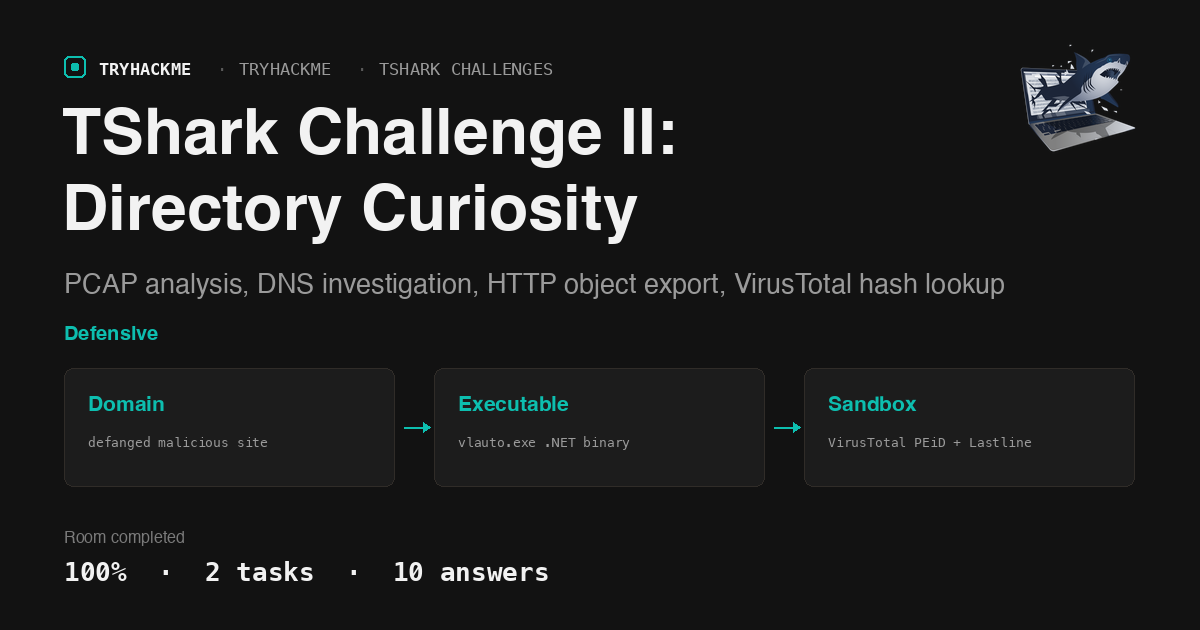
This easy challenge is the second in the TShark Challenges series, following TShark Challenge I. It hands you a PCAP file from a user who stumbled onto a suspicious file directory listing online. Your job is to trace the DNS queries, identify the malicious domain, inspect the HTTP traffic, export the downloaded executable, and run it through VirusTotal for final classification.
Task 1: Introduction
The room deploys a VM with the PCAP file at ~/Desktop/exercise-files/directory-curiosity.pcap. All analysis uses tshark on the command line, with VirusTotal for hash-based threat intelligence lookups.
No answer needed.
Task 2: Case: Directory Curiosity!
The alert reads: “A user came across a poor file index, and their curiosity led to problems.” Ten questions walk through the full triage chain: DNS investigation, HTTP request counting, server fingerprinting, directory listing analysis, file export, and sandbox classification.
DNS queries and the malicious domain
Start by extracting all unique DNS query names from the PCAP:
tshark -r directory-curiosity.pcap -Y "dns.qry.name" -T fields -e dns.qry.name \
  | sort -u
This produces a short list of domains. Checking each against VirusTotal, one stands out with multiple malicious/suspicious flags: jx2-bavuong.com.
What is the name of the malicious/suspicious domain? jx2-bavuong[.]com
HTTP request count
Filtering HTTP requests to that domain:
tshark -r directory-curiosity.pcap -Y "http.request and http.host==jx2-bavuong.com" \
  | wc -l
What is the total number of HTTP requests sent to the malicious domain? 14
IP address of the malicious domain
The DNS response for jx2-bavuong.com resolves to a single IP. Extracting it from the A record:
tshark -r directory-curiosity.pcap \
  -Y "dns.qry.name==jx2-bavuong.com and dns.a" \
  -T fields -e dns.a | head -1
What is the IP address associated with the malicious domain? 141[.]164[.]41[.]174
Server header
Following the first HTTP response from the server reveals its full identification string in the Server header:
tshark -r directory-curiosity.pcap \
  -Y "http.response and ip.src==141.164.41.174" \
  -T fields -e http.server | head -1
What is the server info of the suspicious domain? Apache/2.2.11 (Win32) DAV/2 mod_ssl/2.2.11 OpenSSL/0.9.8i PHP/5.2.9
First TCP stream and the directory listing
Following the first TCP stream in ASCII shows the HTTP response body containing an Apache-style directory listing page. The HTML table lists three files with their names, sizes, and modification dates.
tshark -r directory-curiosity.pcap -z "follow,tcp,ascii,0" -q | head -80
What is the number of listed files? 3
The first entry in the listing is a PHP file:
What is the filename of the first file? 123[.]php
Exported executable
Exporting all HTTP objects from the capture:
tshark -r directory-curiosity.pcap --export-objects http,./http_objects/
ls -la ./http_objects/
Among the exported files, vlauto.exe is the downloaded executable (40.3 KB, a .NET binary).
What is the name of the downloaded executable file? vlauto[.]exe
SHA256 hash
Computing the hash of the exported file:
sha256sum ./http_objects/vlauto.exe
What is the SHA256 value of the malicious file? b4851333efaf399889456f78eac0fd532e9d8791b23a86a19402c1164aed20de
VirusTotal analysis
Searching the SHA256 hash on VirusTotal reveals two key data points from the Details and Behaviour tabs.
The PEiD packer field under the PE info section identifies the binary format:
What is the “PEiD packer” value? .NET executable
The Lastline Sandbox entry under the Behaviour tab classifies the file:
What does the “Lastline Sandbox” flag this as? Malware Trojan
Takeaways
tshark’s export-objects flag replaces manual stream carving. Rather than following individual TCP streams and hunting for file boundaries,
--export-objects http,<dir>reconstructs every transferred file in one pass. For directory-listing investigations where a user may have downloaded multiple files, this is the fastest path to getting samples onto disk for hashing.VirusTotal’s sandbox tabs hold the classification, not just the detection ratio. The detection count tells you how many engines flag a file, but the Behaviour tab (Lastline, CAPE, Joe Sandbox) tells you what the file actually does. For triage, “Malware Trojan” from a sandbox is more actionable than “23/71 detections” from static signatures.
Room solved 100%: 2 tasks, 10 answers.